Search and Ask
- Ask questions across authorized content and get answers with source citations
- Use AI Assistant across web, desktop, and mobile

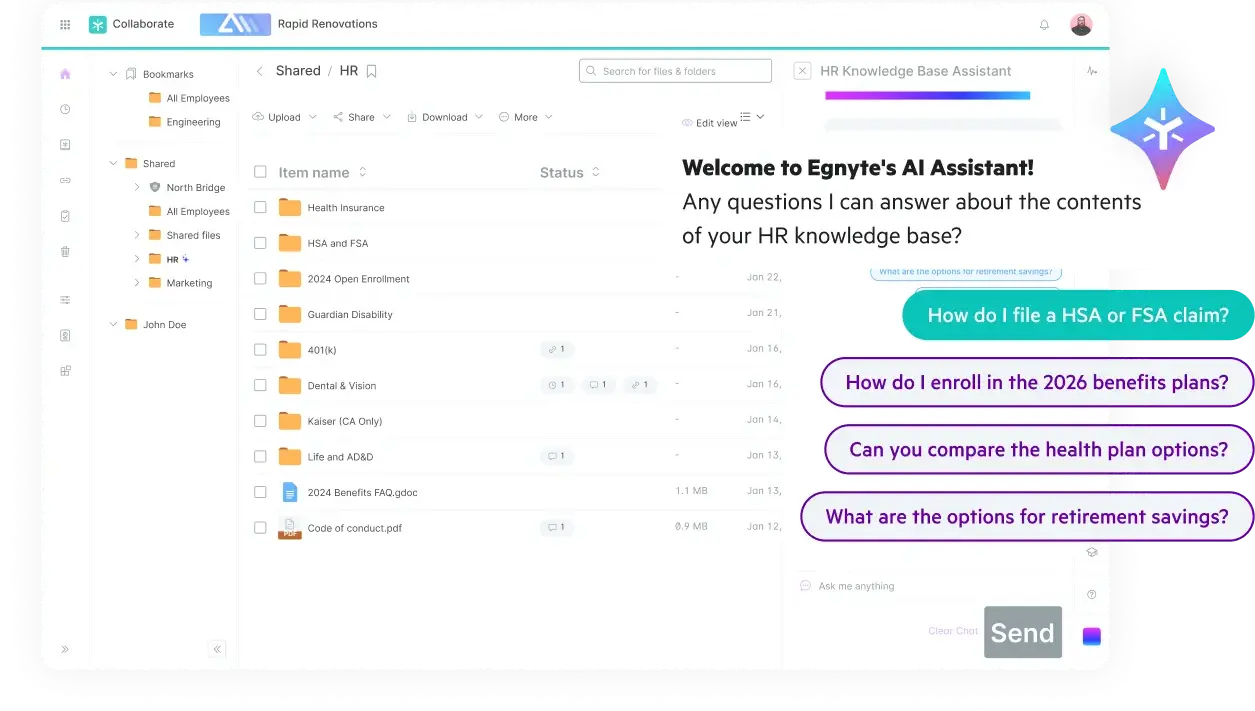



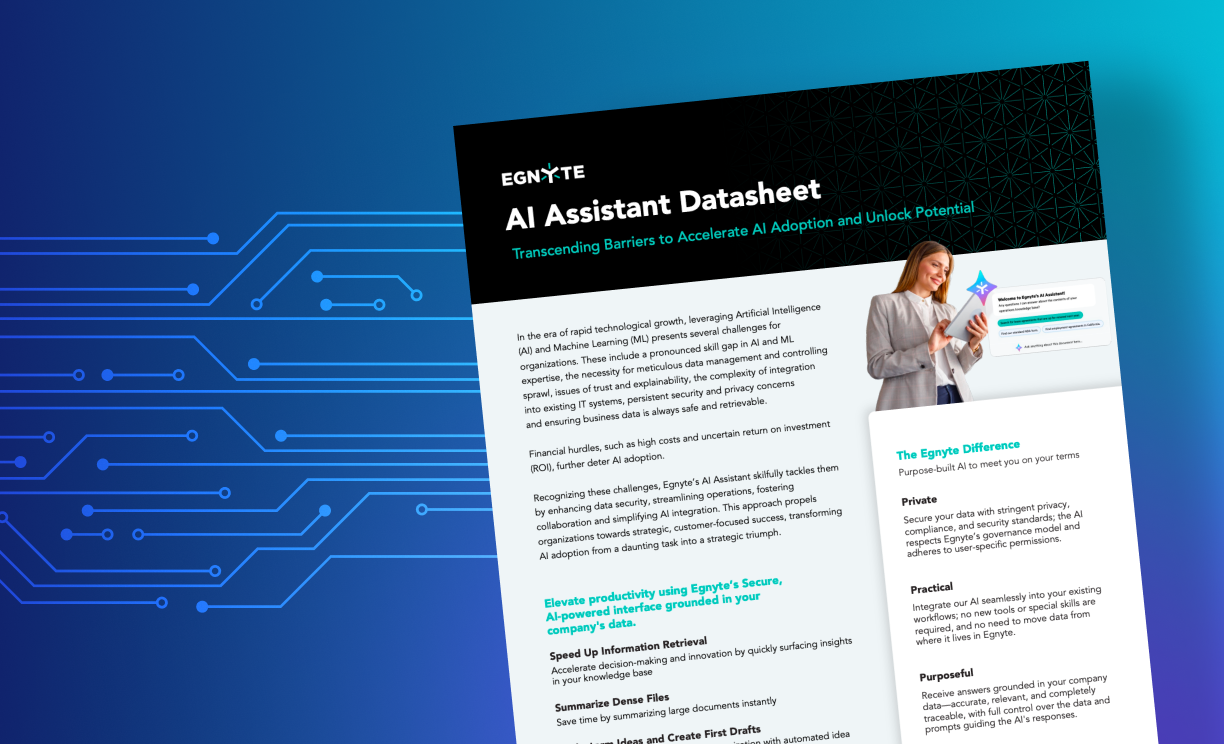
Ask questions by text or voice in plain language to get clear, cited answers. Understand complex documents, analyze spreadsheets, and uncover actionable insights.
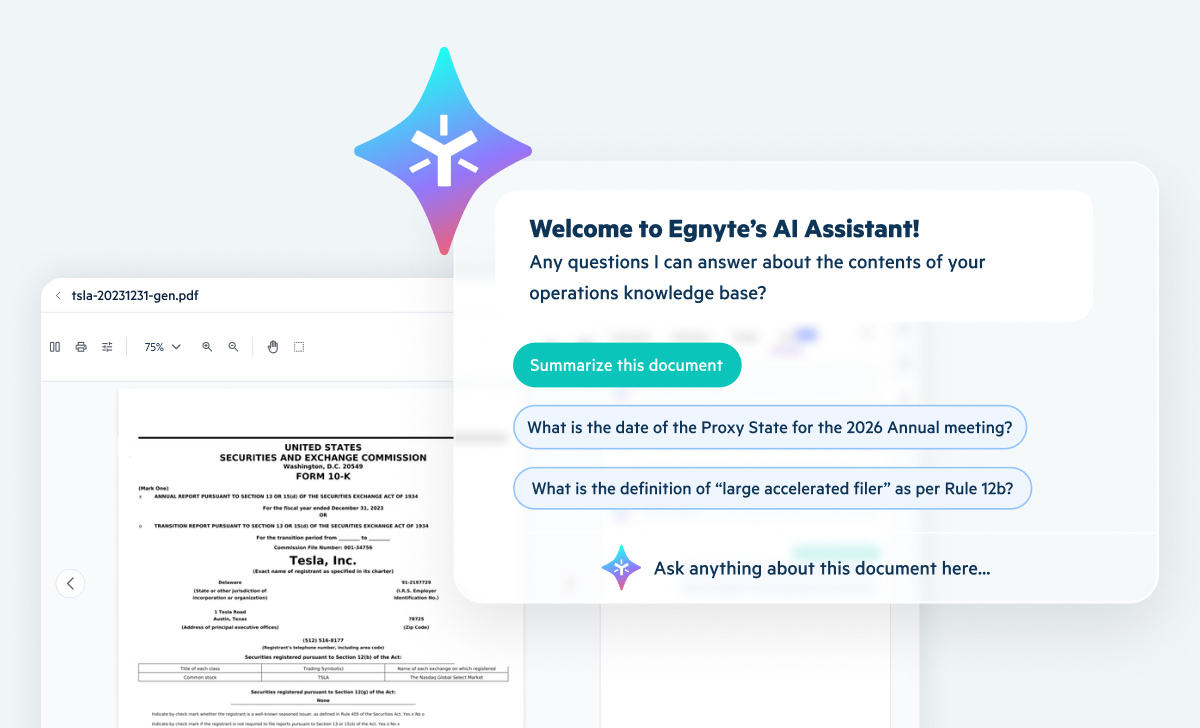
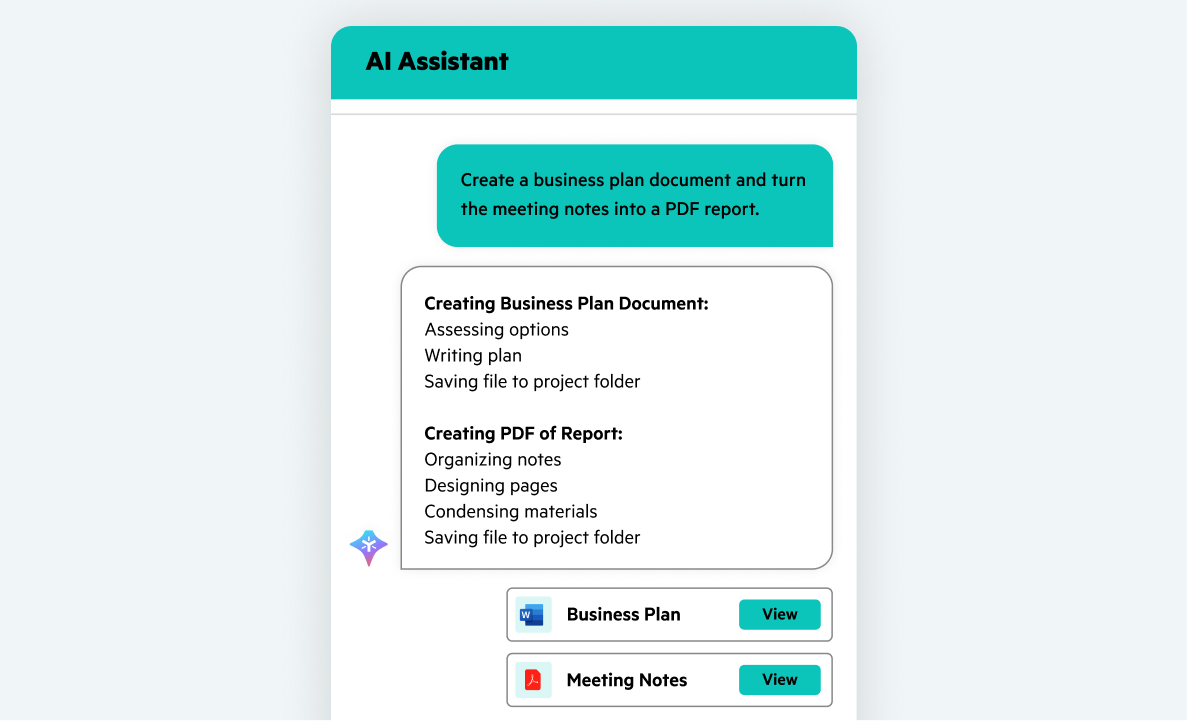
Generate fully formatted Word documents, presentations, spreadsheets, and PDFs from simple prompts, without templates or manual formatting and save in your preferred folders.
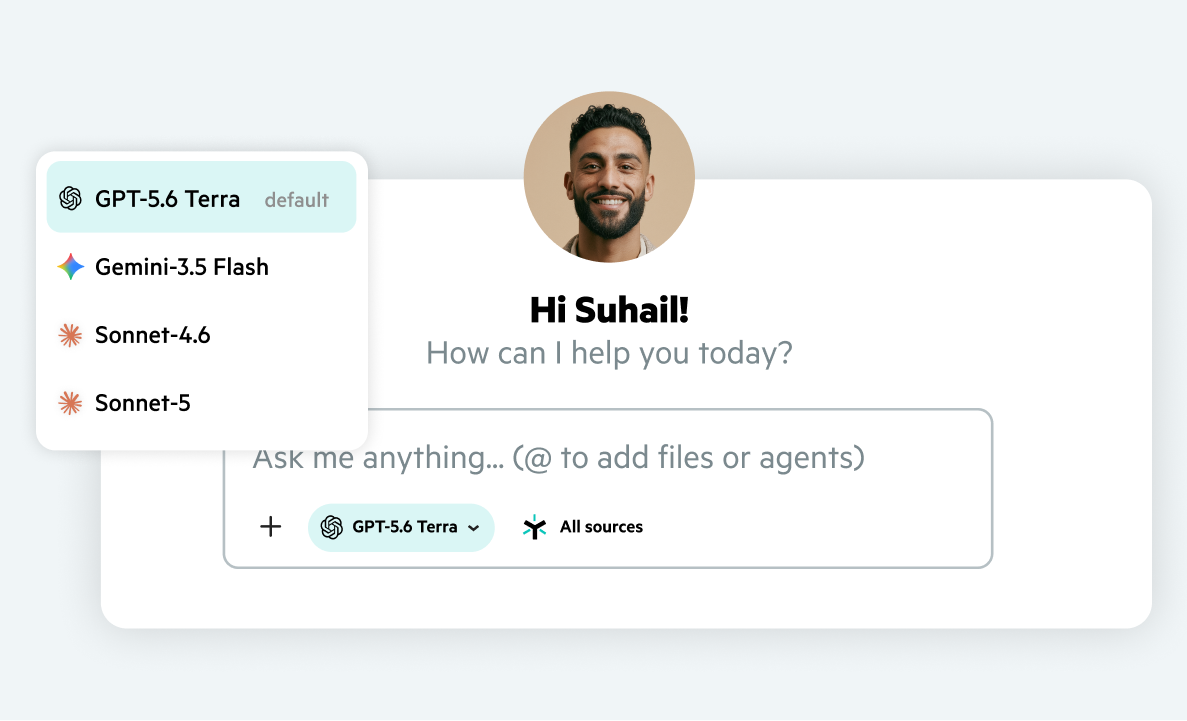
Choose your preferred AI model, including Claude, ChatGPT, and Gemini, invoke specialized agents, and delegate work across connected business apps.
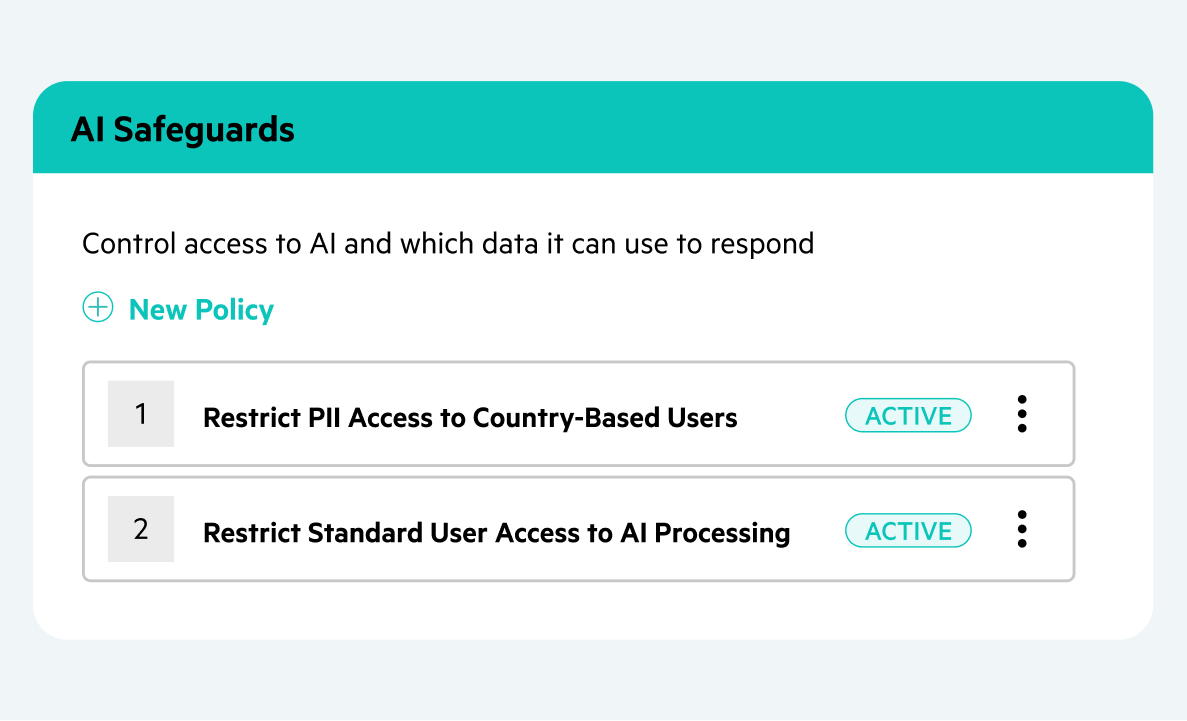
Get answers from content you're authorized to access. Prevent sensitive content access with AI Safeguards, enforce permissions, and keep customer data out of model training.

“Clients can get information in an instant and see exactly what steps have been done. This way, they can use that information to do some of their own baseline repairs instead of sending it back to us, which would lengthen the overall process.”

“Egnyte AI Assistant helps everybody research, understand, and learn, while providing faster service to our clients."
Want to see what Egnyte has for your organization?
Have more questions? Contact Sales to get the answer you’re looking for.
An AI assistant for document collaboration helps users work with business files more efficiently. It uses AI to analyze documents, understand the information within them, summarize files, extract key details, generate drafts, and answer questions using the organization's content. Egnyte AI Assistant works directly within Egnyte's environment, using Retrieval-Augmented Generation (RAG) to provide accurate responses grounded in authorized files without leaving your workflow.
Traditional search engines only match keywords to return a list of files. Egnyte’s AI Assistant goes beyond keyword search by synthesizing information across files, provides cited answers, extracts specific data fields, and generates formatted deliverables based on user prompts in a governed environment.
Egnyte’s AI Assistant inherits your organization’s underlying folder permissions and AI Safeguards policies. It will only analyze and surface content from files the requesting user is explicitly authorized to view, ensuring sensitive data is never exposed to unpermitted team members.
While Microsoft Copilot is designed broadly across Microsoft 365 and Graph data, Egnyte’s AI Assistant is purpose-built to work with business content stored and managed in Egnyte. It provides deep multimodal parsing for industry-specific files such as CAD drawings, BIM models, and scanned PDFs, along with built-in AI Safeguards to govern access to sensitive content. Egnyte also integrates with Microsoft Copilot, allowing users to access Egnyte content through their preferred AI experience.
AI Assistant supports standard business documents (PDFs, Word, Excel, PowerPoint), scanned images, audio/video files, and industry formats like CAD drawings. Tasks include summarizing dense files, parsing contract terms, analyzing financial tables, and automatically generating fully formatted .doc or .pdf deliverables saved directly into target folders.
No. Egnyte maintains strict enterprise privacy boundaries. Your business files, metadata, and user prompt interactions are never used to train public LLMs or third-party AI models.
Egnyte provides multi-model flexibility so you can select the best LLM engine for your specific task. Users can switch seamlessly between models, including OpenAI ChatGPT, Anthropic Claude (Sonnet), and Google Gemini, directly within the AI Assistant conversation window.
Ready to improve productivity? Egnyte’s AI-powered cloud enhances collaboration, automates workflows, and secures your mission-critical content.