

Featured Blog


Secure file sharing
for sensitive financial documents directly within Salesforce.
Visualization
and faster decision-making through BIM caves and VR models.
Reduction
in manual saving, moving, or emailing of documents.
Have more questions? Contact Sales to get the answer you’re looking for.
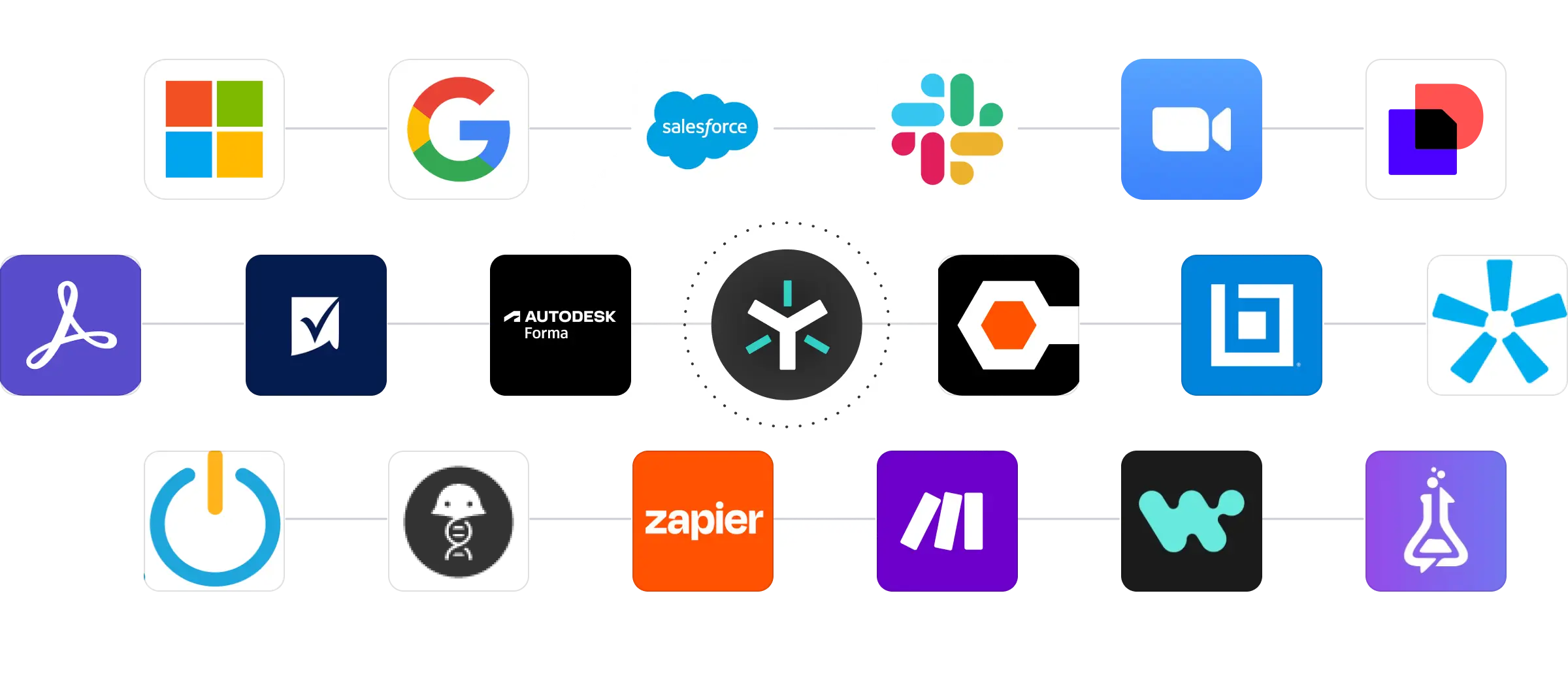
Egnyte integrations fall into two categories: certified desktop apps including Microsoft 365, Google Workspace, Salesforce, and DocuSign for cross-industry productivity and governance; and industry-specific applications with application-aware workflows built for AEC, financial services, life sciences, and media and entertainment. All integrations keep files managed and governed within Egnyte rather than creating separate content silos in each tool.
Egnyte extends its governance framework like permissions, access controls, audit trails, and retention policies into every connected application. Files stay managed within Egnyte regardless of which tool opens or edits them, so compliance coverage doesn't break at the integration boundary. Unified governance across all connected content repositories is a core design principle, not an add-on.
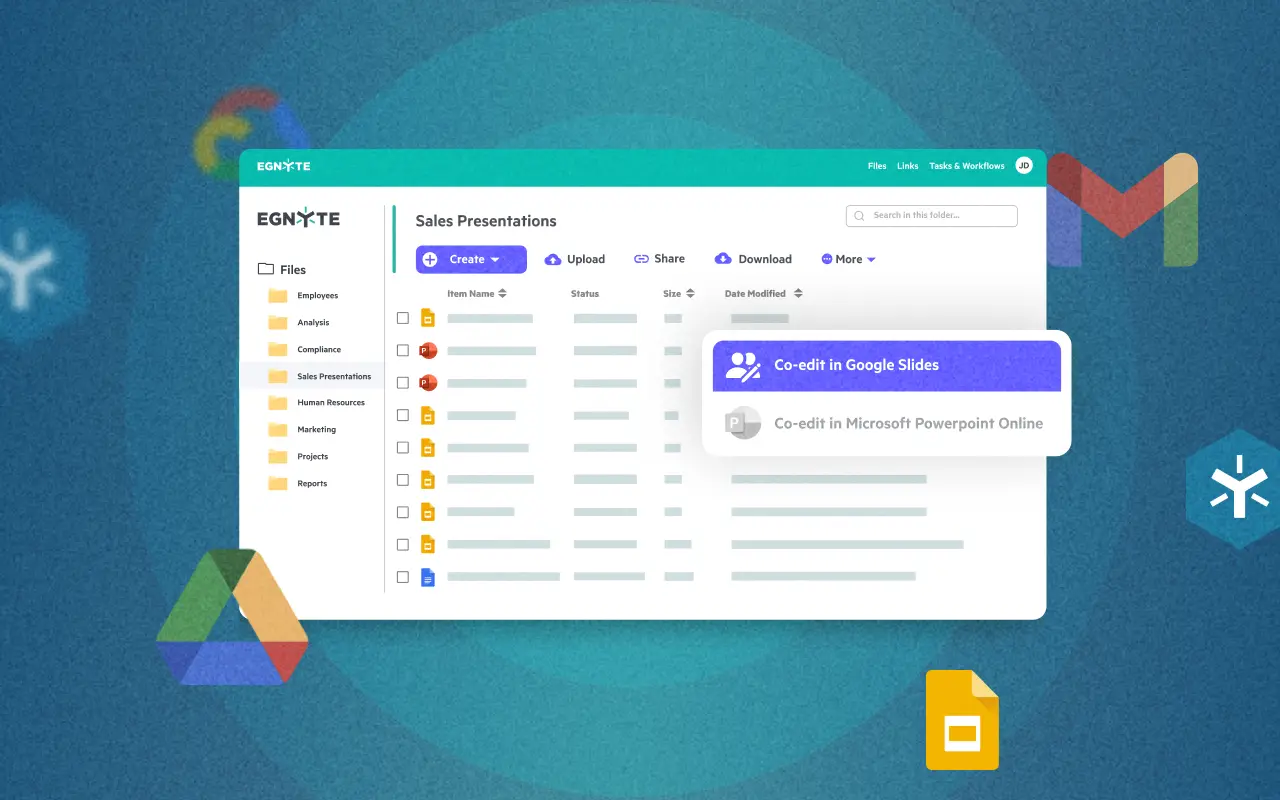
With Microsoft 365, teams access and co-edit Word, PowerPoint, and Excel files via Egnyte's web, desktop, and mobile apps. Google Workspace integration enables real-time co-editing of Docs, Sheets, and Slides directly from Egnyte. Salesforce users can access, edit, and share Egnyte content without leaving their Salesforce interface keeping client files connected to CRM records and advisor workflows in one place.
Egnyte connects natively with Autodesk Forma to build custom workflows across BIM 360, PlanGrid, and Pype; enables two-way sync between Procore's Documents folder and Egnyte for seamless project collaboration; and lets teams sync, store, and collaborate on Bluebeam PDFs and markups directly within Egnyte's platform. Raken daily reports, photos, and subcontractor docs also store automatically to designated Egnyte project folders.
Certified desktop app integrations like Microsoft 365, Google Workspace, Salesforce, and similar enterprise systems are deeply tested, cross-industry connections with unified governance across all content repositories. Industry-specific integrations go further, offering application-aware workflows that understand complex file structures and domain-specific processes: BIM and CAD handling for AEC, lab notebook connections for life sciences, CRM workflow support for financial services.
Yes. Egnyte provides a developer platform with API access, documentation, and technical resources for building custom integrations. Technology vendors can also apply to become an Egnyte tech partner for access to deeper integration support and placement in the Egnyte integration marketplace is a path suited for ISVs building a native, listed connection.
There are two paths: submit a request through the Egnyte marketplace integration additions are evaluated based on user demand or use Egnyte's open API and developer platform to build a custom connection. For Egnyte-supported integrations, setup guides are available on the Egnyte Helpdesk; for third-party integrations, installation instructions are available within each marketplace listing.