

Featured Webinar

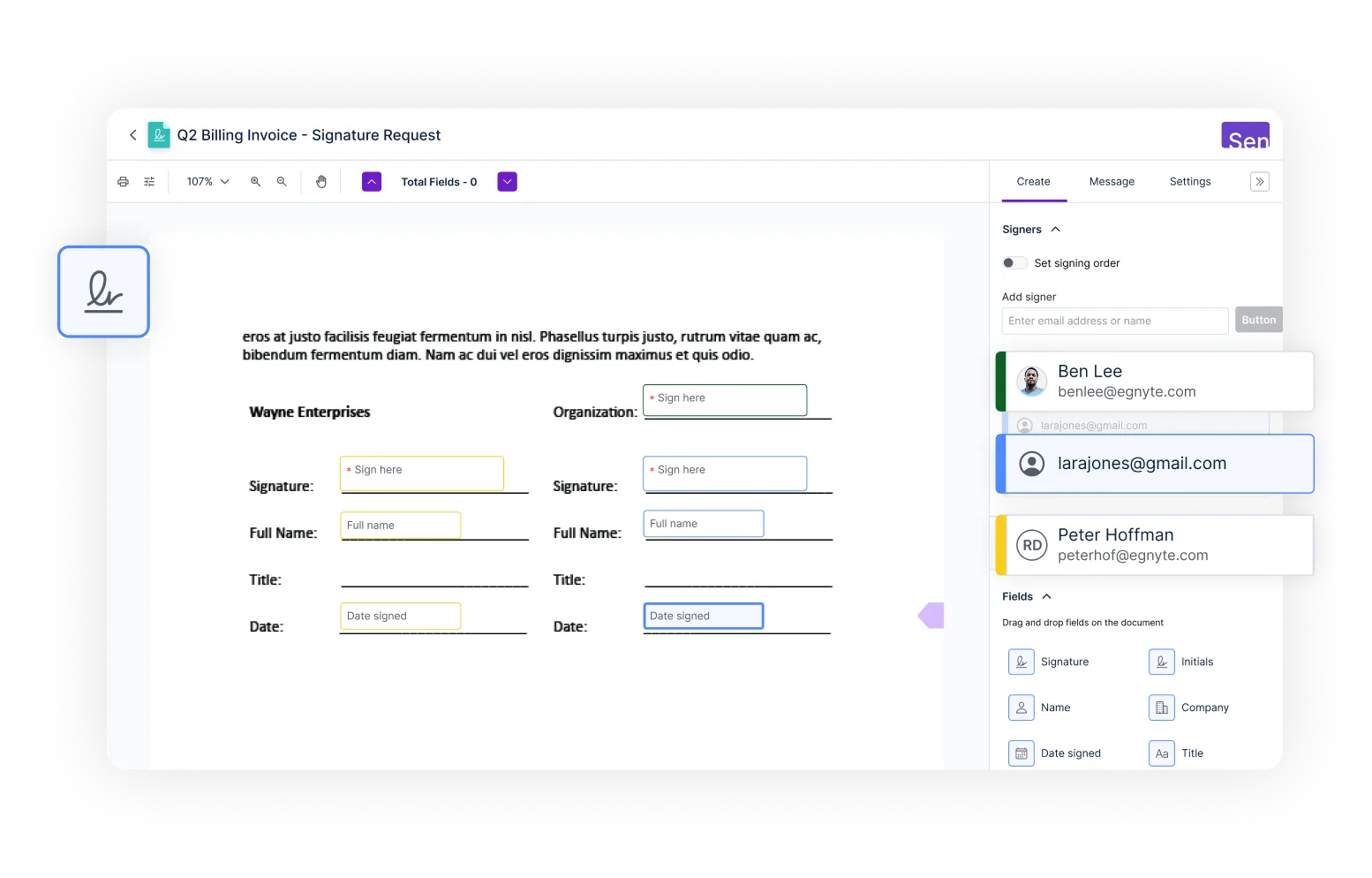




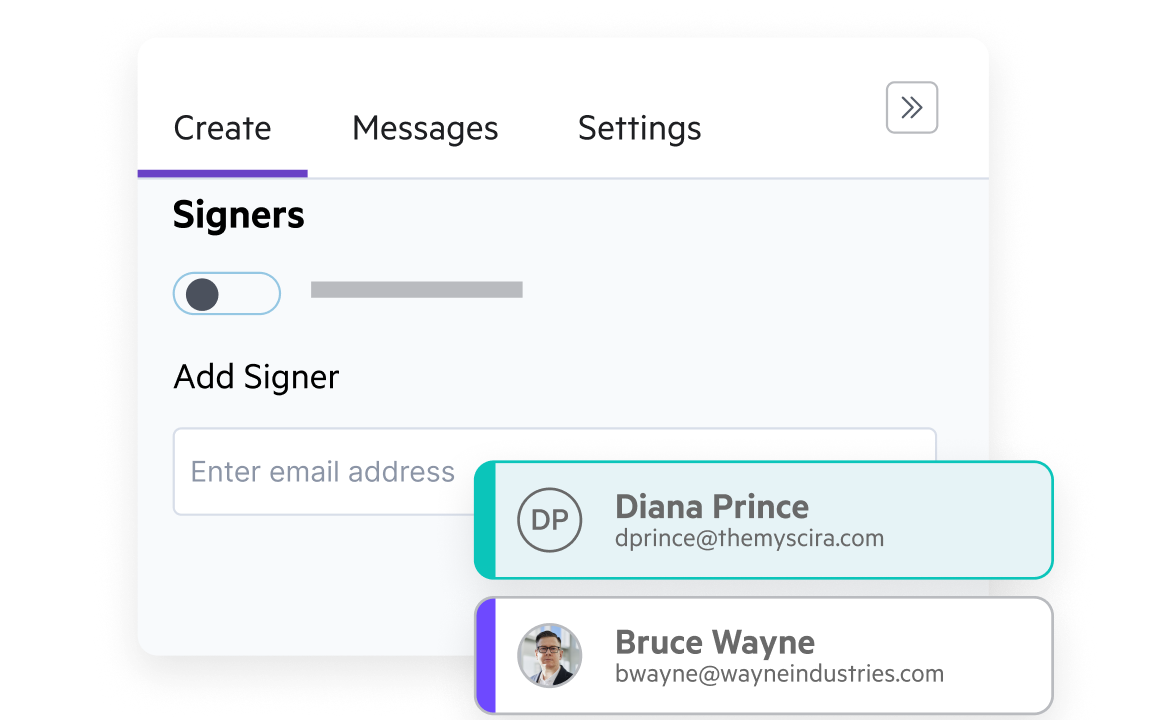
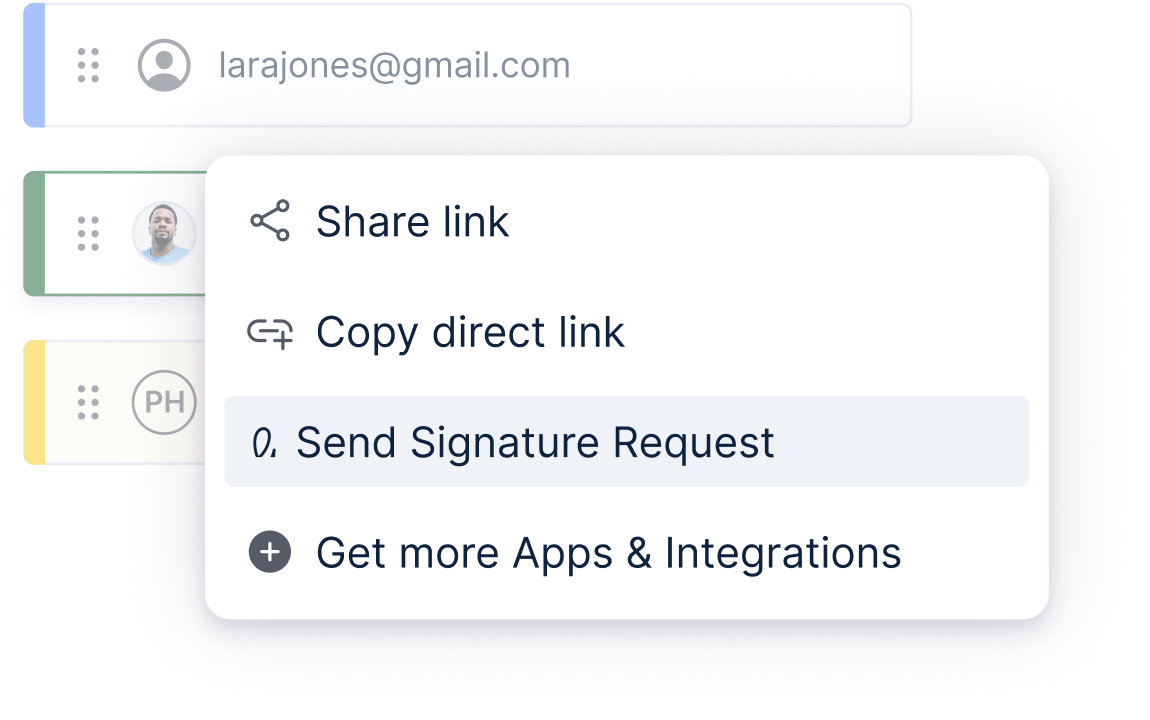
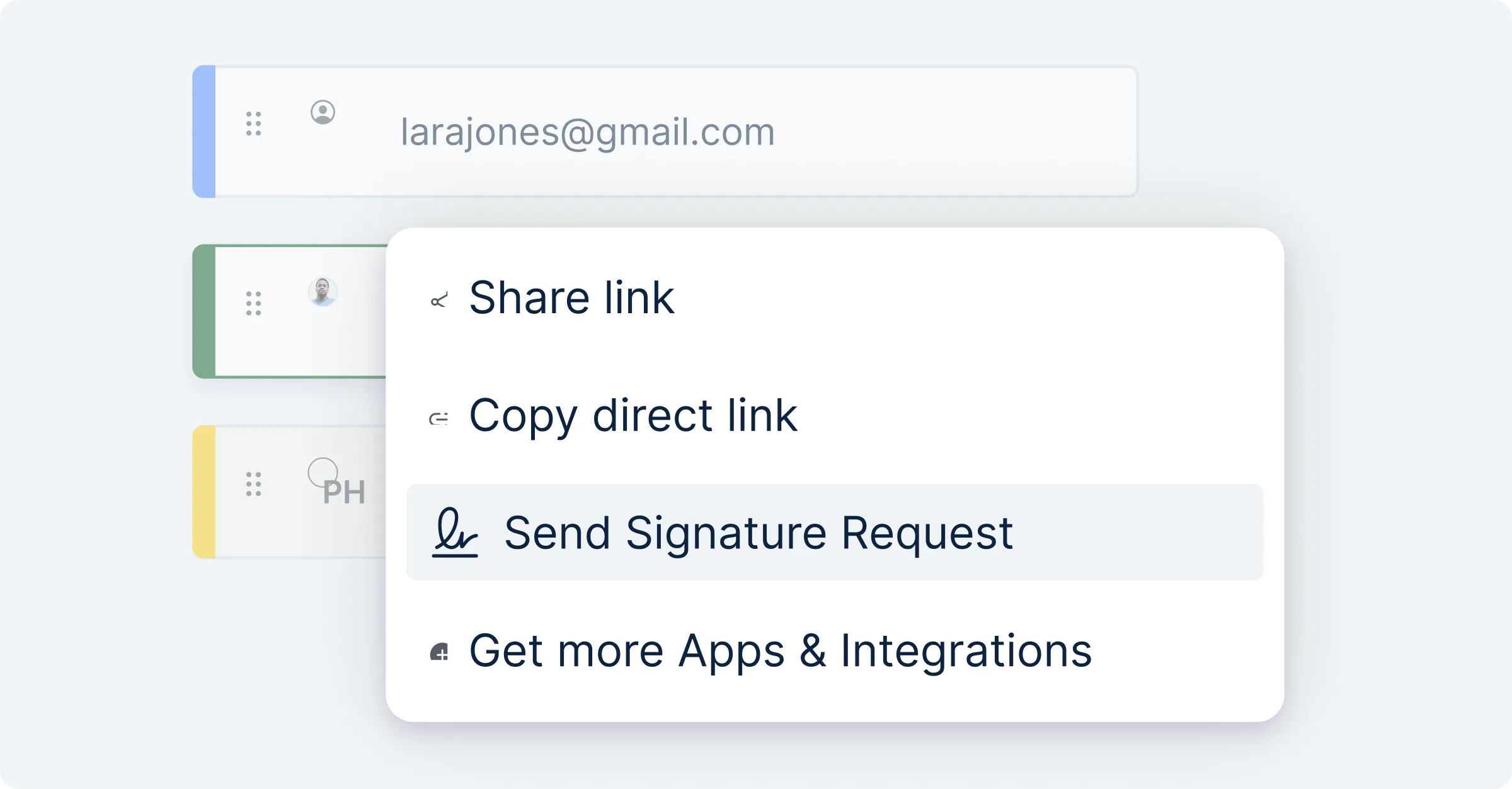
Add the people you need in seconds. Customize fields like dates, titles, and company names, and place them exactly where they should go—across PDFs, Word, Google Docs, and more. Keep every signature request clear, complete, and ready to move forward.
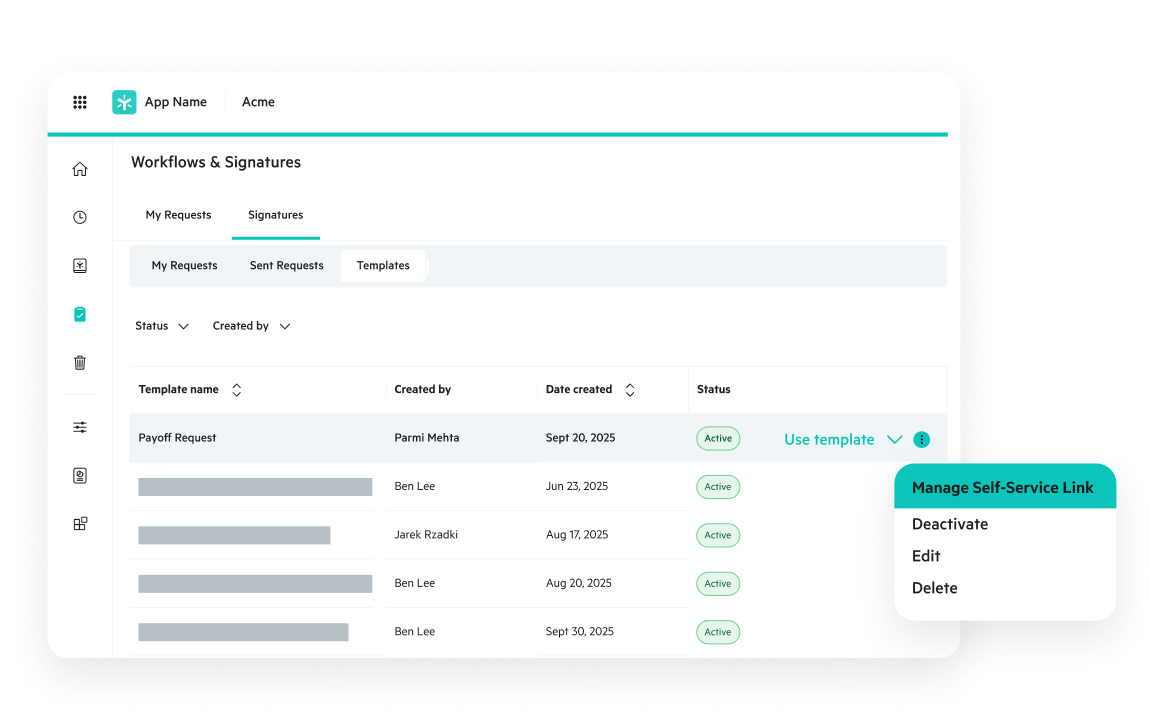
Turn signature workflows into simple, reusable templates. Set due dates, define signing order, and send custom messages and automated reminders. Build a process once and use it again and again to speed up every approval.
Analyze building specifications, code compliance documents, & project plans to accelerate design decisions & ensure regulatory adherence.
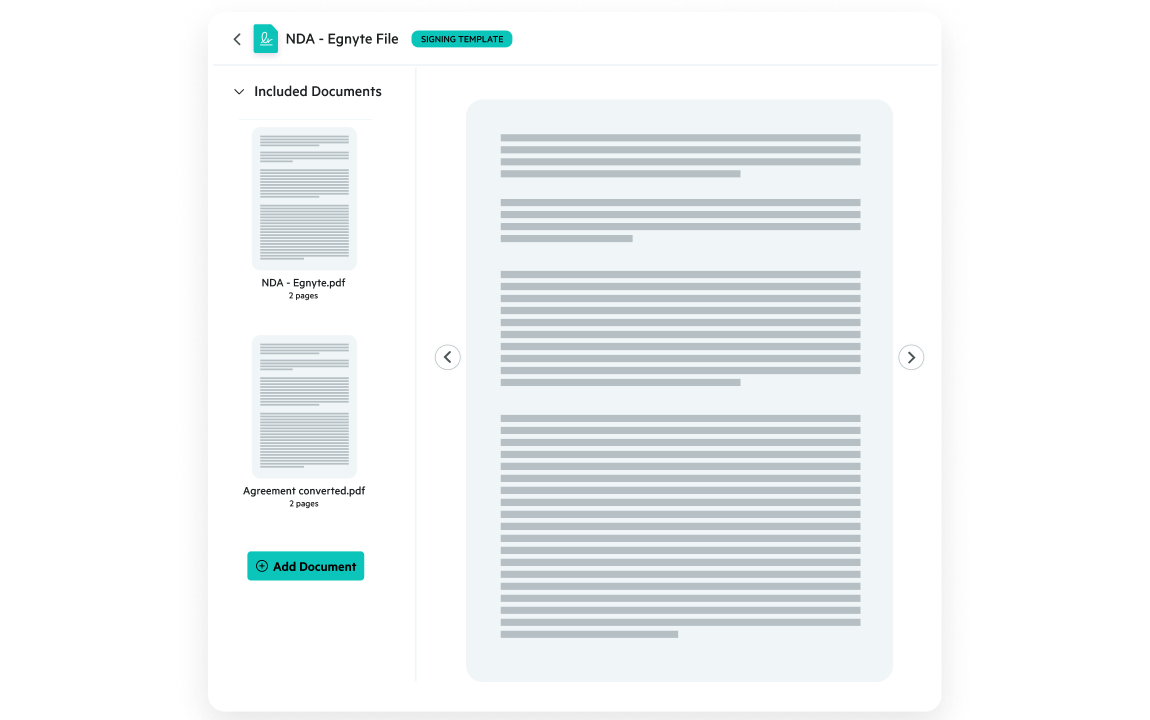
Bundle multiple documents into a single request and send to multiple people in just a few clicks. Manage high-volume agreements easily—Egnyte Sign is perfect for onboarding packets, vendor updates, or any workflow with lots of moving parts.
Create simple, self-serve links that let people sign whenever they’re ready—no need to collect their details beforehand. It is ideal for forms, waivers, or recurring agreements that need to stay available on demand.
See how easy it is to manage signature workflows with Egnyte.
On Egnyte Sign “So far, it’s been a great help for us. It does everything we need.”

“We had demos from four or five of the big-name providers in this space. Seeing the system firsthand, how it works, and if it seems simplistic is important. The easier something is, the easier the uptake is by your organization.”
Want to see what Egnyte has for your organization?
Egnyte Sign is part of Egnyte's comprehensive collaboration solution. Enhance
your productivity with these complementary products.
Have more questions? Contact Sales to get the answer you’re looking for.
Egnyte Sign protects signature workflows through encryption, role-based access permissions, identity verification, and detailed audit logs that record every signer action and timestamp. Documents remain within the Egnyte content platform throughout the signing process, so the same governance and permission controls that protect your content extend to every signature request. This makes Egnyte Sign particularly well-suited for regulated industries where document integrity and chain-of-custody must be demonstrable.
The essential features to evaluate are multi-signer workflows, reusable signing templates, detailed audit trails, compliance controls, and integration with existing document management tools. Egnyte Sign delivers all of these with a key differentiator: signatures are collected, stored, and governed within the same platform where documents are created and collaborated on, eliminating the handoff overhead that comes with a standalone e-signature tool disconnected from your content.
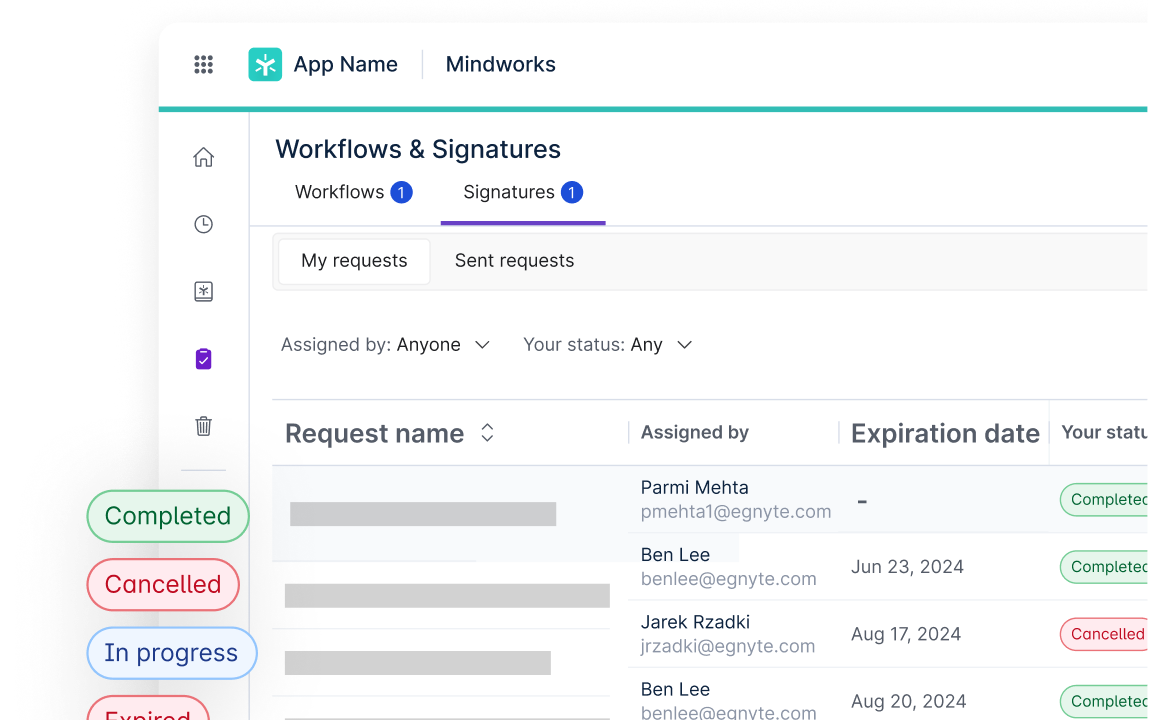
Yes. Egnyte Sign supports multi-signature workflows where documents can be routed to multiple stakeholders sequentially or simultaneously. Signature fields are customizable per recipient — specifying dates, titles, company names, and exact placement — and request status is tracked in real time so teams see who has signed and what's pending. This makes Egnyte Sign practical for managing complex approvals on contracts, policies, and internal authorizations without email-chain coordination.
Egnyte Sign maintains a detailed audit trail of every signing event — recording timestamps, signer identities, document activity, and the state of the document at the time of signing. This provides the documentation organizations need to meet regulatory requirements and demonstrate authenticity during audits. Because signed documents are stored within Egnyte, existing retention policies, access controls, and version history apply automatically — keeping compliance documentation organized without a separate filing step.
The main advantage is closing the gap between where documents live and where signatures are collected. With Egnyte Sign, documents can be created, reviewed, co-edited, sent for signature, and stored in the same platform — keeping version control intact, preserving a continuous audit trail across the full document lifecycle, and removing the friction of exporting files to a separate e-signature tool. Governance follows the document from creation through closeout without manual transfers.
Signed documents are stored directly within the Egnyte content platform — they don't move to a separate system after signing. The signed version inherits the same access permissions, version control, and retention policies as the original document, with no manual filing required. Organizations get a complete document history from draft through executed agreement, accessible under consistent security controls in a single location.
Egnyte Sign removes the manual steps — printing, scanning, mailing, chasing approvals — that slow document workflows. Reusable signing templates handle recurring document types, self-service signing links let recipients sign without a back-and-forth email exchange, and custom field placement across PDFs, Word, and Google Docs keeps each request clear and complete. Approval status updates in real time, and completed documents are automatically stored within Egnyte without a separate upload step.
Ready to improve productivity? Egnyte’s AI-powered cloud enhances collaboration, automates workflows, and secures your mission-critical content.