




Featured Resource

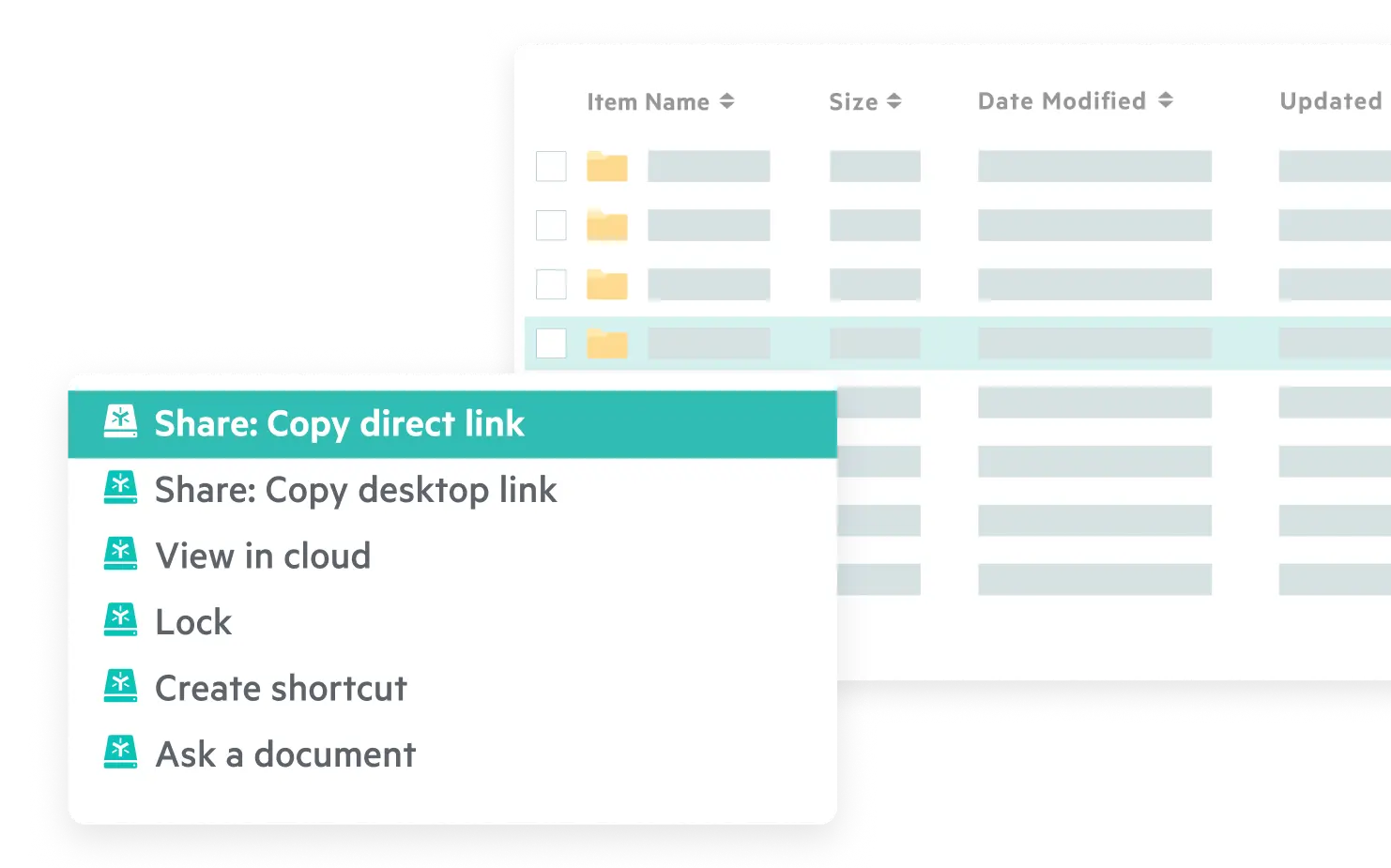









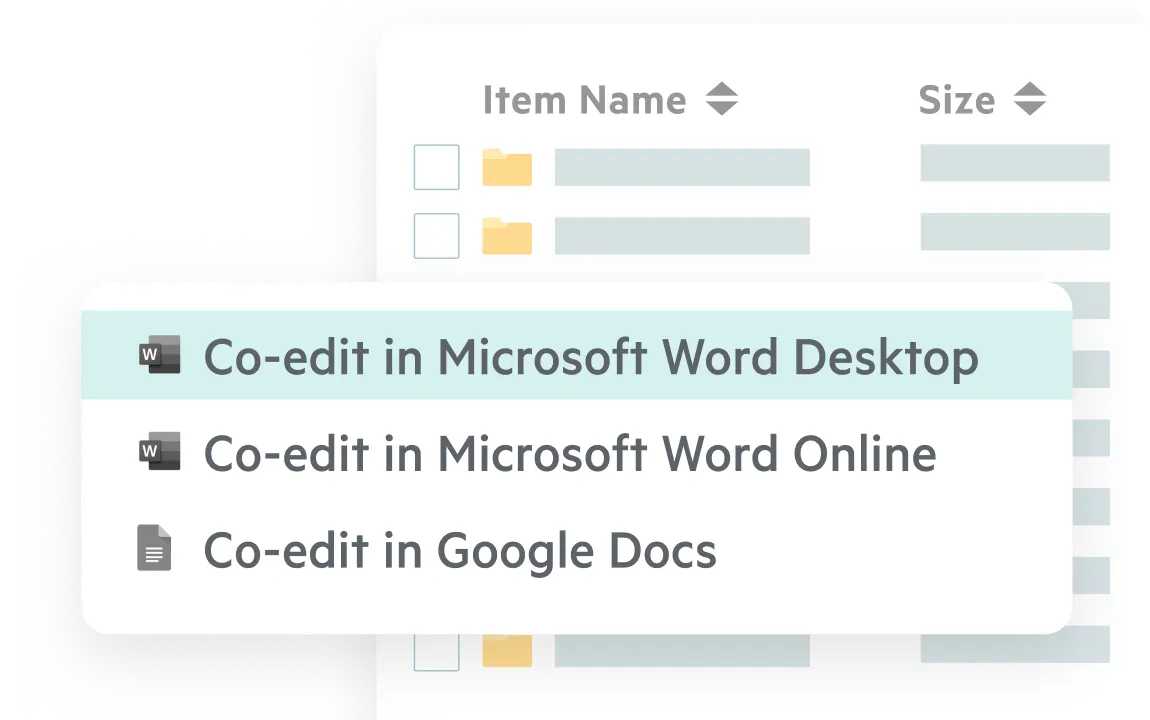
Share and co-edit files from your desktop. Use built-in AI to query content and build agents from the desktop app, so you stay productive without disrupting how you work.
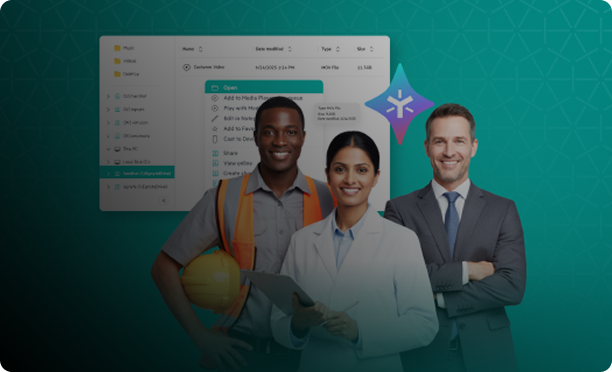
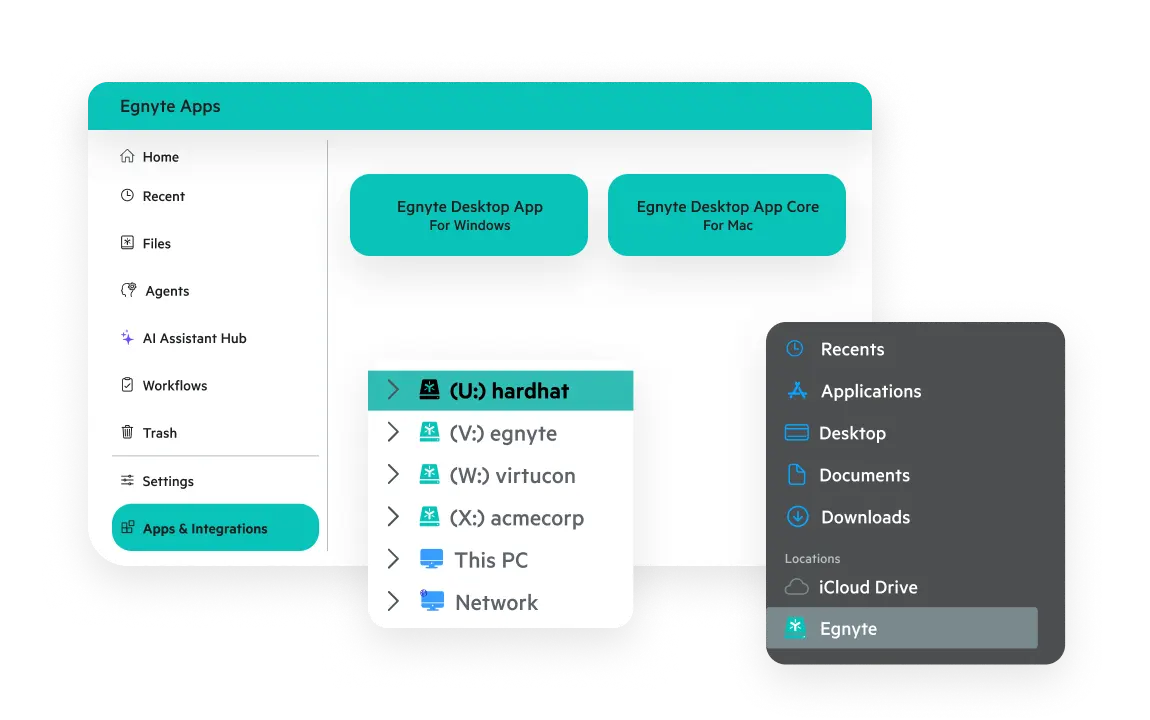
Access cloud-based files instantly via a familiar mapped drive or an intuitive app interface, just like a local drive. Get the seamless, high-performance experience your team needs to work efficiently from anywhere and boost productivity.
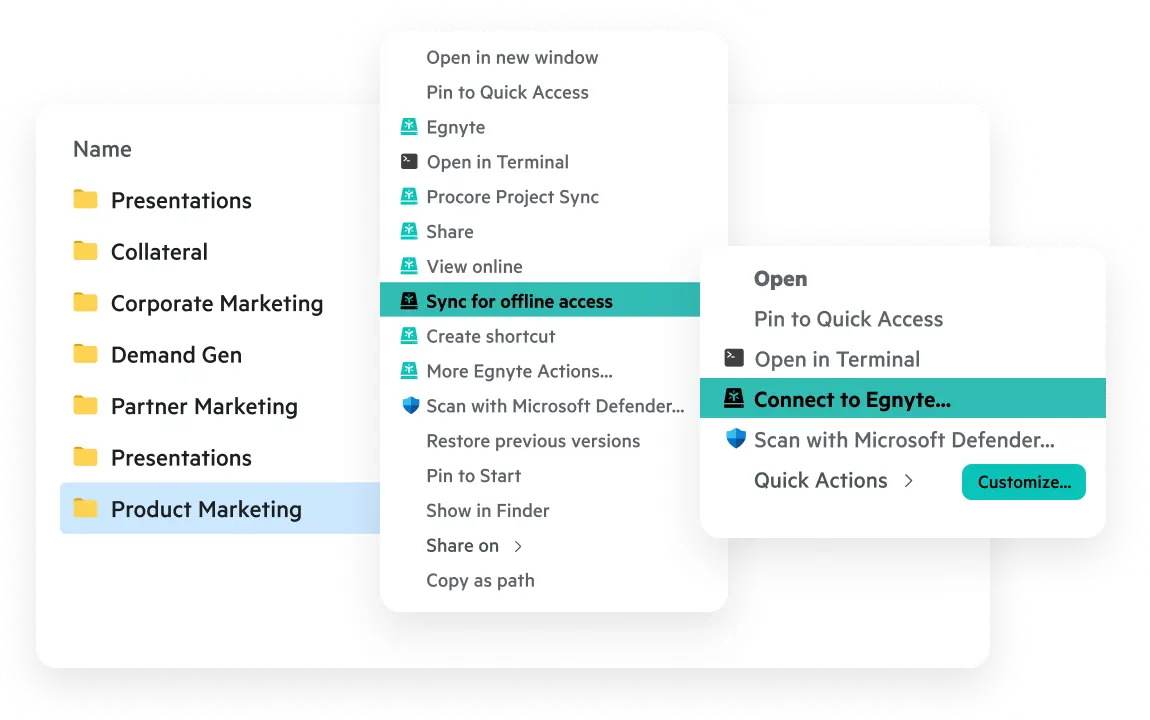
Stay in the flow with customizable quick actions for image editing, PDF conversion, markup, and more. Mark folders for offline access and implement connected folders to automatically sync desktop content to the cloud with just a click.
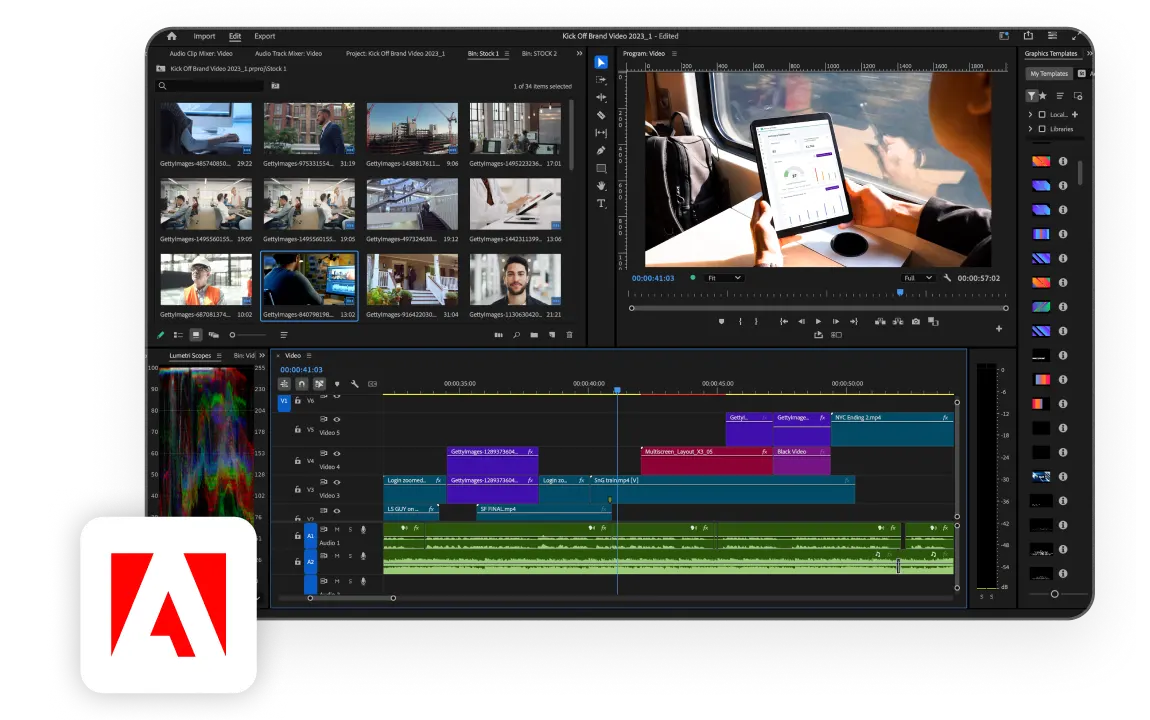
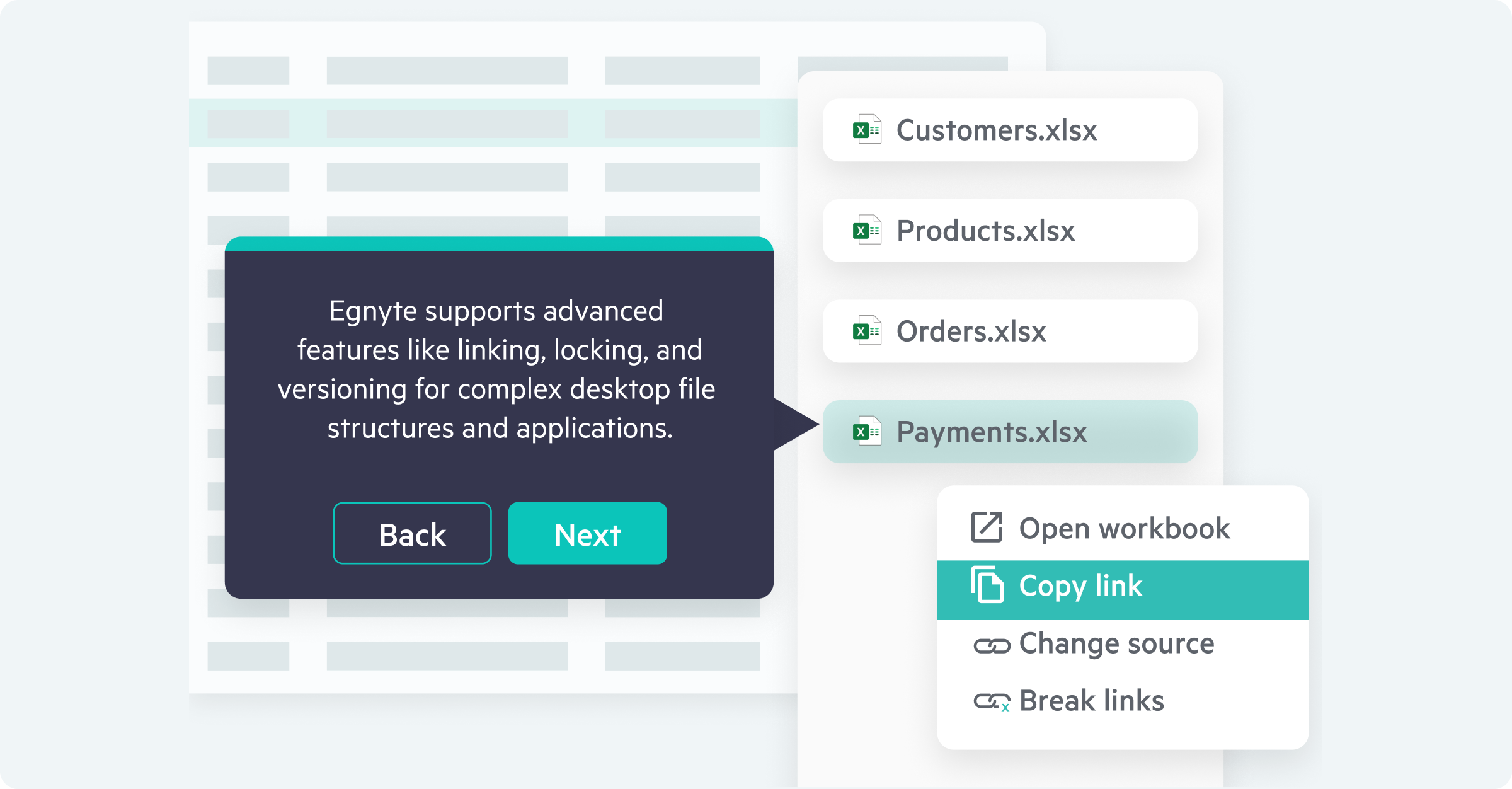
Create, collaborate on, and deliver complex files from industry-specific desktop applications with ease, regardless of size. Work with application-specific functions like locking, linking, and versioning.
Explore how the Egnyte desktop experience makes collaboration easy.

“Navigating and accessing files in Egnyte mirrors, to a tee, the way we’ve accessed our files for years. And it’s all in the cloud. Users who log into Egnyte work out of the same drive, no matter where they’re located.”

“Employees love the (Egnyte) solution and the ability to 'share in place’ with outside contractors. They needed minimal training, as they were able to access their files via a familiar interface, the mapped drive.”

"Egnyte is the only cloud solution I've seen that is truly enterprise data management, that solves for people working remotely, and that is completely secure and easy to use."

“Egnyte provides a solution that we believe truly transforms the way we work with each other and with our customers, delivering a seamless experience when collaborating inside and outside our company.”
Want to see what Egnyte has for your organization?
Discover how Egnyte’s platform, collaboration tools,
and file sharing enhance your business productivity
Have more questions? Contact Sales to get the answer you’re looking for.
Yes — Egnyte's Desktop App provides a familiar mapped drive interface that connects users to a secure cloud content platform without altering how they open, save, or organize files. Unlike other cloud migration approaches, there's no new UI to learn: drive-letter access, customizable desktop actions, and application-aware file handling keep existing workflows intact from day one.
The Desktop App is natively application-aware, meaning it adapts automatically to the specific requirements of complex file types from CAD drawings to Adobe Premiere Pro projects. Adaptive Block Caching optimizes transfers by processing large files in manageable blocks, reducing bandwidth strain and maintaining consistent performance regardless of file size or origin.
The Egnyte Desktop App lets teams open, edit, and save files directly from Microsoft Office desktop applications with co-editing and full version control built in. Files stay centrally managed in the cloud while remaining accessible through the tools users already rely on multiple collaborators can work simultaneously without conflicting edits or version confusion.
Yes. Users can sync selected folders to their local device and continue working without an internet connection. Once connectivity is restored, changes automatically sync back to the cloud while version history stays intact across all team members. This makes the app reliable for field teams, remote offices, or any environment with inconsistent connectivity.
The Egnyte Desktop App turns any desktop into a cloud-connected workspace, giving remote and hybrid employees the same familiar file access they'd have on-premises without a VPN. Teams maintain consistent synchronization, full version transparency, and access to Intelligence features from any location, removing the infrastructure overhead traditional file server setups require for distributed work.
The Desktop App includes built-in AI that lets users query content and build agents directly from their desktop environment. Teams can use pre-built templates or create custom agents to automate tasks, extract key details from industry documents, and streamline file-based workflows all with secure access to Egnyte and web data, without switching to a separate application.
Admins use Desktop Configuration Profiles in Egnyte to automatically configure the desktop experience for all users, eliminating manual setup and removing configuration blind spots. Combined with Egnyte Governance, IT can manage the full desktop footprint access controls, security policies, and compliance requirements from a single pane of glass at organizational scale.
Ready to improve productivity? Egnyte’s AI-powered cloud enhances collaboration, automates workflows, and secures your mission-critical content.