Featured Webinar

Construction teams don't struggle with a lack of information—they struggle
with disconnected project information. Egnyte centralizes construction information
so every team can collaborate, govern project records, and power AI from one trusted platform.
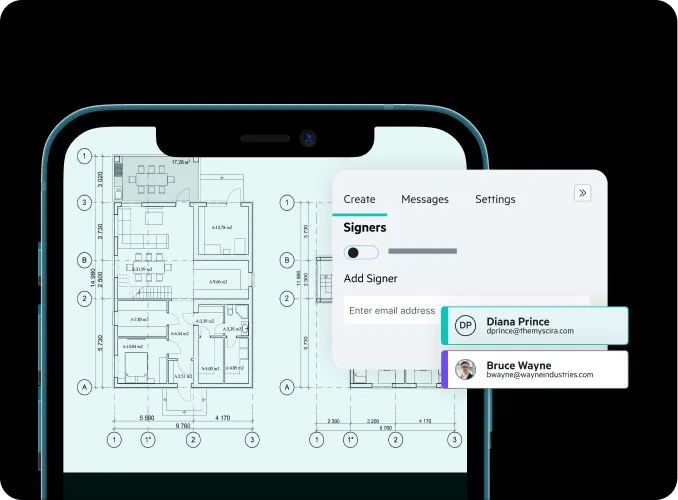
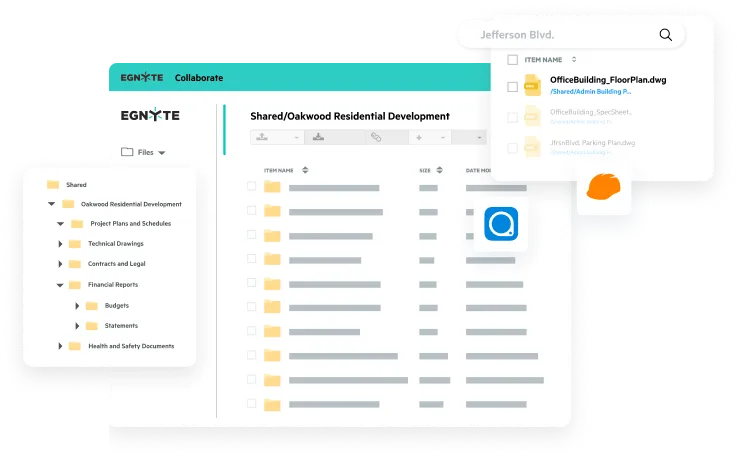
Keep every stakeholder up to date with the latest drawings, specifications, RFIs, submittals, contracts, photos, and field reports.
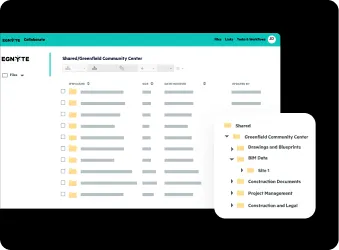
Prepare context-rich construction data for AI assistants, knowledge discovery, and faster decisions across every phase of construction.
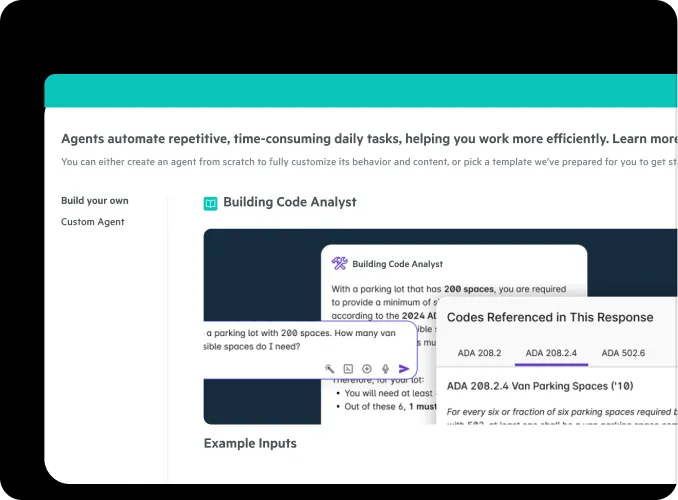
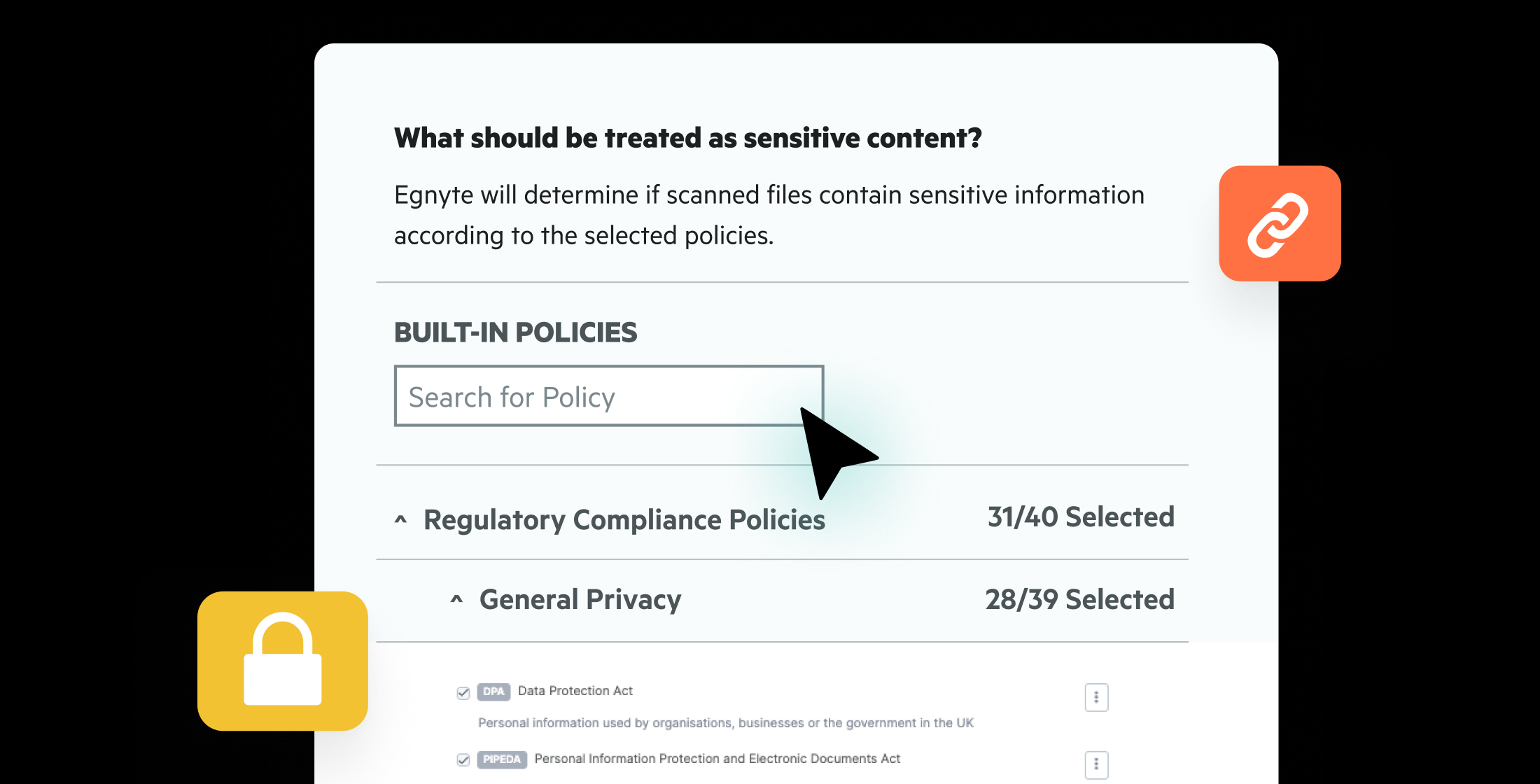
Protect construction information with automated governance, secure collaboration, version control, and complete visibility throughout every project.
Built for Every Phase of Construction


"The integration of Egnyte and Procore eliminated the challenges we had with storing and archiving project documentation, giving our field teams fast, reliable access to the information they need."
"Our automation handles everything—from folder creation and permissions to archiving. Every project is live, secure, and ready for collaboration within minutes."
"Our VDC managers no longer spend hours managing files and links. They simply update the model, and everyone immediately works from the latest version."
Connect directly to construction platforms to eliminate information silos and improve collaboration.






Whether you're pursuing work, managing active projects, or preserving project knowledge for future jobs, Egnyte connects, governs, and protects construction information across every phase of the project lifecycle.
Have more questions? Contact Sales to get the answer you’re looking for.
Construction document management software should give field and office teams a single source of truth for drawings, RFIs, submittals, and project files — with role-based access controls, offline mobile access, and native integration with tools like Procore and Autodesk Construction Cloud. Choate Construction uses Egnyte to manage 500 active projects simultaneously, cutting file search time by 50% while automating permissions across 200 field teams.
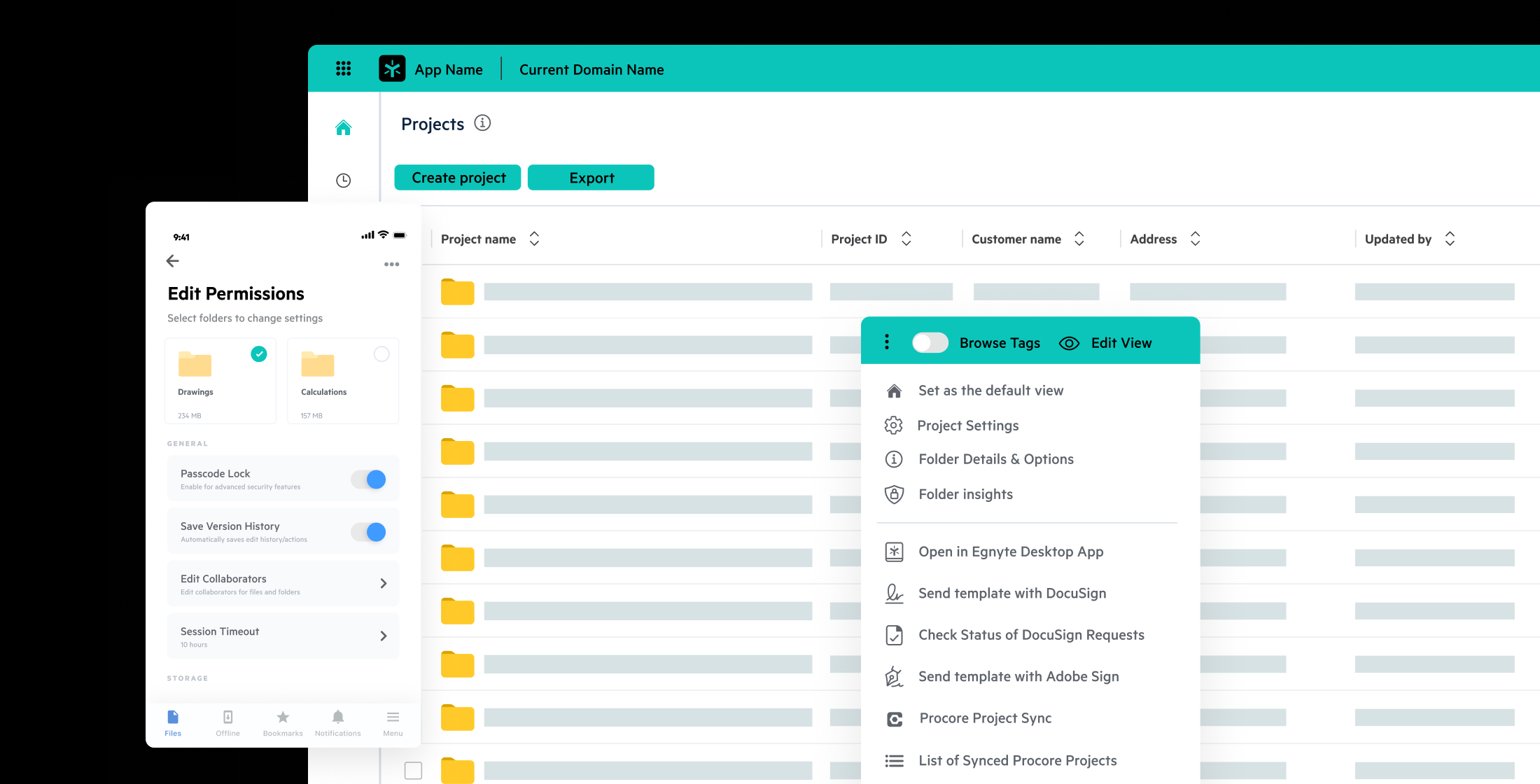
Egnyte gives field teams instant access to drawings, RFIs, and photos from any device, with offline mode ensuring work continues even when connectivity is weak or unavailable. Files sync automatically when the connection is restored, so the field always has the latest information without manual uploads or coordination delays between site and office.
Yes — Egnyte integrates natively with the construction tools teams already use: Procore syncs construction information and project records automatically, Autodesk Construction Cloud connects drawings and BIM data directly into Egnyte folders, and Bluebeam Studio enables markup and collaboration without creating duplicate file copies. Robins & Morton eliminated dual-system navigation across 160 projects in 16 states using the Procore integration.
Egnyte lets construction firms manage access by role, company, or project phase — giving subcontractors and partners the files they need while keeping sensitive data controlled. KAST Construction provides subcontractors with pre-configured project folders and revokes access rights automatically at project end, eliminating the risk of lingering permissions on closed work.
Egnyte centralizes as-built drawings, O&M manuals, and punch lists in a governed repository throughout the project, so closeout documentation is organized continuously rather than assembled under deadline pressure. Automated folder structures and audit history mean owners receive a complete, traceable handover package — reducing the administrative burden and the risk of missing deliverables at turnover.
Egnyte creates a single connected data environment spanning field teams, office operations, and external partners — replacing the fragmented mix of shared drives, email chains, and vendor-specific platforms that causes version confusion and delays. Köster GmbH centralized data across more than 20 branches into one secure system, automating project folder creation and permissions so every team works from the same source.
Egnyte AI Assistant and AI agents let construction teams find documents by asking natural-language questions, extract metadata automatically, and surface relevant project information directly from within the file structure. Rather than manually hunting through folder hierarchies, teams can locate project history, compliance records, and current drawings in seconds — directly from the platform they already use for file management.
Connected construction information improves project delivery by giving office and field teams access to the same trusted information throughout every phase of construction. Drawings, specifications, RFIs, submittals, contracts, schedules, and field documentation remain synchronized, reducing version confusion, accelerating decision-making, and improving collaboration. With connected, governed construction information, teams spend less time searching for data and more time keeping projects on schedule, reducing risk, and delivering better outcomes.
Unify the office and field with trusted construction information
that strengthens governance and powers AI-driven project outcomes.