




Featured eBook


Architects choose Egnyte to unify creativity and control, enabling
seamless collaboration, integration across tools, AI-driven insights, and
enterprise-grade governance from concept through completion.
Access project data anywhere, connecting studios, partners, and clients through one secure, centralized design environment.
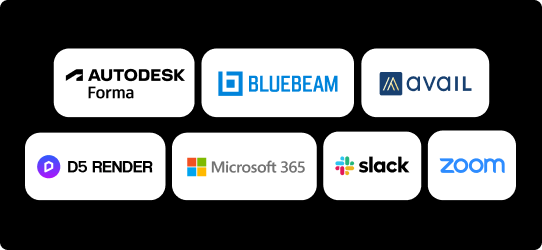
Works with 40+ AEC tools and hundreds of business apps, including Autodesk, Bluebeam, and much more.
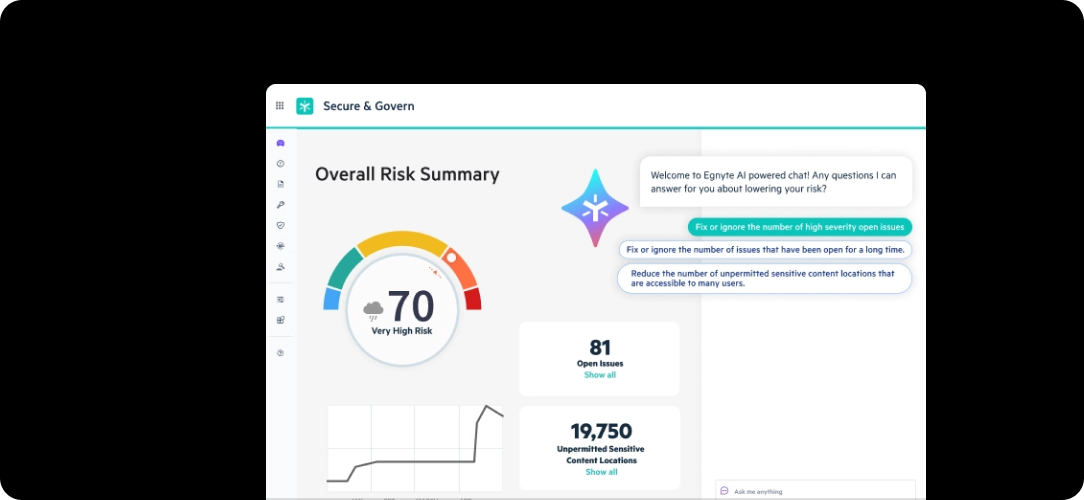
Turn every project file into firmwide knowledge with AI-powered classification, AI Assistant, and AEC agents.
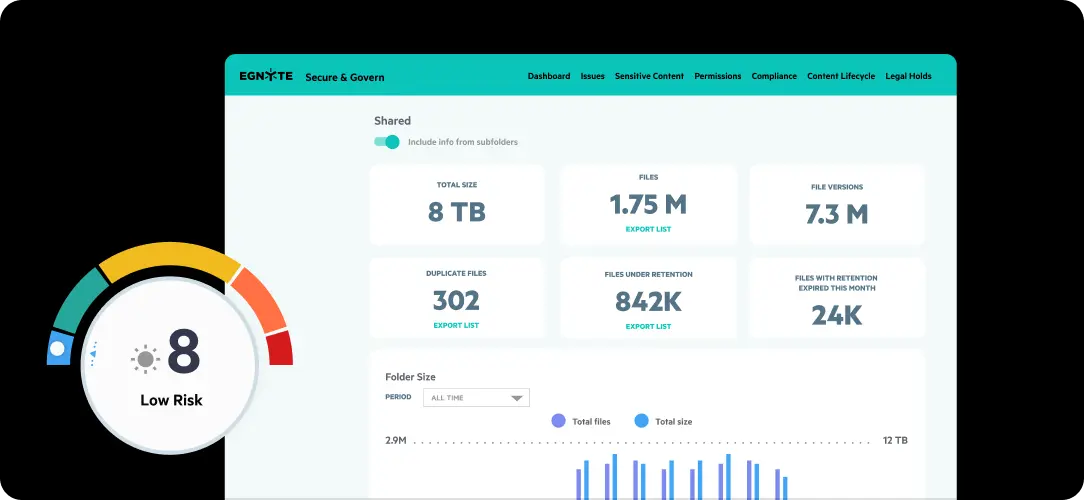
Protect intellectual property and ensure compliance with automated retention, permissions, and security protocols.
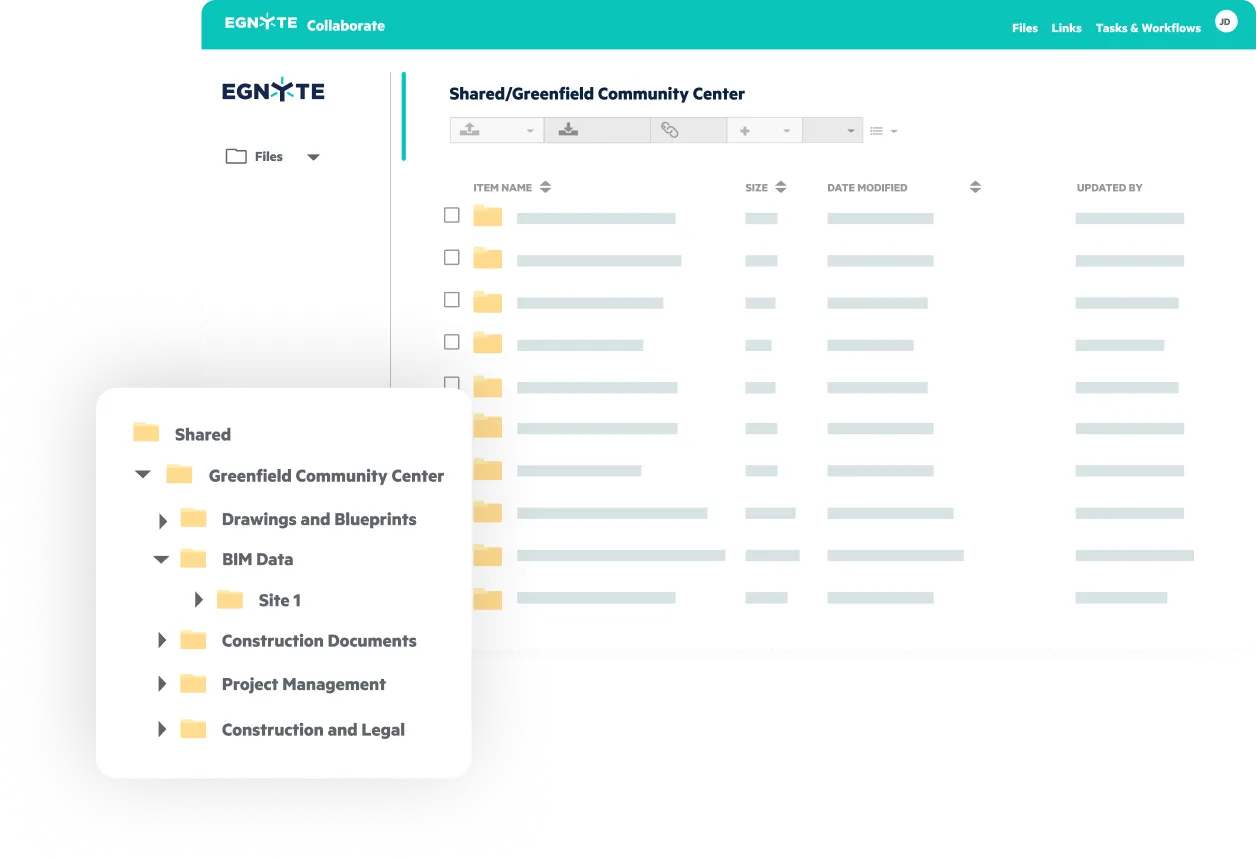
Centralize data, streamline field access, and secure collaboration.



“When we moved to Egnyte, it wasn’t just about storage. It was about resilience. During storms or outages, our teams could keep working from anywhere, and that flexibility has become a real game changer for us.”
“With Egnyte, partner collaboration is simple and secure. Every firm works from the same structure, and our teams maintain full control and visibility of shared project data.”

“Egnyte brought us back to a streamlined way of working. We complete tasks as quickly as we did when everyone was in the same room.”

“Egnyte was easy to use, handled large files effortlessly, and gave us seamless access across every office and project site.”

"Egnyte makes collaboration with partner firms effortless. From co-editing to file sharing, it allows us to work securely and efficiently, ensuring every participant works from a single, trusted source."
Egnyte connects with leading design tools, keeping your project workflows seamless, secure, and synchronized.


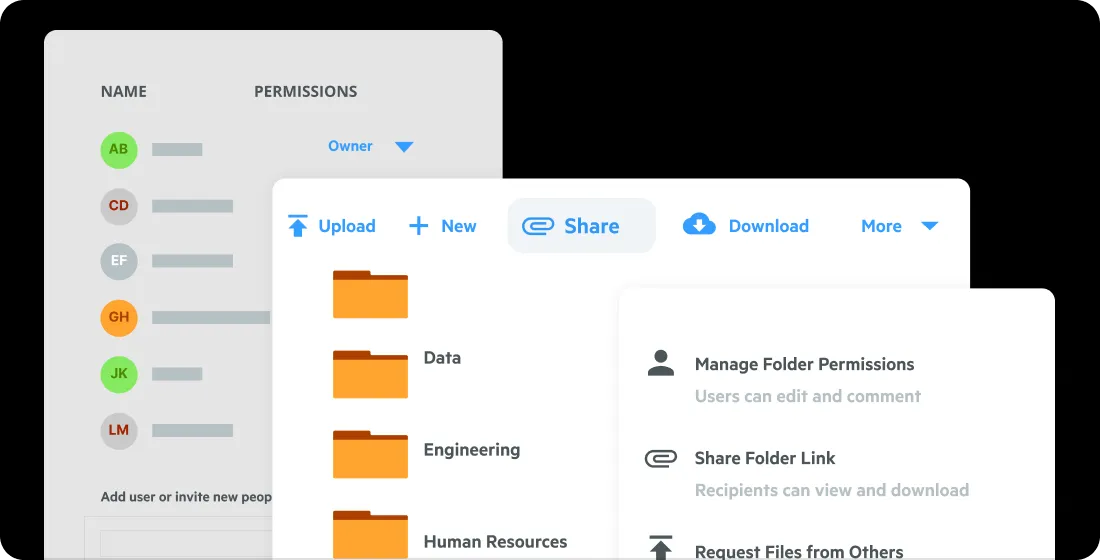


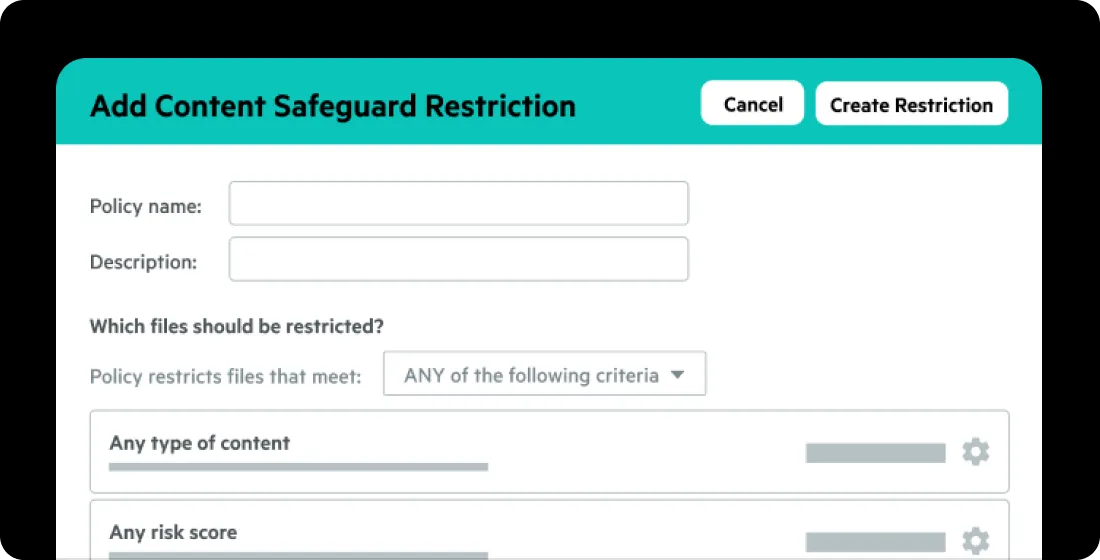


Egnyte empowers architecture, engineering, construction firms and operators to collaborate, while maintaining compliance and control - through every phase of the build process.
Have more questions? Contact Sales to get the answer you’re looking for.
Egnyte gives architecture teams desktop-level performance on large BIM and CAD files using familiar drive-letter paths — no browser uploads, no sync delays, no broken model references. Files open in native applications at full speed regardless of size, while the same data is simultaneously available for cloud collaboration across offices, partners, and project stakeholders.
Egnyte connects natively with Autodesk Forma, Bluebeam, AVAIL, Microsoft 365, Google Workspace, DocuSign, and 40+ other AEC applications. Integrations are built in teams can preview BIM and CAD files instantly, launch Bluebeam Sessions directly from Egnyte, and build custom workflows across Autodesk BIM 360, PlanGrid, and Pype without manual uploads or platform switching.
Egnyte provides a single governed location for all project files, eliminating the version sprawl that occurs when teams copy or sync files across disconnected tools. Model version awareness is built in, so references between files stay intact as designs evolve teams always work from current data without manual re-linking, duplicate copies, or the risk of opening a stale version.
Egnyte's Firm Intelligence capabilities including AI-powered classification, AI Assistant, and AEC agents make every project file searchable and reusable across the firm. Teams can query past projects, summarize specifications, and surface relevant precedents without manual searching. Architecture firms can also build or use pre-built AEC agents to automate recurring tasks and extract key details from project documents. If your proposal team builds an agent to draft RFP responses from past winning proposals and project sheets, Context Studio shows whether those materials are connected, and flags when current pricing lands somewhere the agent can't see.
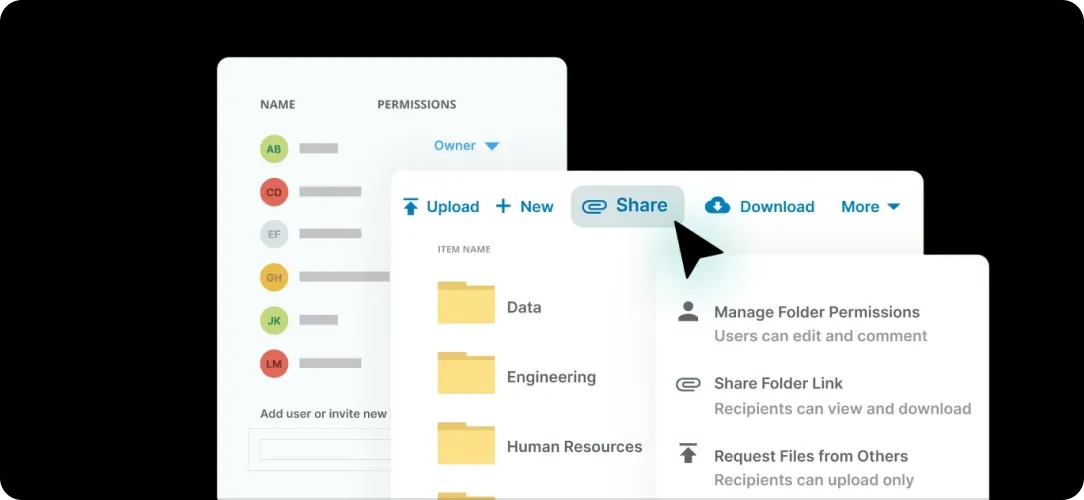
Egnyte connects all project stakeholders through a single cloud-connected environment, eliminating VPN requirements while maintaining role-based access controls. External partners and clients can be granted view-only or edit access to specific files or folders, with time-limited permissions and full audit trails. Sharing is encrypted, access is granular, and every interaction is tracked for compliance and accountability.
Egnyte protects firm IP through automated permissions, access controls, and continuous governance that runs in the background without disrupting workflows. Admins can set archive and retention policies by project type, automate deletion at end of lifecycle, and classify sensitive data — including PII and client data — automatically. Firms can align with ISO and SOC standards and demonstrate data integrity without manual audit preparation.
Egnyte provides mobile and desktop apps with offline sync, so field crews can access the latest plans, specs, and RFIs without a network connection. Changes sync automatically once connectivity is restored, and because all project data lives in a single governed location, field teams always know they're working from the current version & not a stale local copy.
Bring your architects, engineers, and consultants into one connected environment where design data stays secure, accessible, and intelligent.