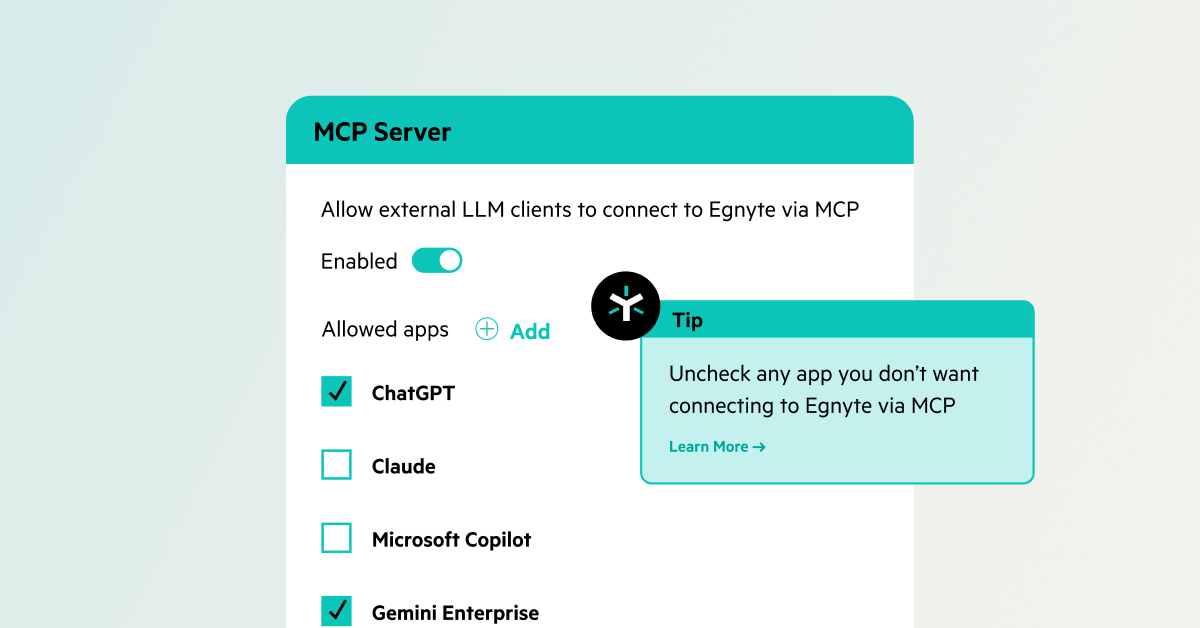

MCP Server
- Connect ChatGPT, Claude, Gemini, Copilot, and custom AI apps to Egnyte content
- Respect existing permissions while controlling AI access and actions

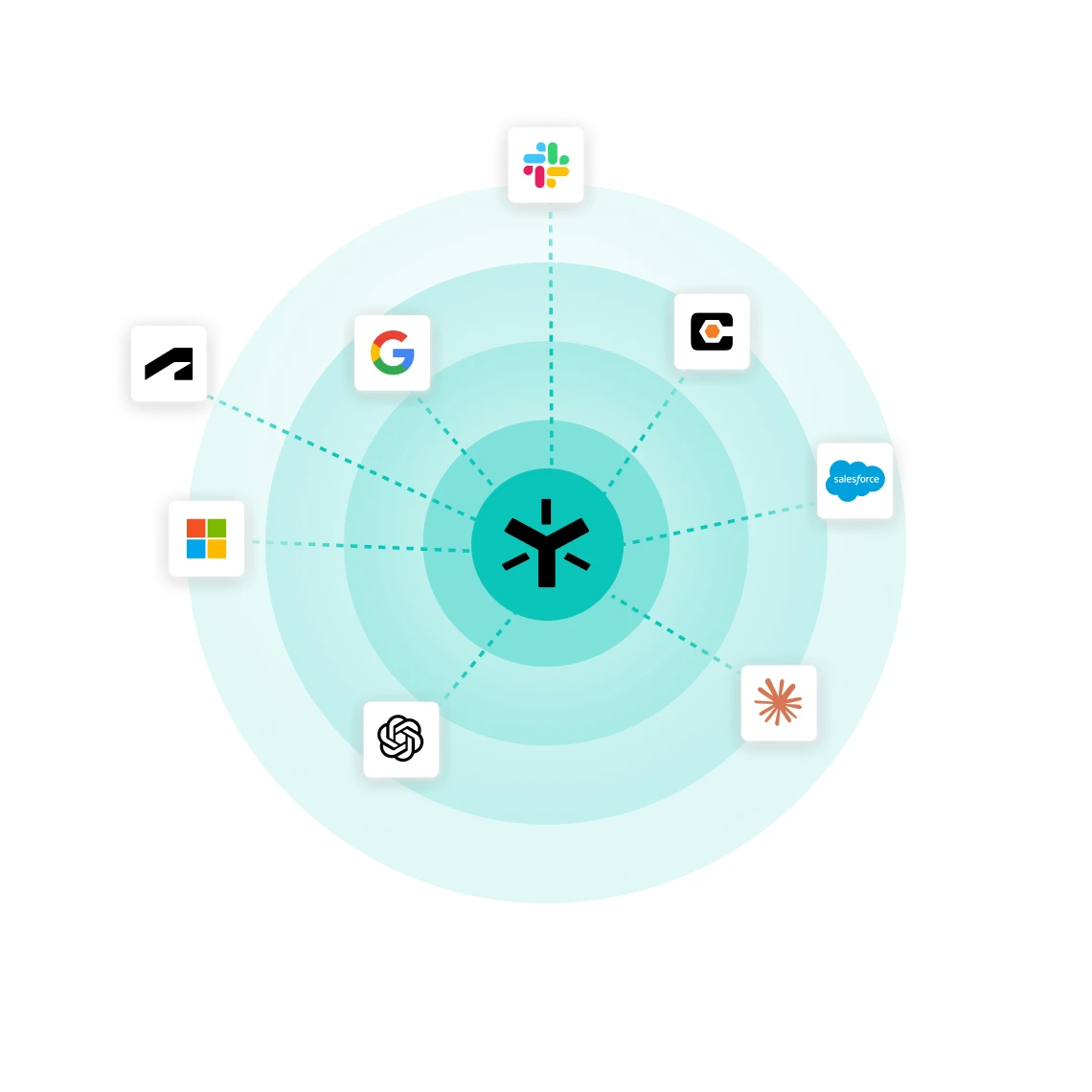


Extend Egnyte AI Assistant and agents to your business apps.
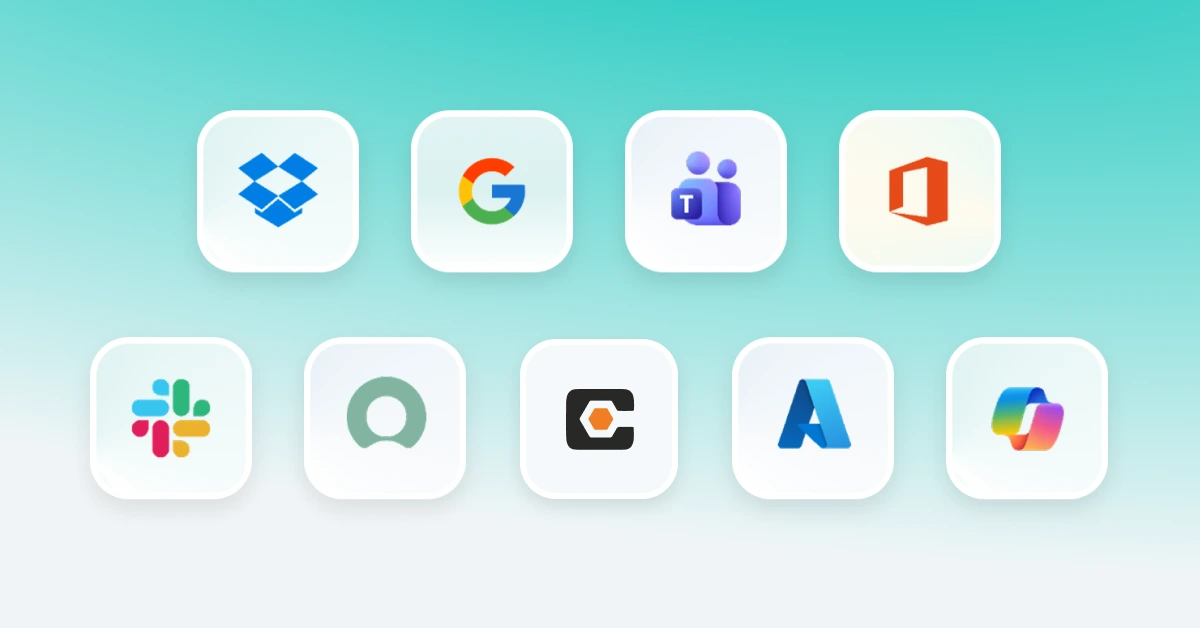
Work with Egnyte content directly using your preferred AI tools using natural language, without moving or copying data.
Keep AI interactions secure with OAuth 2.0 authentication, Egnyte permissions, and AI Safeguards, with no data duplication, or external storage.
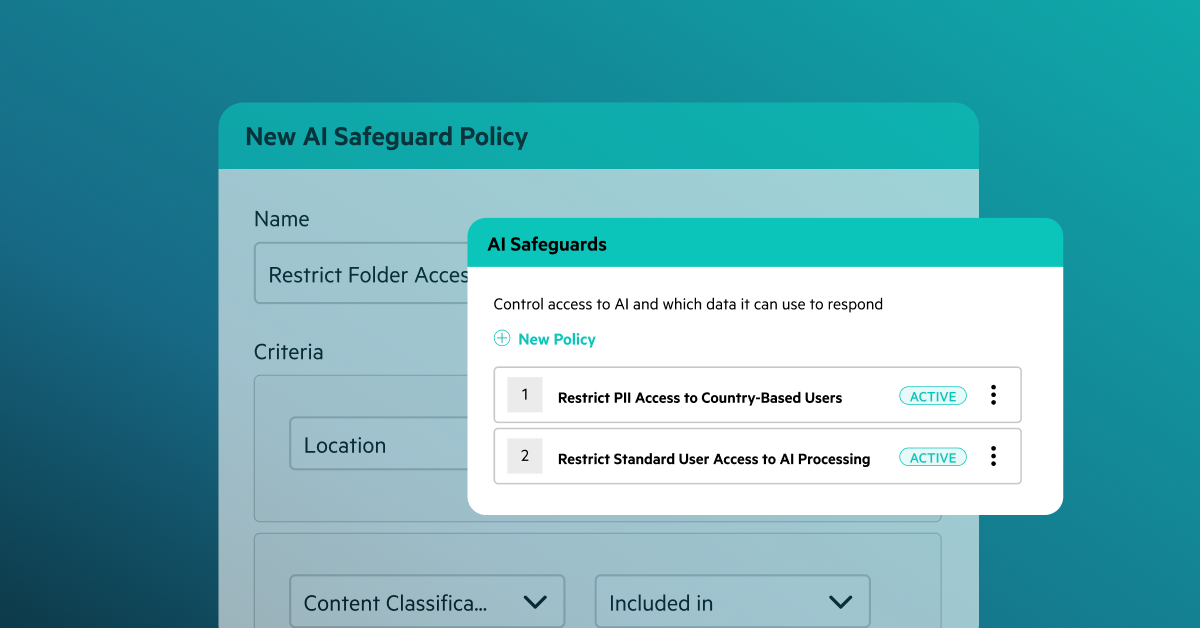
Control which AI apps can connect to Egnyte, which connectors are available, and which actions require user approval.
Bring AI into your business workflows with governed access to Egnyte and connected systems, while keeping data secure.

“Egnyte AI Assistant helps everybody research, understand, and learn, while providing faster service to our clients."

“I’ve spent 14 years watching junior advisors move data from emails into files, then into spreadsheets, then into planning software. It consumed so much mental capacity and left little room for real analysis.”
Have more questions? Contact Sales to get the answer you’re looking for.
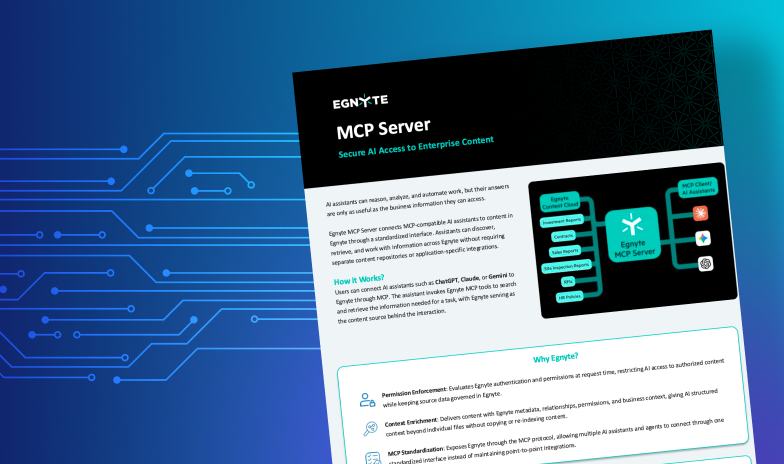
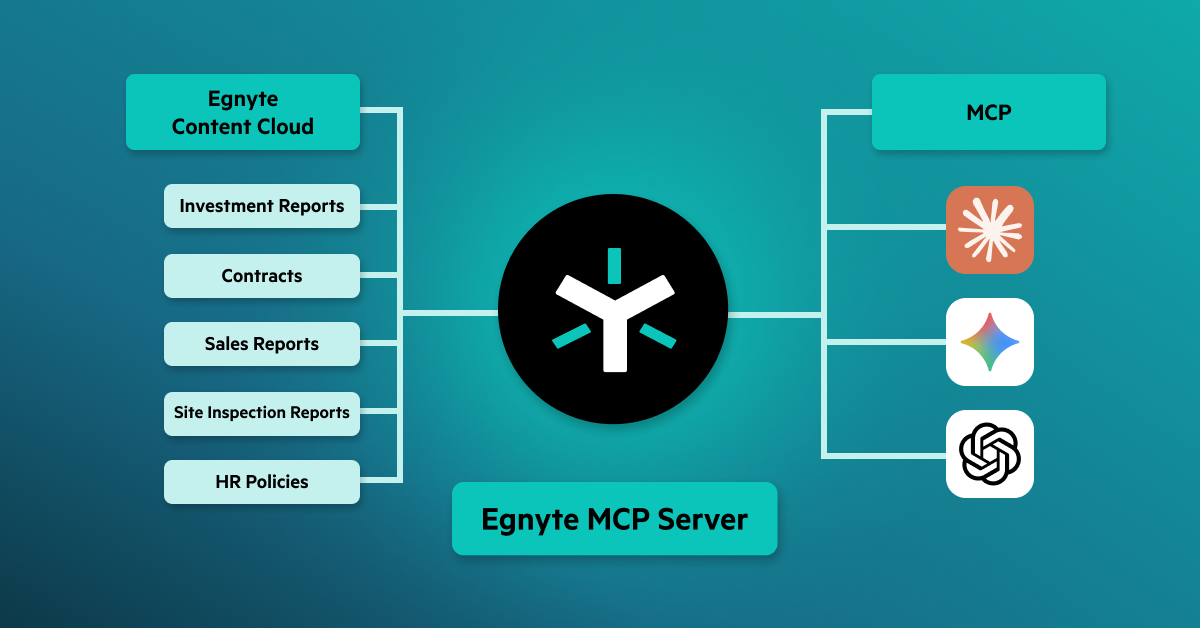
Egnyte MCP Server enables AI assistants such as Claude, ChatGPT, and Microsoft Copilot to securely access content stored in Egnyte. It provides AI tools with the business context they need to deliver answers, summaries, and actions while respecting existing permissions, governance policies, and access controls.
Egnyte MCP Server uses the Model Context Protocol (MCP) to connect AI assistants to content stored in Egnyte. When a user submits a request, the AI assistant retrieves only the content the user is authorized to access, ensuring secure and governed interactions with enterprise data.
Egnyte MCP Server gives AI applications secure access to enterprise content without changing how organizations manage access and security. It respects existing user permissions, uses secure authentication, allows admins to control which AI applications can connect, and provides visibility into AI activity. Content is not stored outside Egnyte, helping organizations maintain their existing governance, compliance, and data privacy requirements.
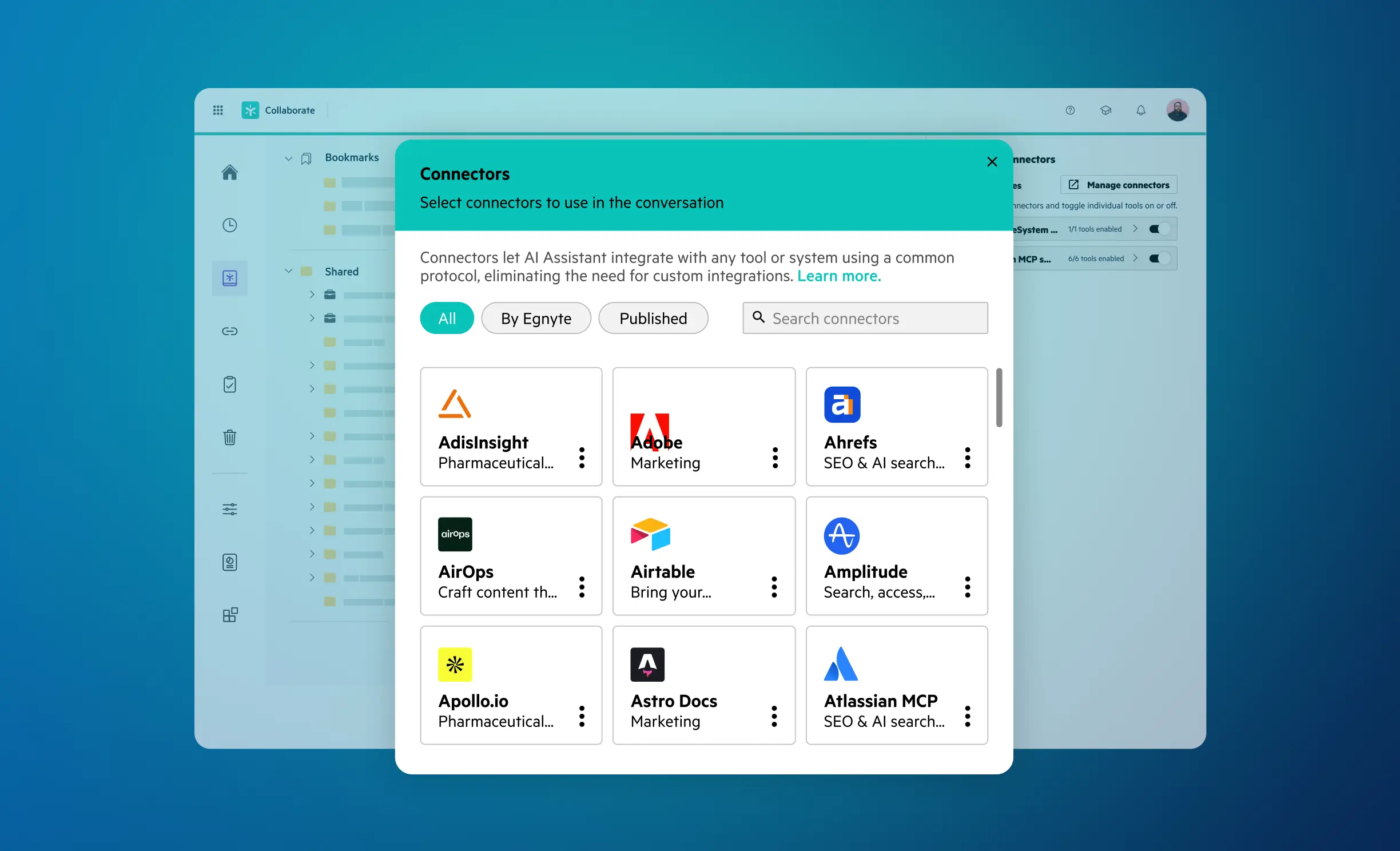
Egnyte AI can connect with a variety of business applications, including Slack, Jira, Salesforce, Microsoft Outlook, Gmail, and other supported enterprise tools via MCP Server. These integrations help users access and act on information across systems without leaving their workflows.
No. AI assistants can only access content that the requesting user is authorized to view within Egnyte. Existing permissions are enforced on every interaction, preventing unauthorized access to sensitive information.
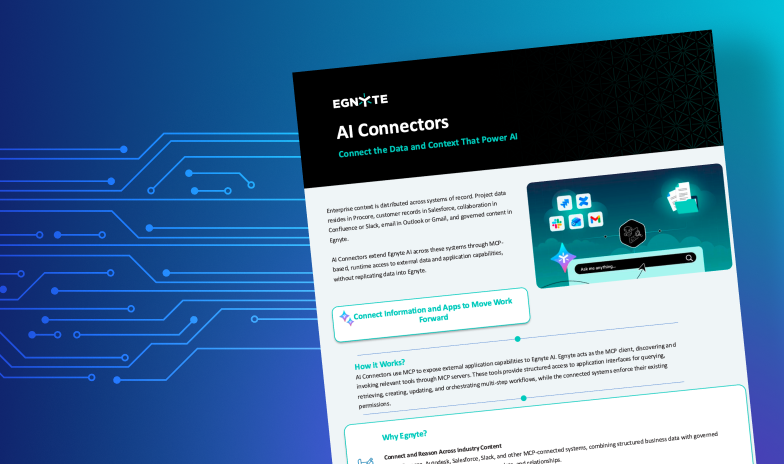
AI Connectors connect Egnyte AI to business applications such as Slack, Jira, Salesforce, Outlook, and Gmail, enabling information exchange across systems. MCP Server enables AI assistants such as Claude, ChatGPT, and Microsoft Copilot to securely access content stored in Egnyte while enforcing existing permissions and governance controls.
Egnyte MCP Server applies the same access controls and permissions already configured in Egnyte. Every AI request is evaluated against the user's authorization level, ensuring that AI assistants can access only approved content and cannot bypass existing security policies.
Ready to improve productivity? Egnyte’s AI-powered cloud enhances collaboration, automates workflows, and secures your mission-critical content.