




Featured Resource










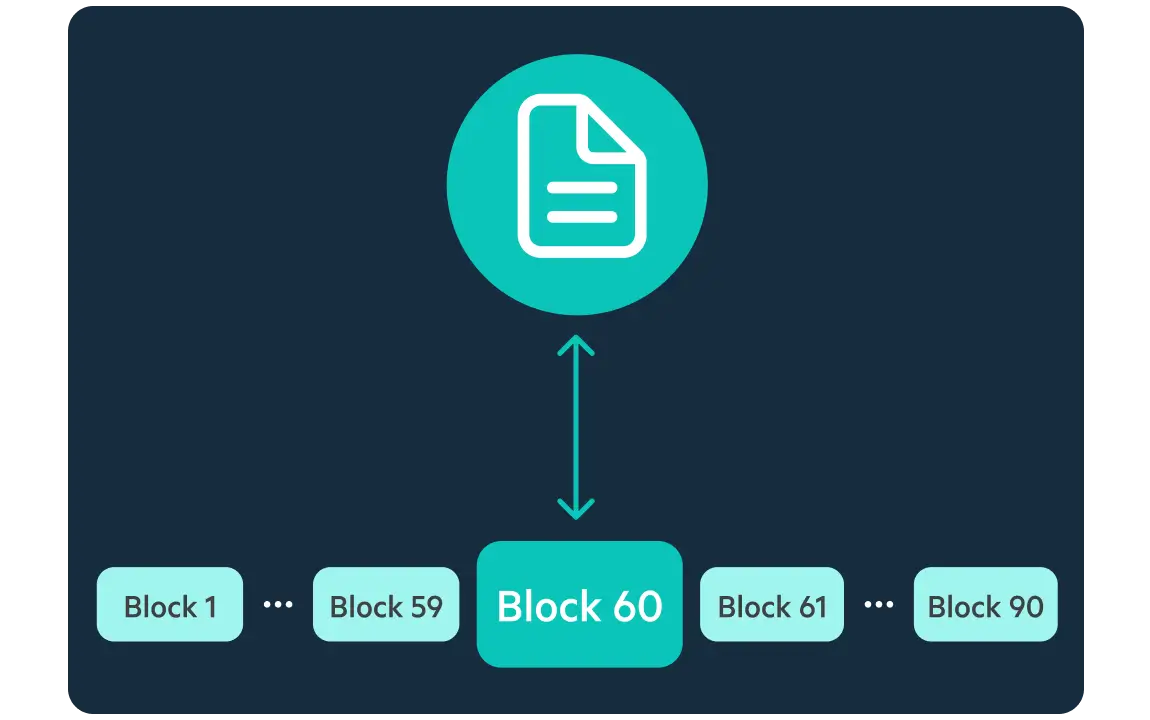
Avoid the freezes, crashes, and lost hours. Block caching makes
collaborating on complex files less intensive on bandwidth and device capacity, delivering faster access, predictive streaming, and optimized file versioning.
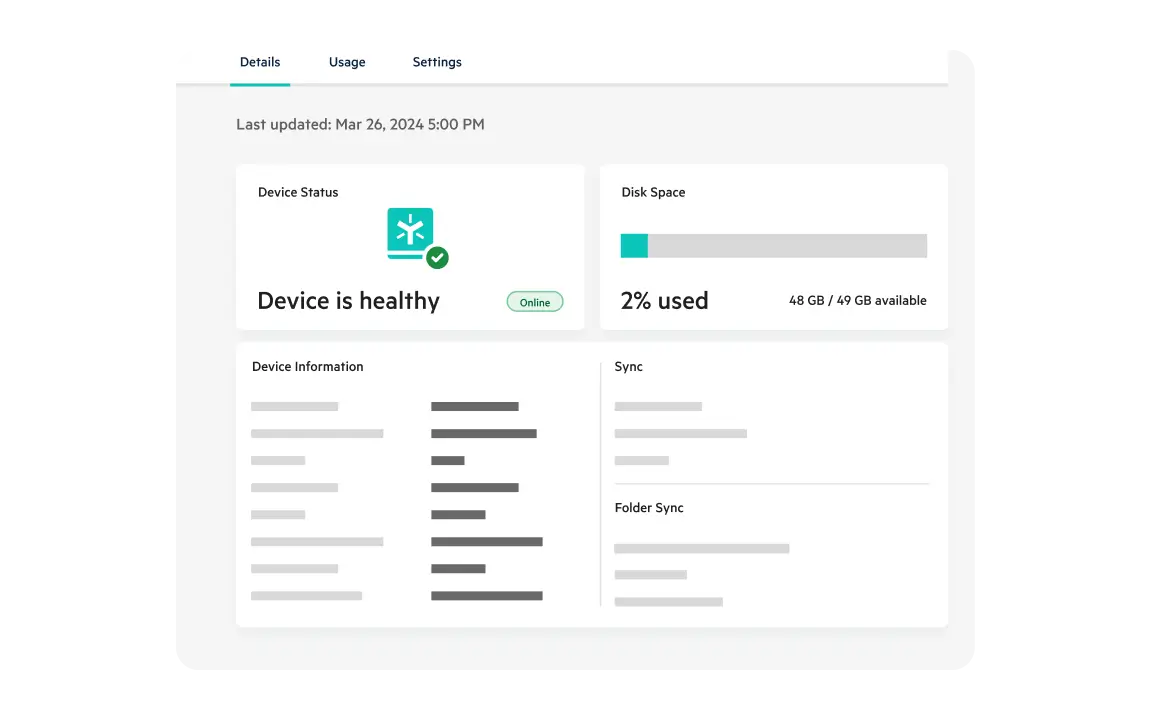
Bring local files and changes to the cloud with state-of-the-art hybrid technology. Deploy a Smart Cache virtual appliance for in-office efficiency. Make those syncs, uploads, and downloads less bandwidth-intensive with delta sync for file changes, and range downloads to begin working faster.
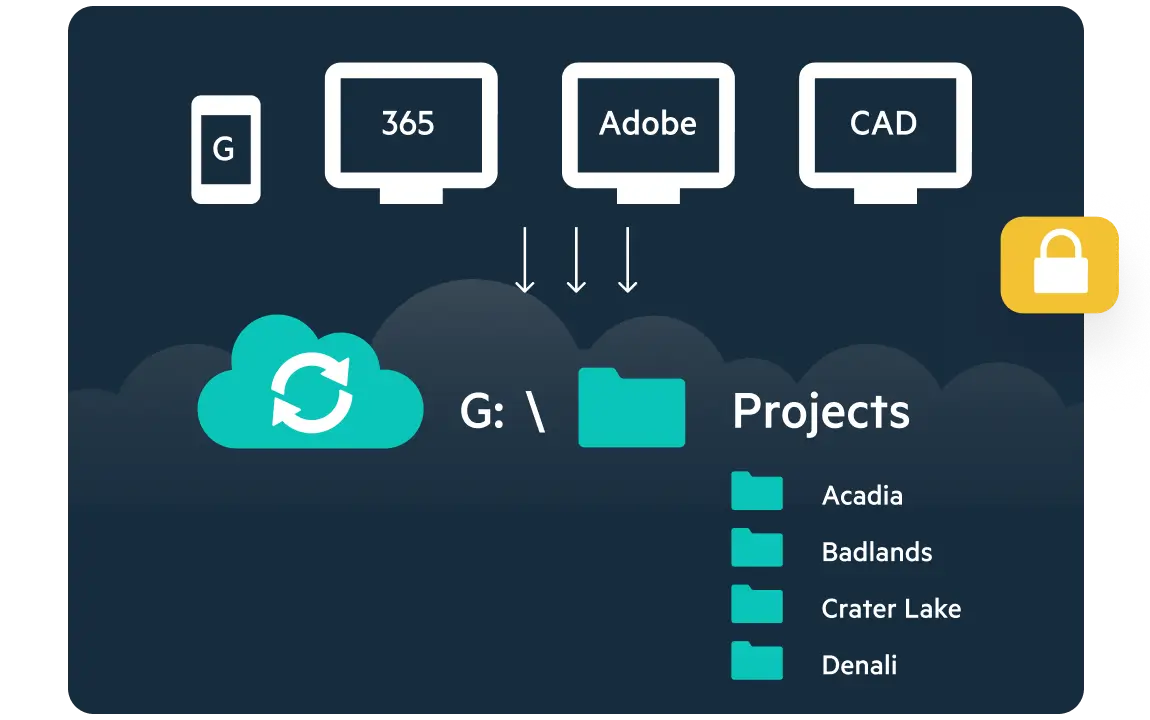
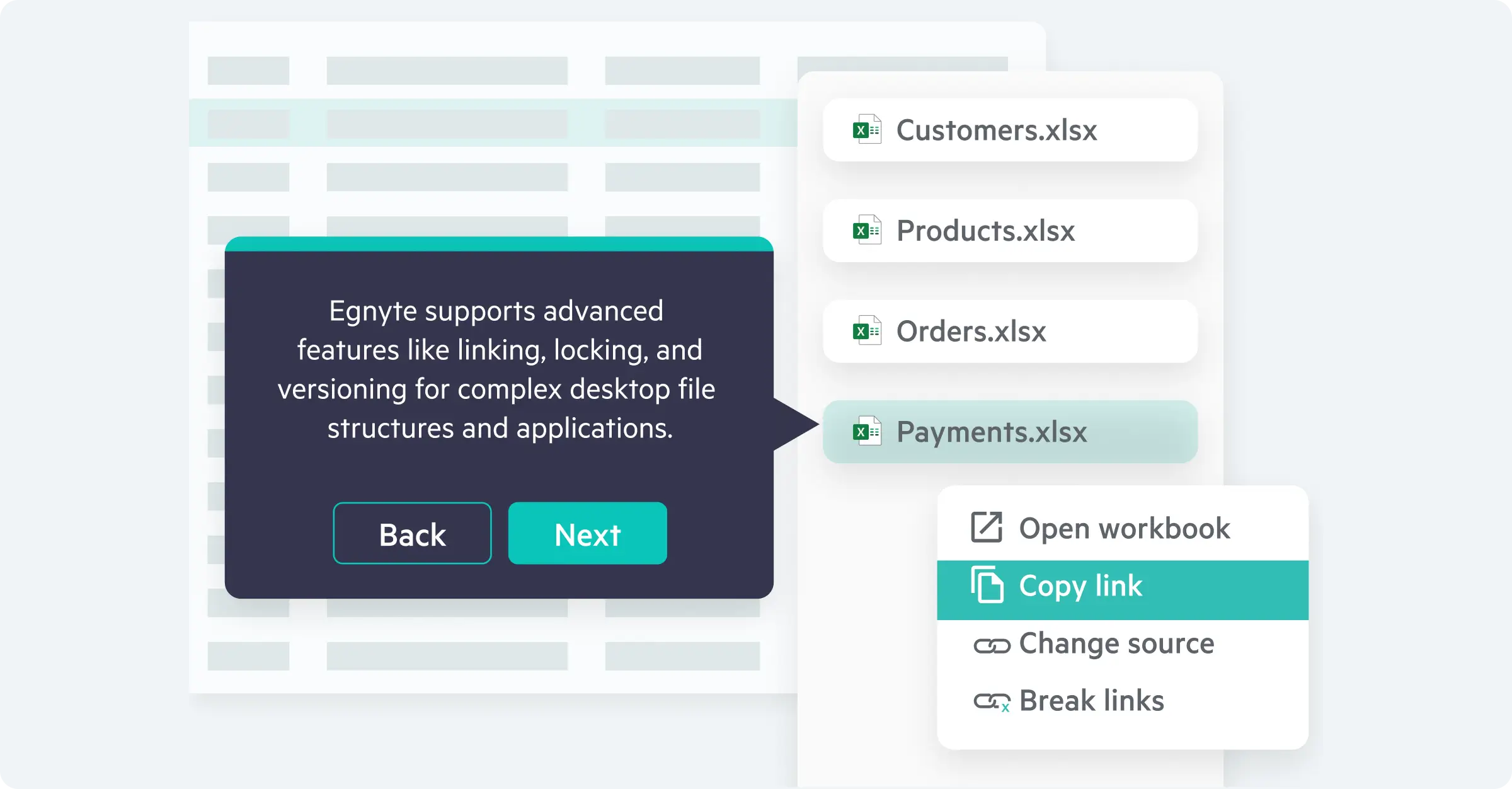
Ensure massive files function perfectly in the cloud. Native application awareness preserves file linking structures and locking protocols for smoother work and easier large file sharing. For industry specialized work, rely on a growing list of certified applications for total peace of mind when handling complex files.
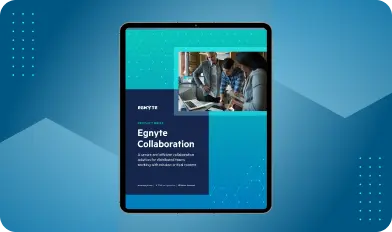
Explore how the Egnyte desktop experience makes collaboration a breeze.
“Once we transitioned to enterprise cloud for our document storage, we were able to work more productively and manage files and workflows much faster, largely because Egnyte handles uploads and transfer of large files really well.”

“... we had great synchronization results with Egnyte. We were able to upload and download terabytes of data ... it worked perfectly."
“It was one of the easiest migrations I’ve ever done in my IT career.”

"When it came to the more complex scenarios, no one could do it … except Egnyte."
Want to see what Egnyte has for your organization?
Discover how Egnyte’s platform, collaboration tools,
and file sharing enhance your business productivity.
Ready to improve productivity? Egnyte’s AI-powered cloud enhances collaboration, automates workflows, and secures your mission-critical content.
Have more questions? Contact Sales to get the answer you’re looking for.
Egnyte's adaptive block caching streams only the file blocks you're actively working on, rather than downloading the full file first. This reduces bandwidth demand, prevents freezes and crashes on complex files, and enables predictive streaming for large-scale AEC workflows. ALEC manages Revit models up to 11 GB through Egnyte on active construction projects without performance degradation.
Adaptive block caching means Egnyte retrieves only the specific blocks of a file you're currently editing, not the entire file. This makes complex files less demanding on bandwidth and device capacity, speeds up version saves without requiring full re-uploads, and eliminates the freezes teams typically experience when collaborating on files at scale. On average, 20% of Egnyte users interact with files over 500 MB.
Egnyte uses delta sync transmitting only the changed portions of a file rather than re-uploading the whole thing combined with range downloads so collaborators can start working before a full sync completes. For in-office teams, the Smart Cache virtual appliance delivers local file performance while staying cloud-connected, reducing bandwidth burden across distributed locations.
Yes. Egnyte's native application awareness preserves file linking structures and locking protocols so tools like Revit, AutoCAD, Rhino, and SketchUp work the same way in the cloud as they do locally. Egnyte maintains a certified application list, giving AEC and engineering teams confidence that complex file dependencies and linked model structures won't break when work moves to the cloud.
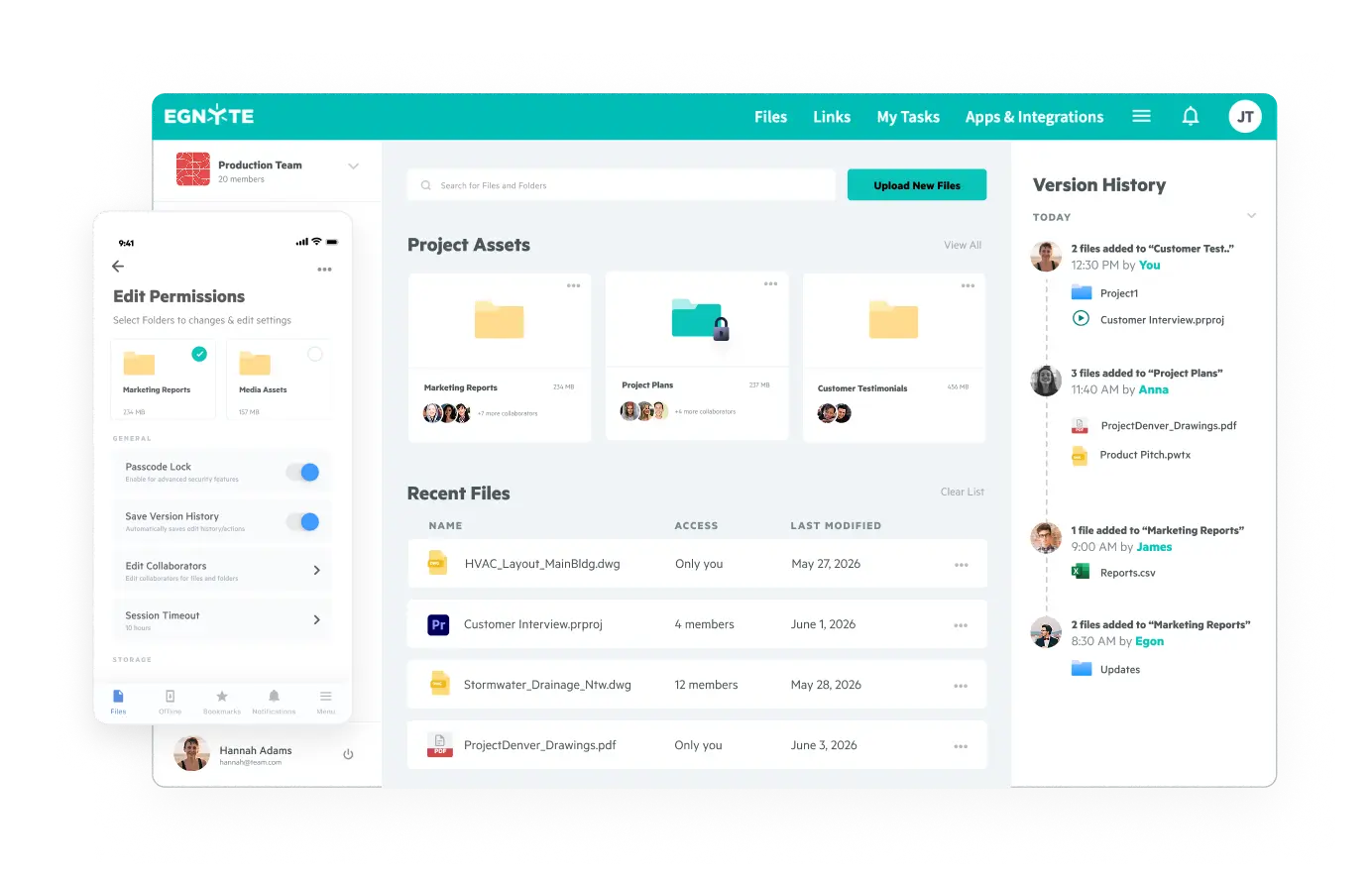
Egnyte mounts cloud storage as a familiar mapped drive on the desktop, so field teams access large project files without a VPN. GCL eliminated VPN dependency for 100 onsite and 70 office staff with Egnyte, secured files with granular sub-folder permissions, and enabled instant recovery of overwritten document versions — all without changing how teams navigate their file system.
Egnyte preserves existing folder structures during migration, so teams transition from on-premises servers without reconfiguring project organization. Torcon migrated millions of files to Egnyte with zero downtime or missing data — their IT director called it "one of the easiest migrations I've ever done." Version history is maintained throughout, so no prior file version is lost in the process.
Yes, ALEC manages Revit models up to 11 GB through Egnyte on active construction projects. On average, 20% of Egnyte users interact with files over 500 MB, and Egnyte saw a 30% increase in large file activity in 2025. Block caching and delta sync handle this scale without performance degradation or syncing failures.