







Product Information

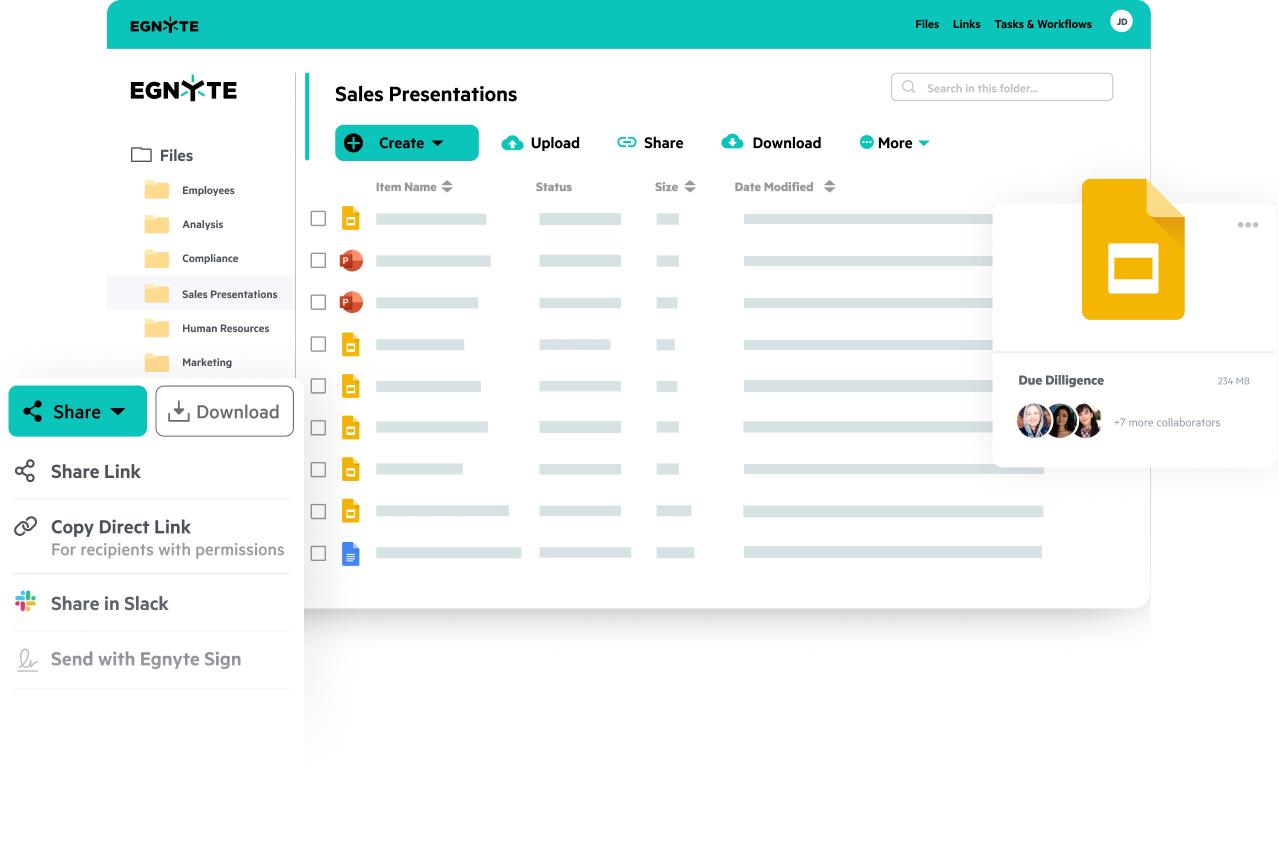
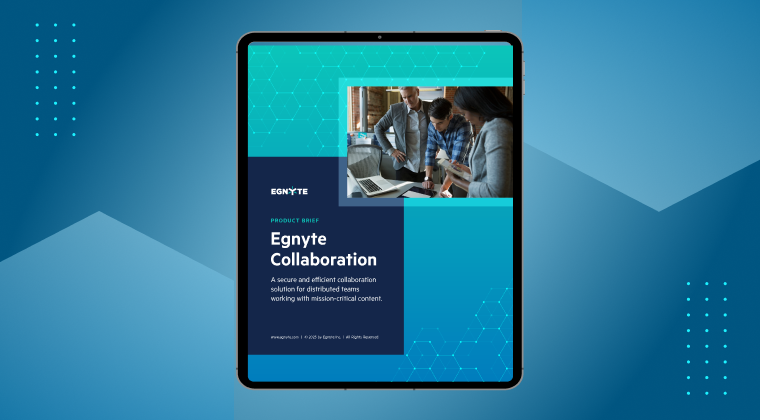
Achieve secure, efficient collaboration for dispersed teams working on mission-critical content
while maintaining security and streamlining teamwork.


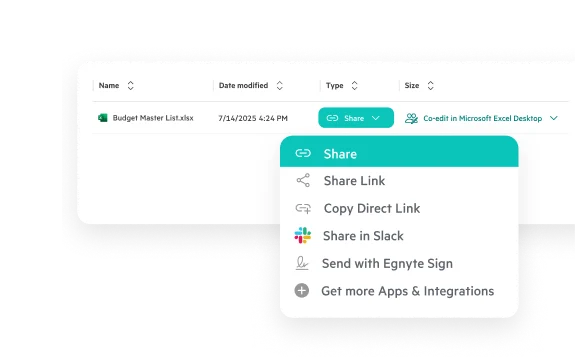
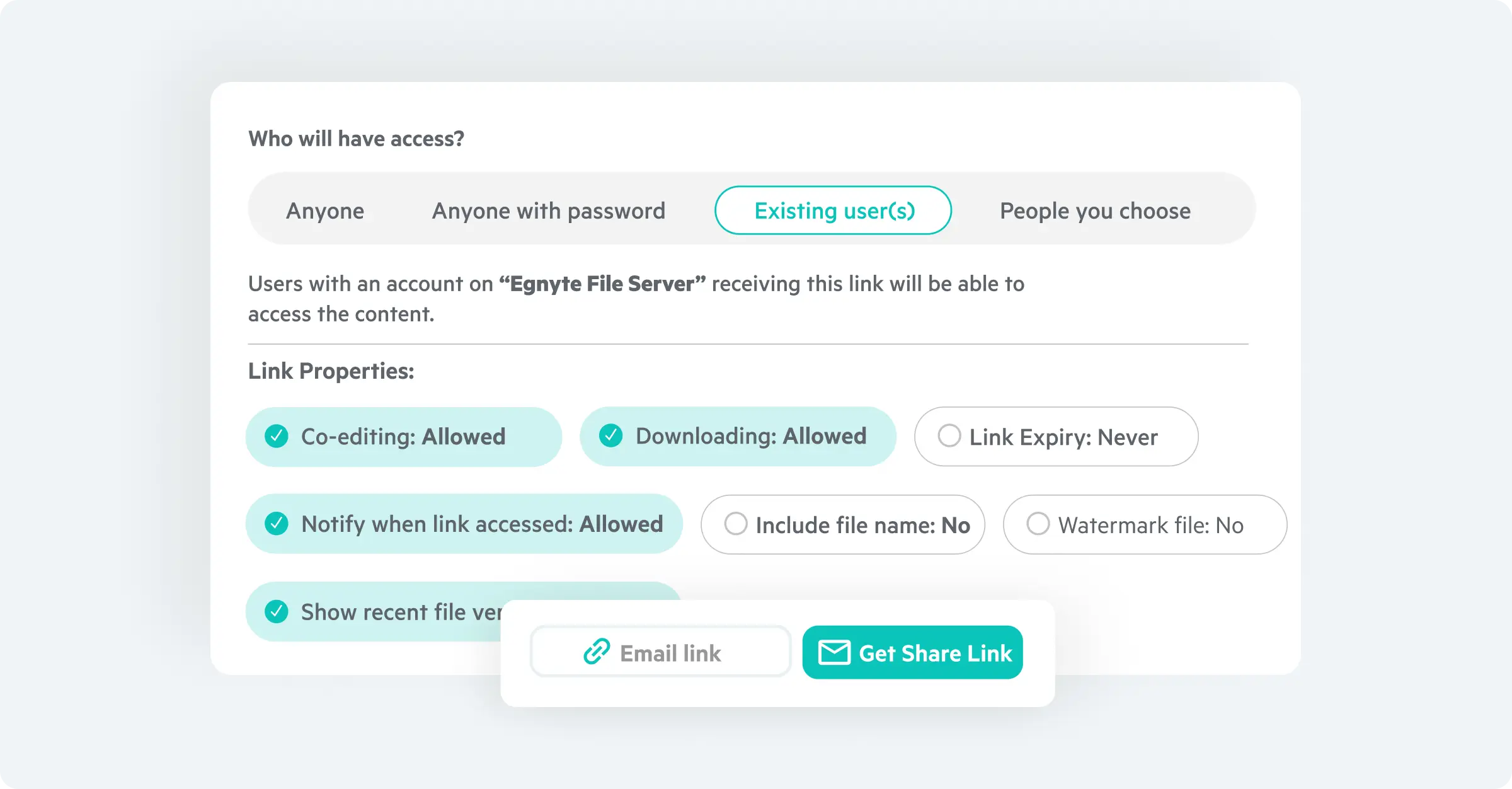
Seamlessly co-edit content in Google Workspace and Microsoft 365 applications with internal and external teams across desktop, web, and mobile experiences. Securely collaborate on mission-critical content with transparent access, permission controls, and dynamic watermarking for full control and transparency.
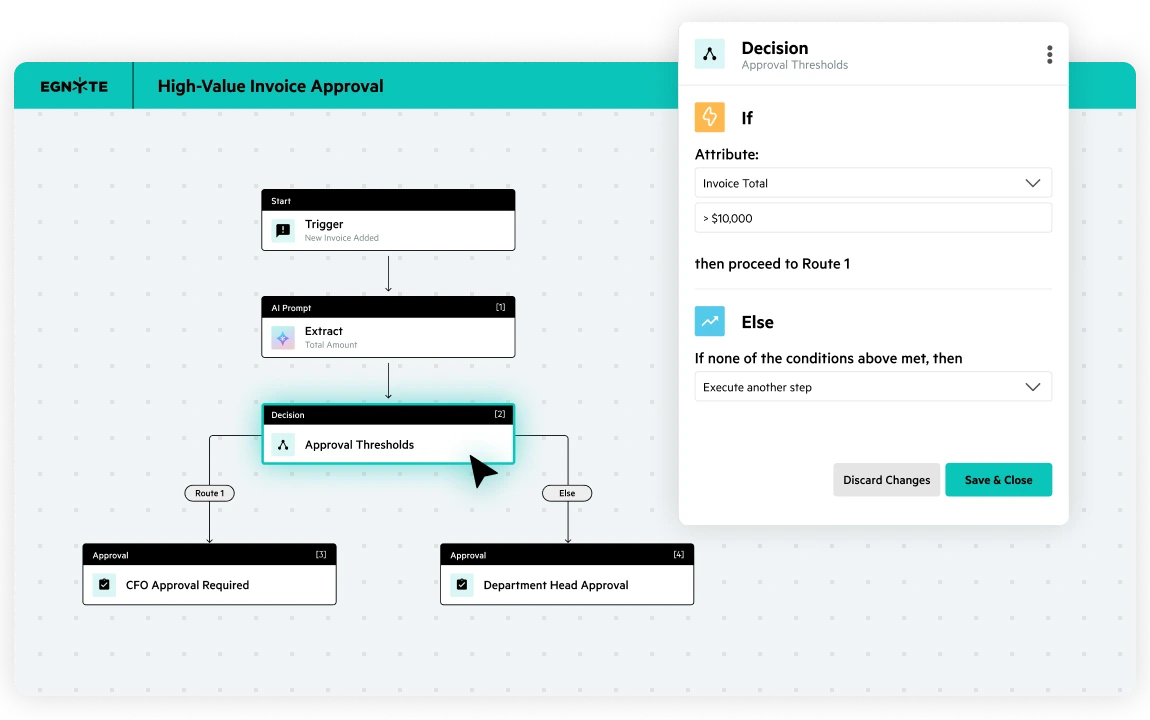
Streamline content workflows with a visual builder that’s simple to use and built to scale. Automate document collections and routing, incorporate AI-powered steps, and set conditional logic to handle exceptions automatically. Metadata-based triggers keep tagging and routing accurate without manual work.
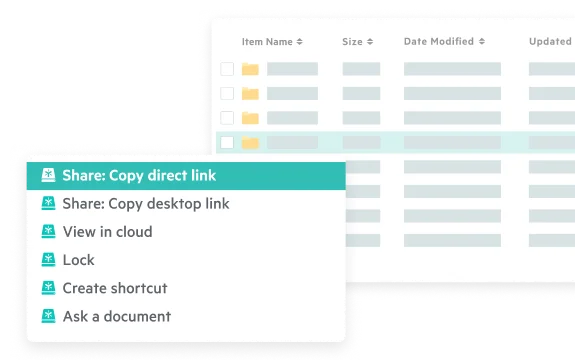
Preview massive files before downloading them and prevent update conflicts with global file locking. Leverage Adaptive Block Caching to collaborate on massive files, even from low bandwidth areas.
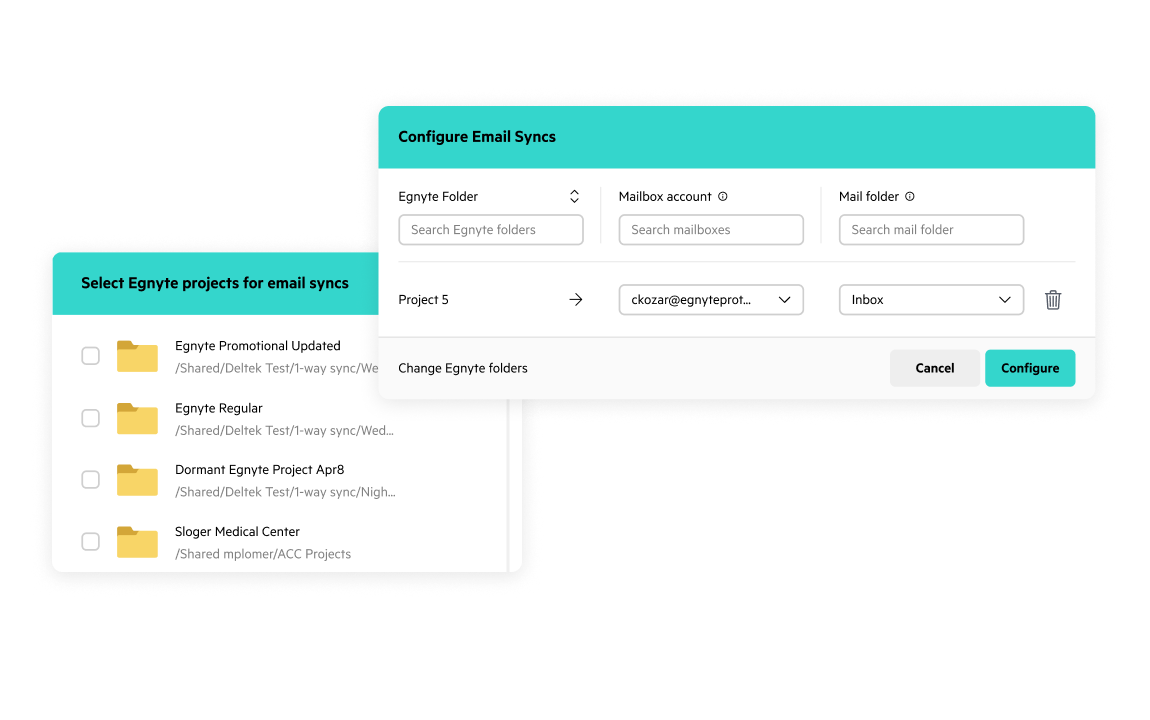
Automatically capture and file project emails from Outlook directly into Egnyte project workspaces. AI-powered classification and smart folder suggestions organize conversations and attachments by project, category, and document type, preserving them in a shared, searchable record accessible to the entire team.
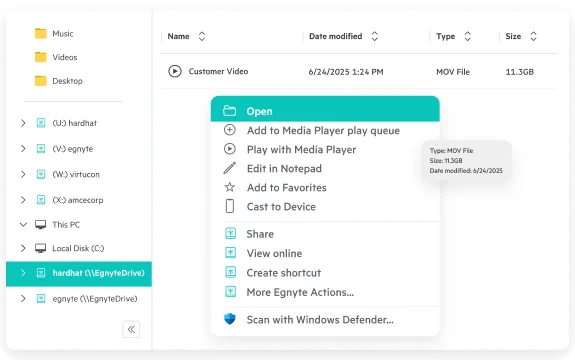
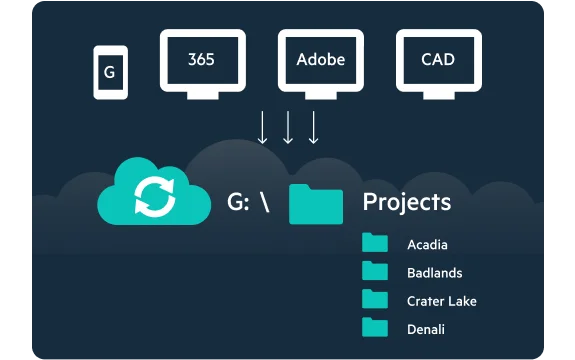
Facilitate cloud-based collaboration and navigate Egnyte content right from the desktop. Browse files securely without a VPN using a
familiar mapped drive, like a local drive or file server.
Leverage certified desktop applications like Autodesk, Adobe, Esri, and Bentley in the cloud, with confidence. With Egnyte, complex, interlinked file structures function as intended, including all linking, versioning, locking, and other specialized operations in the cloud.
Learn how to increase productivity and strengthen collaboration when working on mission-critical content with Egnyte.

“Egnyte has been a hit across the company. Navigating between offices is much easier because we’ve consolidated everything into one secure repository.”

“Egnyte has unlocked tons of time savings that add up to condensed project timelines. That strengthens our competitive advantage.”
“We are able to securely store, edit, and share files between multiple offices around the world without running into bandwidth, file versioning, or access issues. M&C Saatchi is a fast paced organisation and Egnyte keeps up, bottom line.”

"We had demos from four or five of the big name providers in this space. Seeing thesystem firsthand, how it works, and if it seems simplistic is important. The easier something is, the easier the uptake is by your organization.”

“Egnyte is superior for sensitive content detection, detecting ransomware, collaborating on files, user experience, and the rest—full stop.”
Want to see what Egnyte has for your organization?
Egnyte enables management of all your mission-critical content by simplifying collaboration, improving productivity with AI, and addressing information governance.



Egnyte is trusted by thousands of IT leaders and millions of end users. Year after year we are recognized by software marketplace G2 as a category leader and top-ranked vendor in multiple reports.

Cloud Content
Collaboration
Data
Security
Data
Governance
Data-Centric
Security
Sensitive
Data Discovery
Autodesk Forma
Integration Partners
Electronic Trial
Master File (eTMF)
Have more questions? Contact Sales to get the answer you’re looking for.
Enterprise secure collaboration requires permission controls that go beyond simple read/write access — governing who can view, edit, download, or forward content at the folder and file level. Egnyte provides granular role-based permissions, password-protected sharing links with configurable expiry and download restrictions, and dynamic watermarking that embeds user identity into previewed documents. Real-time audit logs give security teams full visibility into every access and sharing event across the organization.
A unified collaboration platform eliminates the version confusion and security gaps that come from fragmented file storage, email attachments, and disconnected project tools. Egnyte consolidates real-time co-editing in Microsoft 365 and Google Workspace, automated workflows, e-signatures, and governed external sharing into one environment. External collaborators — clients, vendors, or consultants — can be granted governed access without a full license, and 100+ integrations with tools like Salesforce and Slack keep project workflows moving without leaving the platform.
Document approvals become bottlenecks when teams route files through email chains and disconnected e-signature tools. Egnyte's workflow automation triggers multi-step approval processes directly from the content platform — routing documents to reviewers, capturing feedback, and collecting legally binding e-signatures without moving files elsewhere. AI can initiate workflows automatically based on document type or metadata, and every approval decision is recorded in a full audit trail for compliance purposes.
Browser-only cloud storage creates significant friction for power users — designers, engineers, and architects — who work with large, complex files in desktop authoring applications. Without a native desktop client, users download, edit locally, and re-upload, creating version control problems and governance gaps. Egnyte resolves this with adaptive block caching, a mapped-drive desktop experience, and certified compatibility with Autodesk, Adobe, Esri, and Bentley, enabling power users to work directly in the cloud without a VPN.
Managing file access for a hybrid workforce requires consistent, VPN-free access with the same permission model across office, home, and field environments. Egnyte enforces NTFS-style role-based permissions uniformly across web, desktop, and mobile clients, so access rights remain consistent regardless of how employees connect. Administrators can provision or revoke access in real time as team compositions change, while adaptive block caching keeps large files performant from low-bandwidth locations.
Managing internal and external file sharing from one platform eliminates the security gaps created by switching between governed internal tools and uncontrolled consumer sharing solutions. Egnyte allows internal teams to collaborate in real time while external partners — clients, vendors, or contractors — access only authorized content through permission-controlled links with configurable expiry and download restrictions. Access can be revoked instantly when a project concludes, and every external interaction is logged in a complete audit trail.
Enterprise cloud collaboration requires security controls matched to the risk profile of the content — granular permissions, encryption, compliance audit trails, and data residency options. Egnyte delivers end-to-end encryption, NTFS-style folder permissions, dynamic watermarking, and a complete log of every file access and sharing event. For regulated industries, Egnyte's FedRAMP-authorized platform and industry-specific compliance features ensure cloud collaboration doesn't compromise governance requirements.
Ready to improve productivity? Egnyte’s AI-powered cloud enhances collaboration, automates workflows, and secures your mission-critical content.