

Featured Resource










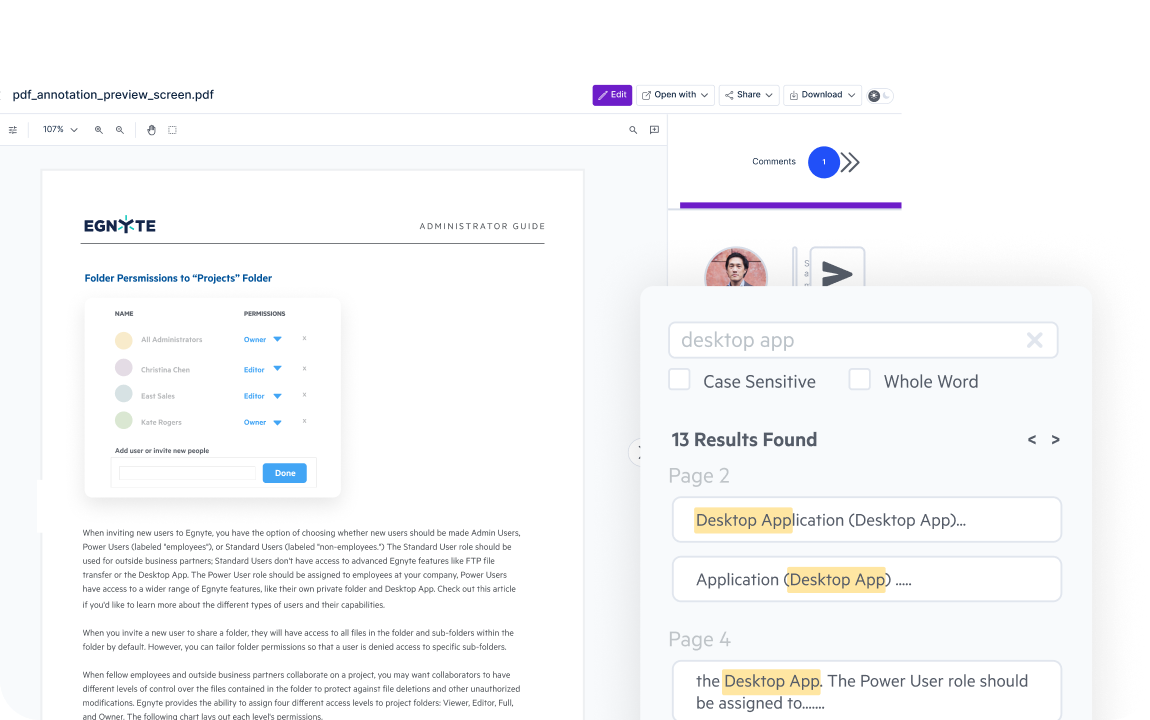
Navigate PDF documents with ease, using one-click previews, clear thumbnails, outlines, search, and zoom. Get the context you need at a glance, with no downloads, uploads, or app switching.
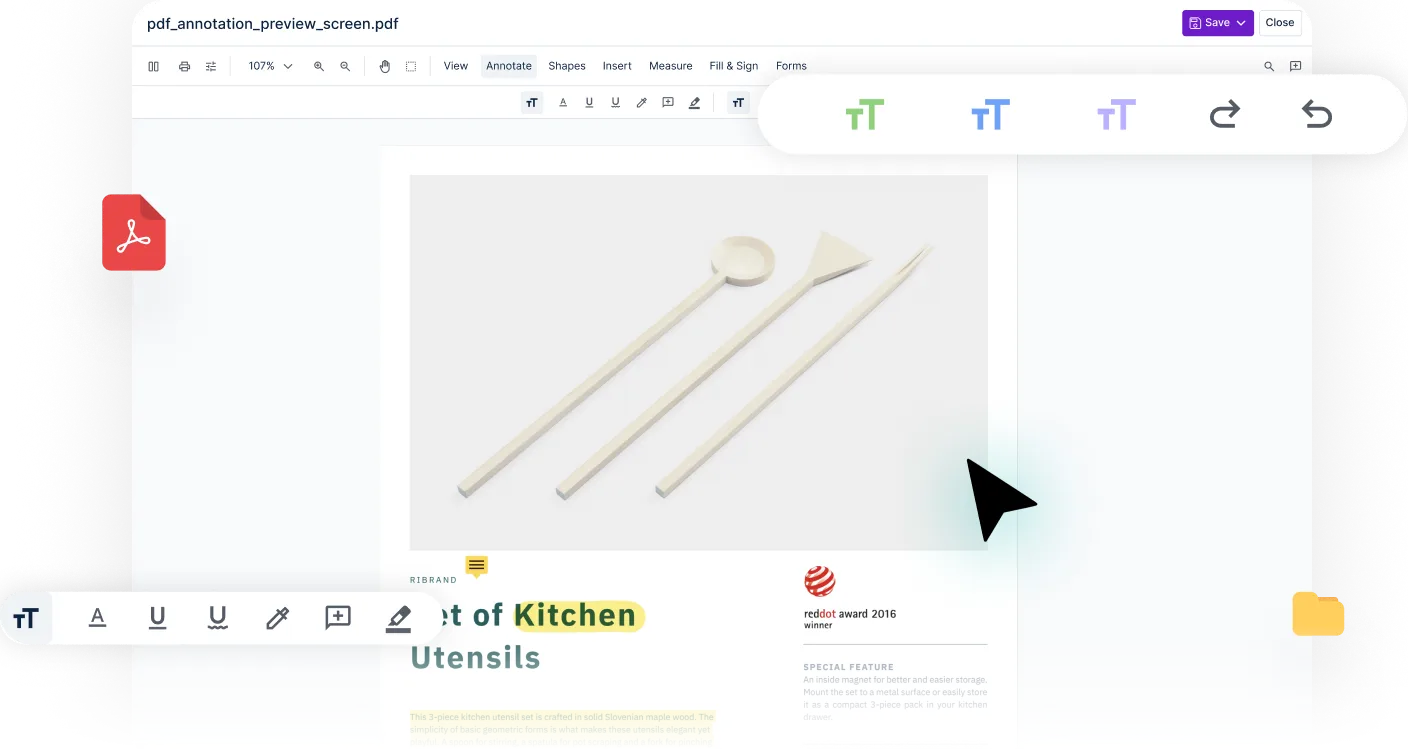
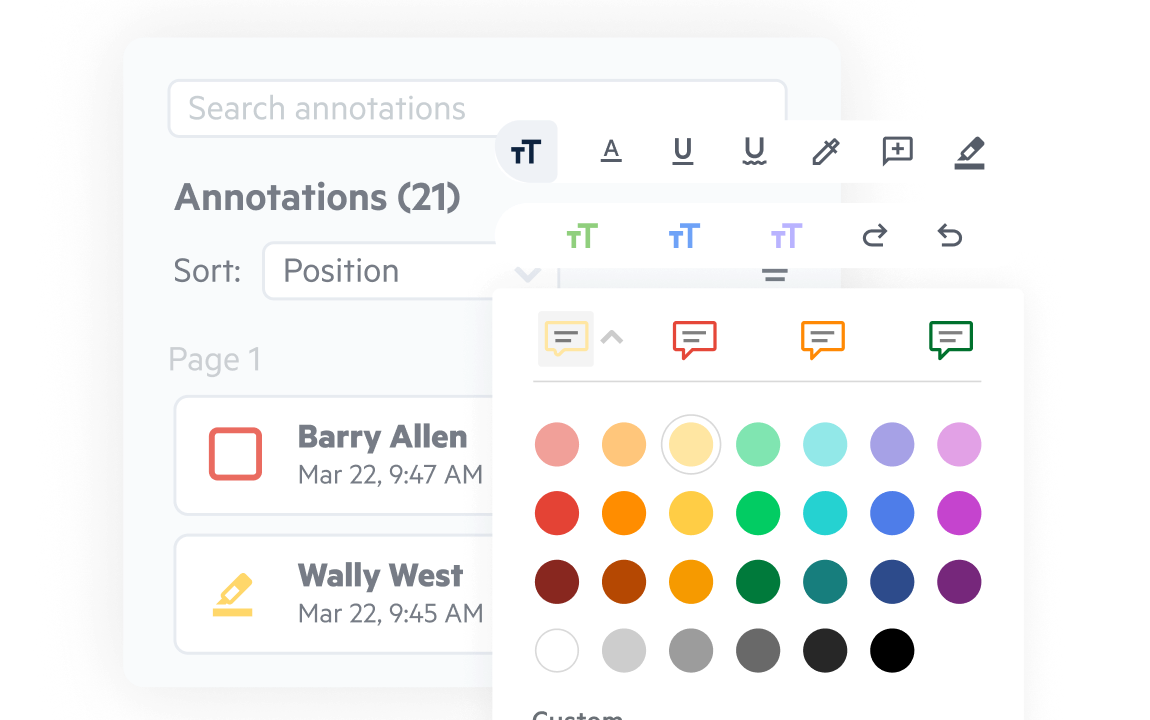
Mark up PDFs with flexible annotation tools, edit text and images, and adjust fonts or styling. Everything you need to review, comment, and finalize content lives in one seamless workspace.
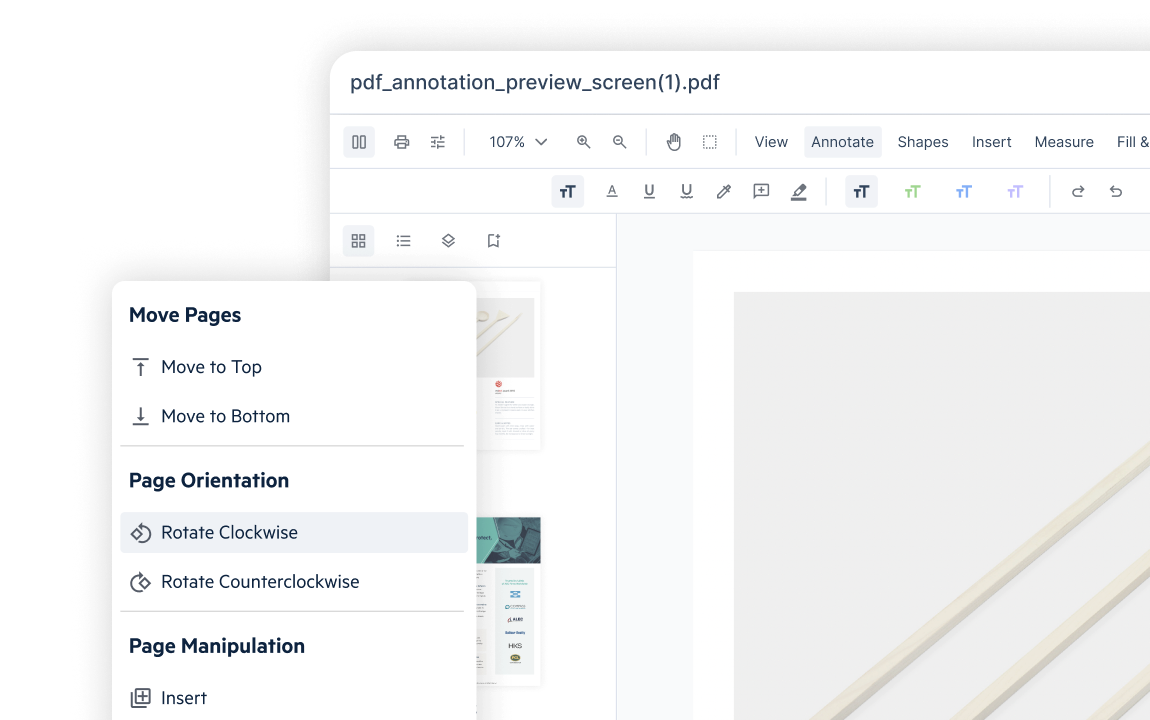
Add, remove, rearrange, or merge pages in just a few clicks. Drag-and-drop page thumbnails make reorganizing content feel effortless, so you can clean up or restructure documents in seconds.
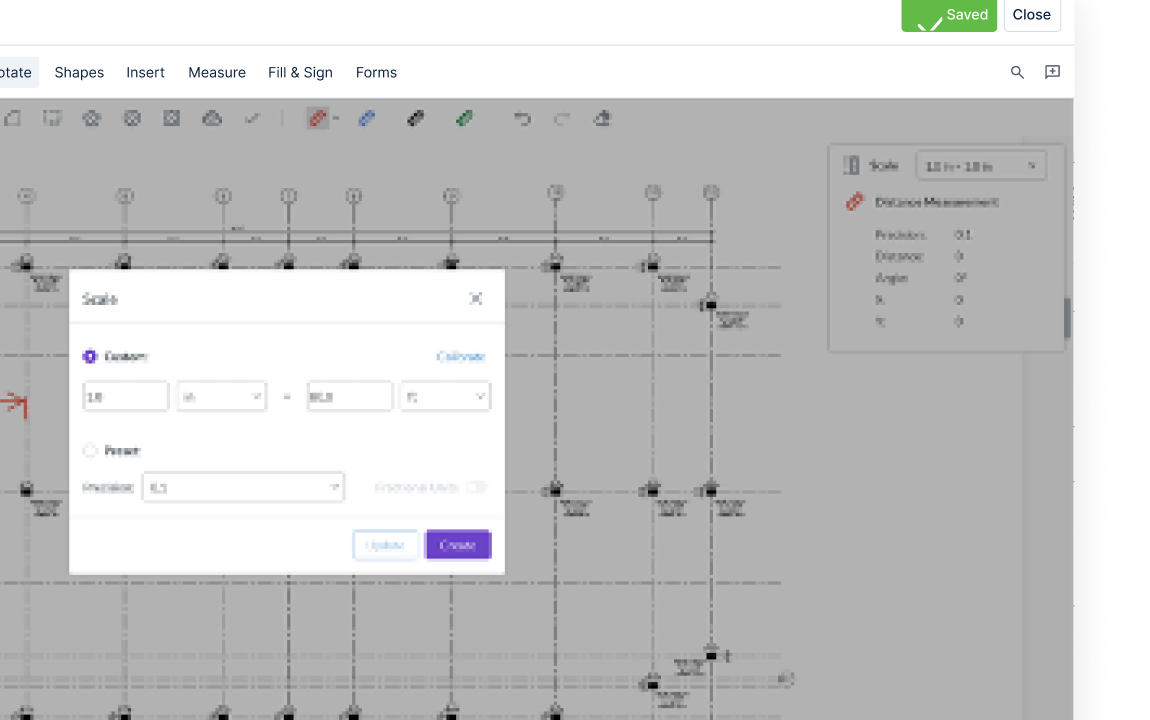
Speed up estimates with precise measurement tools that snap to geometry for accurate distances, areas, and perimeters. Capture the details you need directly with no extra software required.
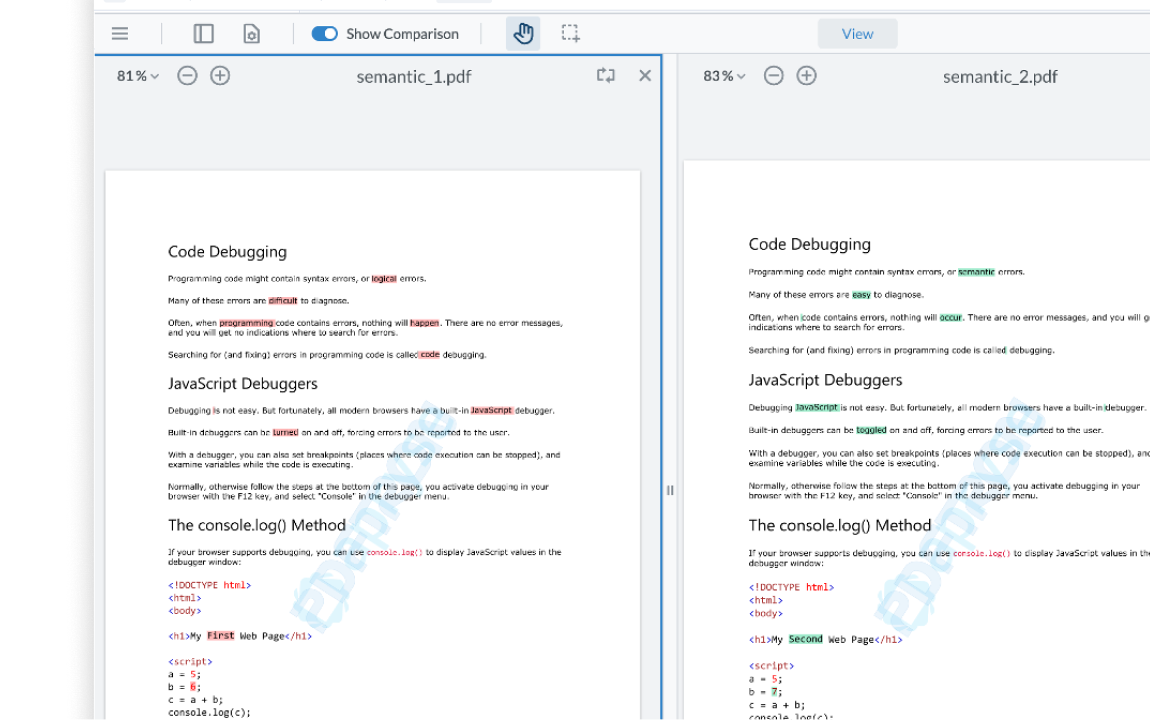
Convert files to PDF with one click, then compare documents side-by-side or with overlays that highlight changes. Word-pair callouts make differences crystal clear, helping you review revisions faster and with confidence.
Explore just how easy managing PDFs can be.
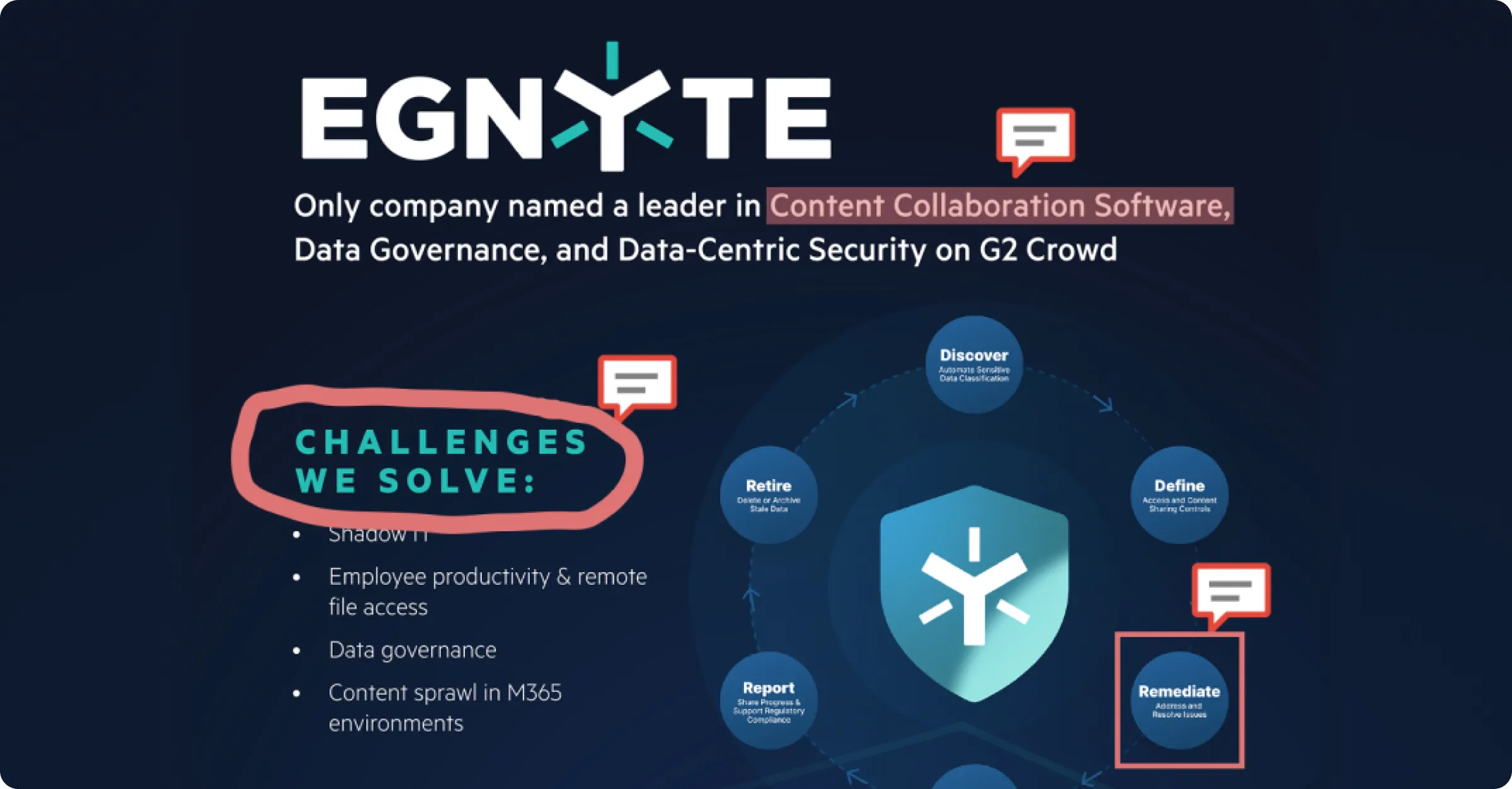

On Egnyte Sign “So far, it’s been a great help for us. It does everything we need.”
Want to see what Egnyte has for your organization?
PDF File Handler is part of Egnyte's comprehensive collaboration solution. Enhance your
productivity with these complimentary products.
Have more questions? Contact Sales to get the answer you’re looking for.
Teams often collaborate on PDFs by adding annotations, comments, highlights, and markups during document reviews. Platforms like Egnyte PDF File Handler allow multiple users to review and annotate files within the same workspace, making it easier to collect feedback and finalize documents.
Yes. Many advanced PDF editors include document comparison features that highlight differences between two versions of a file. Egnyte PDF File Handler, for example, allows users to identify insertions, deletions, and visual changes to help teams track revisions during document review workflows.
Yes. Many PDF editing platforms support collaborative review workflows where multiple users can comment and annotate the same document. Egnyte PDF File Handler enables shared document review while maintaining secure access controls and centralized file management.
Yes. Most modern PDF editors allow users to add, remove, reorder, or merge pages within a PDF file. Egnyte PDF File Handler includes page management tools that help teams organize reports, contracts, or project documents efficiently.
PDF editors streamline workflows by allowing users to review, update, and finalize documents without switching between multiple tools. Solutions like Egnyte PDF File Handler combine editing, collaboration, and secure storage within one platform, helping organizations manage documents more efficiently.
PDF editing tools can be secure when they are part of a governed content platform. Egnyte PDF File Handler operates within the Egnyte environment, which includes encryption, access permissions, and audit capabilities to help organizations manage sensitive documents securely.
Yes. Many PDF editors include electronic signature functionality so users can sign documents or request signatures from others. Egnyte PDF File Handler supports digital signing workflows, allowing organizations to finalize agreements and approvals directly within the document platform.
Many PDF editing platforms provide version history to track document changes over time. Egnyte includes version control capabilities that allow teams to compare revisions, review previous versions, and restore earlier copies when necessary.
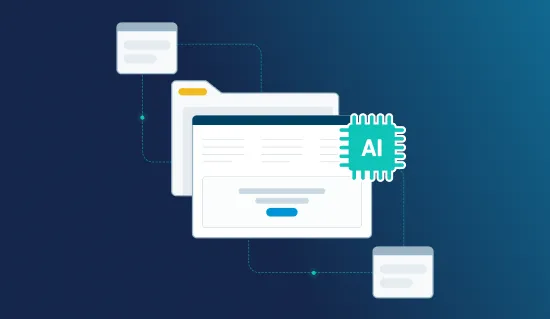
Ready to improve productivity? Egnyte’s AI-powered cloud enhances collaboration, automates workflows, and secures your mission-critical content.