
Featured Resource

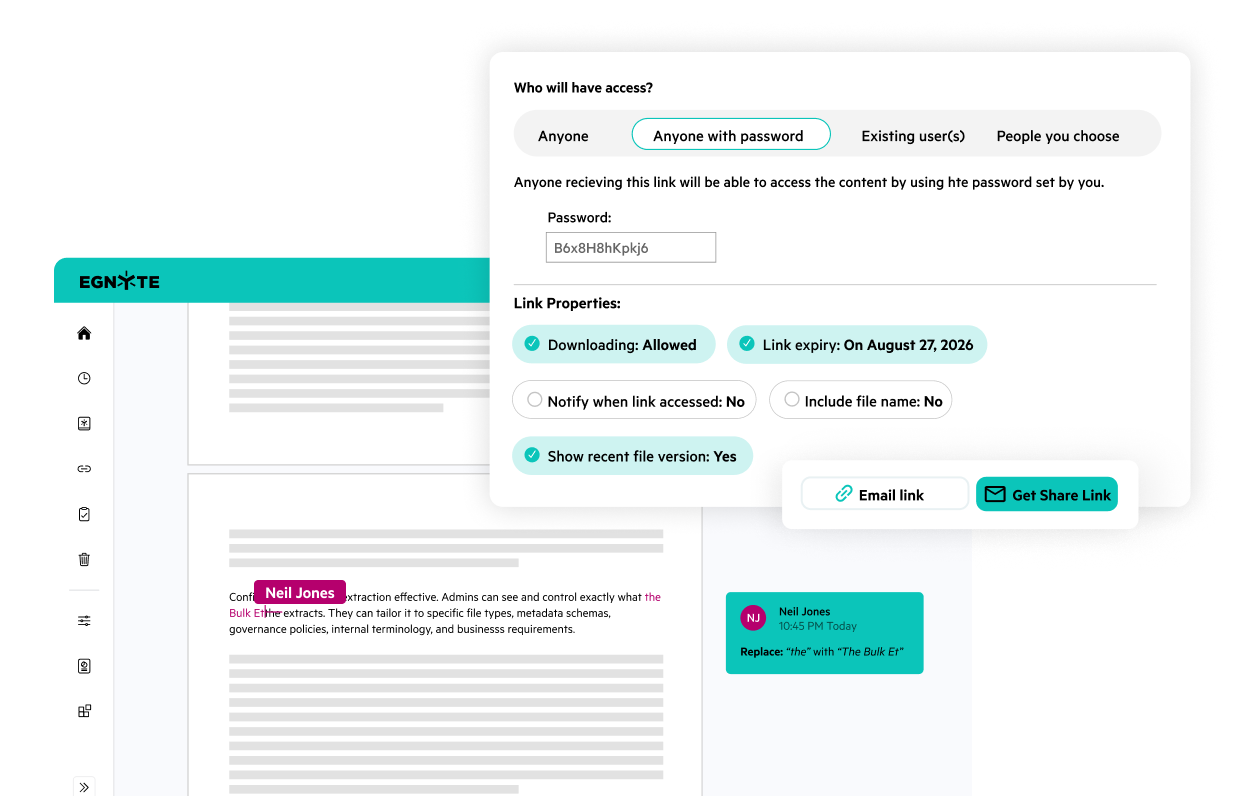








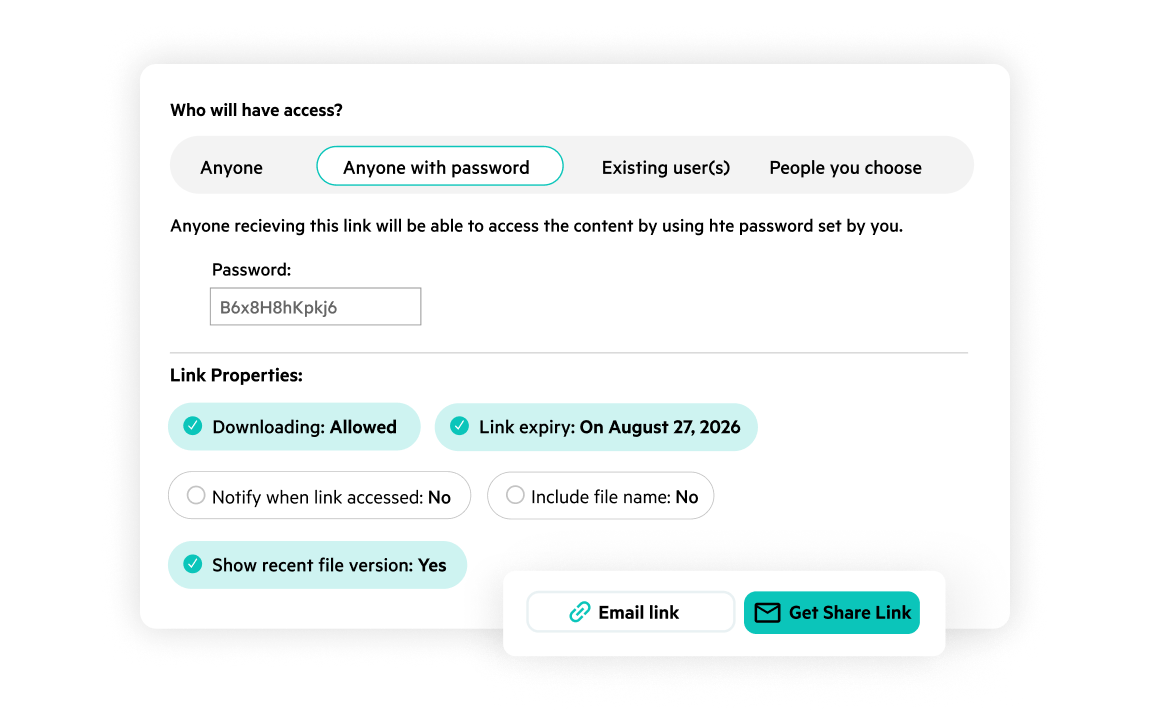
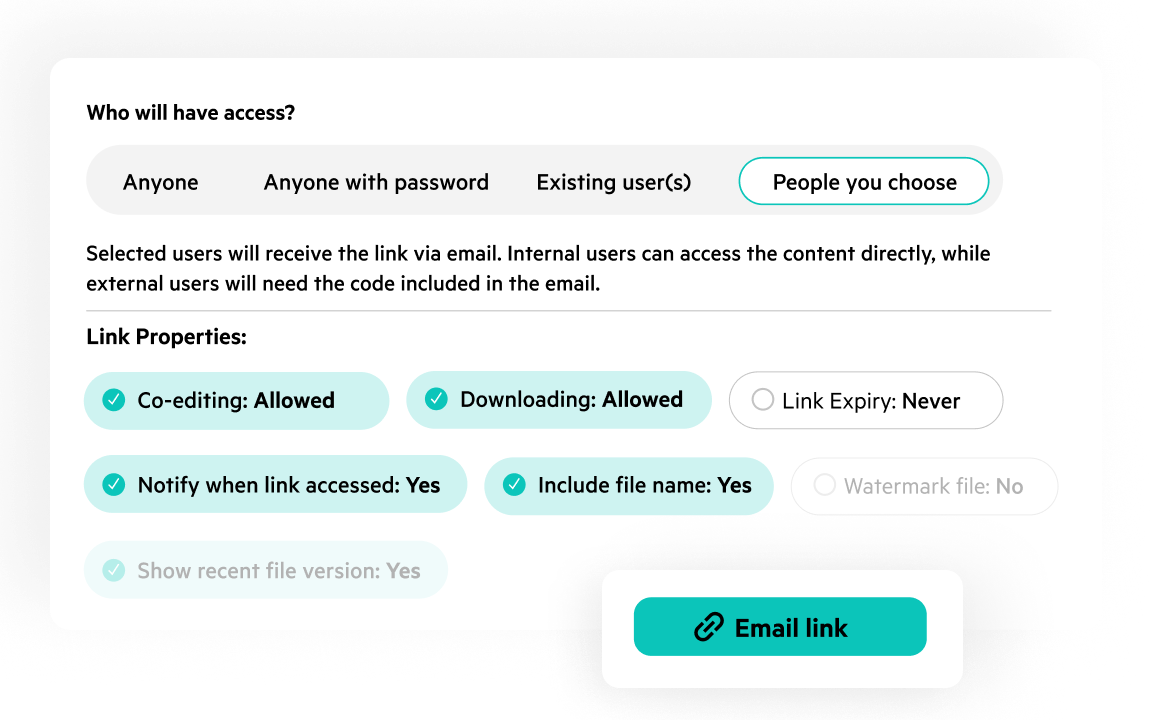
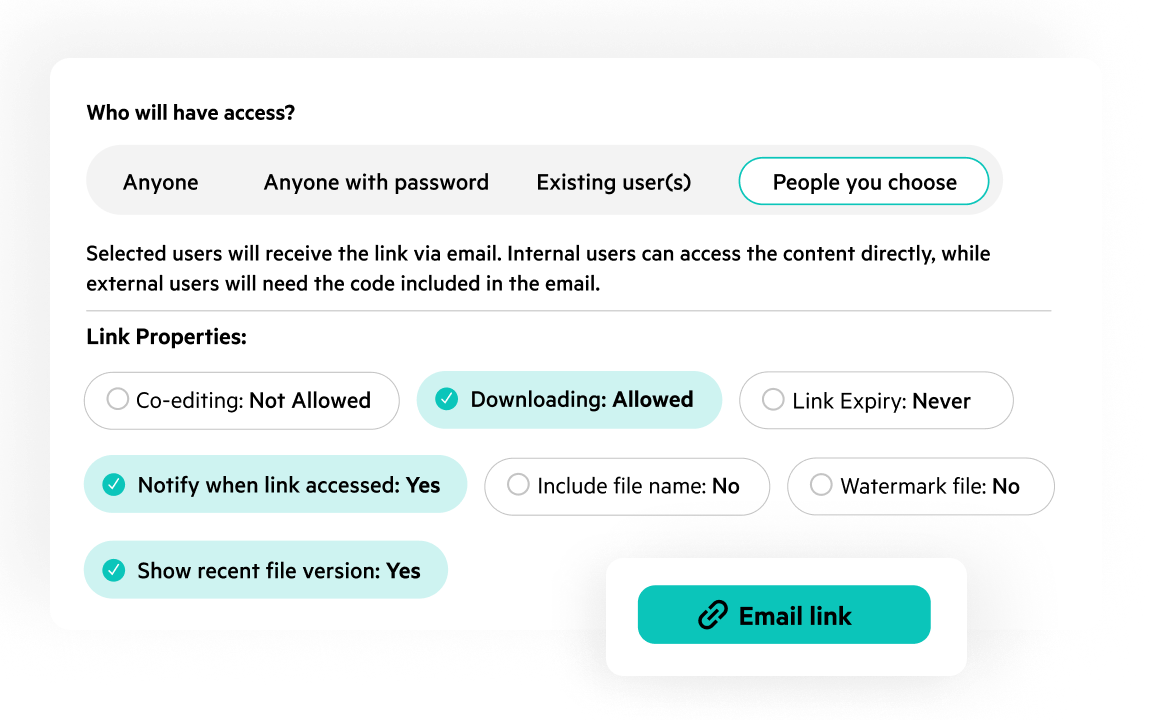
Share files confidently with clients and partners. Replace risky email attachments with secure links that track every action. Enforce expiration dates, set passwords, maintain compliance standards, and keep strict access controls to safeguard your data, no matter where it goes.
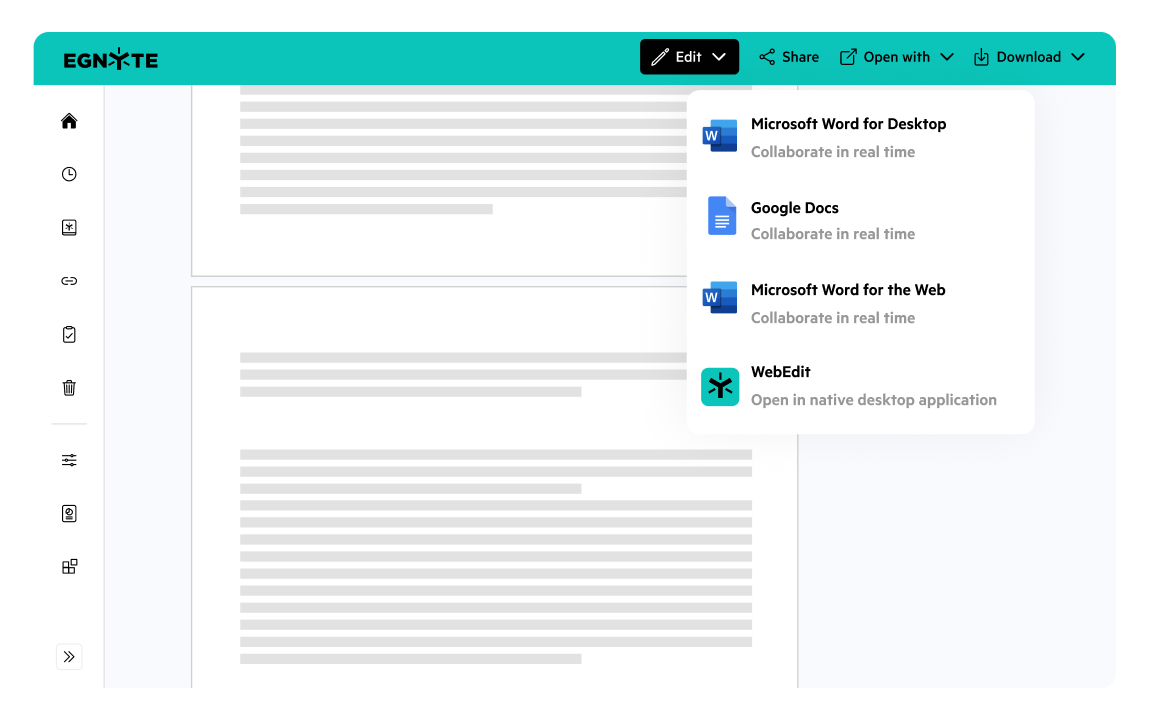
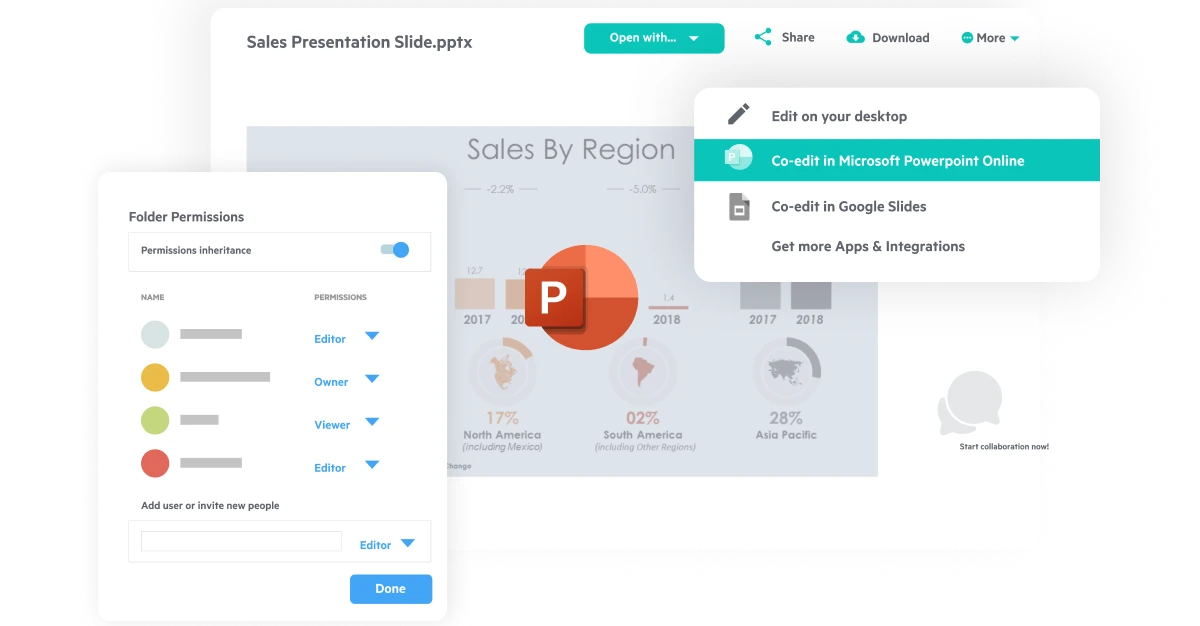
Keep working in the apps your team already knows. Egnyte connects directly to Microsoft 365, Google Workspace, and more, so files stay current no matter who opens them or where. Edit from desktop, mobile, or the web, and co-author Word, Excel, and PowerPoint files without leaving Egnyte.
Know what you’re sharing before you share it. Egnyte flags sensitive data in files and folders so you can catch mistakes before they leave your organization. Set preview-only links to prevent downloads, and restore deleted files instantly from a single, unified trash bin.
Give clients and partners their own accounts without adding IT overhead. Provision external users through self-service, then set granular permissions for exactly what they can see and do. Every action is logged, giving you a clear audit trail for compliance and security reviews.
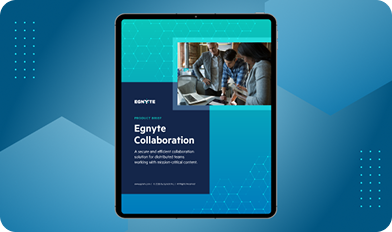
Keeps files moving between your team, clients, and partners, with secure sharing and real-time co-editing.

“Clients can get information in an instant and see exactly what steps have been done. This way, they can use that information to do some of their own baseline repairs instead of sending it back to us, which would lengthen the overall process.”

“With Egnyte, we get the file server experience we’ve had for the last decade, with all the modern features of a cloud platform.”
Want to see what Egnyte has for your organization?
Extend secure sharing and co-editing with AI Assistant, AI Search, and Egnyte’s Desktop App to help teams find information faster, stay productive, and work securely from anywhere.
Ready to improve productivity? Egnyte’s AI-powered cloud enhances collaboration, automates workflows, and secures your mission-critical content.