
Mastering Secure Online File Sharing: Best Practices and Essential Tools
Missed deadlines, outdated documents, and scattered communication are still common pain points in today’s digital workplace. When files are stuck in inboxes or lost in local drives, productivity drops and data security weakens. As teams grow more distributed, traditional sharing methods like USB drives, email attachments, or FTP transfers simply can’t scale.
This is where online file sharing comes in. It is best run from a centralized, cloud-based environment for storing, accessing, and collaborating on files in real time. Instead of chasing the latest version of a document or worrying about who edited what, teams can work together seamlessly through a single, governed system. Every update syncs automatically, keeping projects moving without delays or confusion
Let’s jump in and learn:
- Main Takeaways
- Why Is Online File Sharing Important?
- How to Use Online File Sharing
- Types of Online File Sharing
- Online File Sharing for Businesses
- How Organizations Benefit from Online File Sharing
- Online File Sharing Benefits for On-Site Teams and Remote Workforces
- Key Measures for Secure Online File Sharing
- Best Practices for Online File Sharing
- The Future of Online File Sharing
- Frequently Asked Questions
Main Takeaways
- Online file sharing allows users and organizations to store, transfer, and collaborate on files securely through the internet, improving transparency and productivity.
- A modern online file sharing system ensures efficient data management, seamless synchronization, increased connectivity, and real-time collaboration across devices and teams.
- Businesses depend on secure online file sharing solutions to safeguard sensitive data, maintain compliance, and streamline global communication.
- Cloud-based file sharing and collaboration tools integrate with project management platforms, enhancing workflow efficiency for hybrid and remote teams.
Why Is Online File Sharing Important?
As project data grows, traditional storage methods fail to keep pace with the scale and speed of business. Every department depends on instant access to documents and drawings. Online file sharing replaces outdated network drives and untracked email exchanges with governed, centralized systems that ensure every version is accurate and auditable.
The global enterprise file sharing and synchronization (EFSS) market is expected to surpass $35.5 billion by 2028, driven by the rise of distributed workforces and compliance requirements. This means fewer delays in project execution, tighter control over sensitive data, and faster decision-making cycles.
How to Use Online File Sharing
Using online file-sharing tools effectively requires users to understand both the process and the tech. You can:
- Upload and organize files systematically: Structure folders by project, department, or client. This reduces confusion and accelerates access.
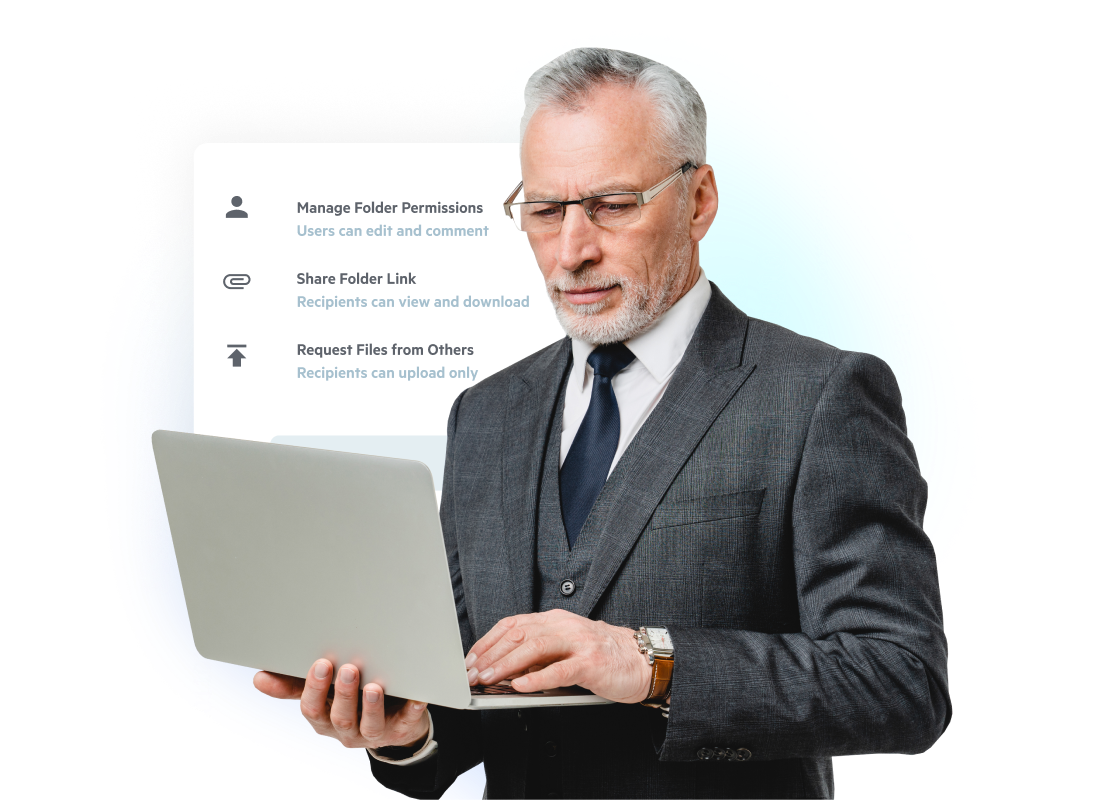
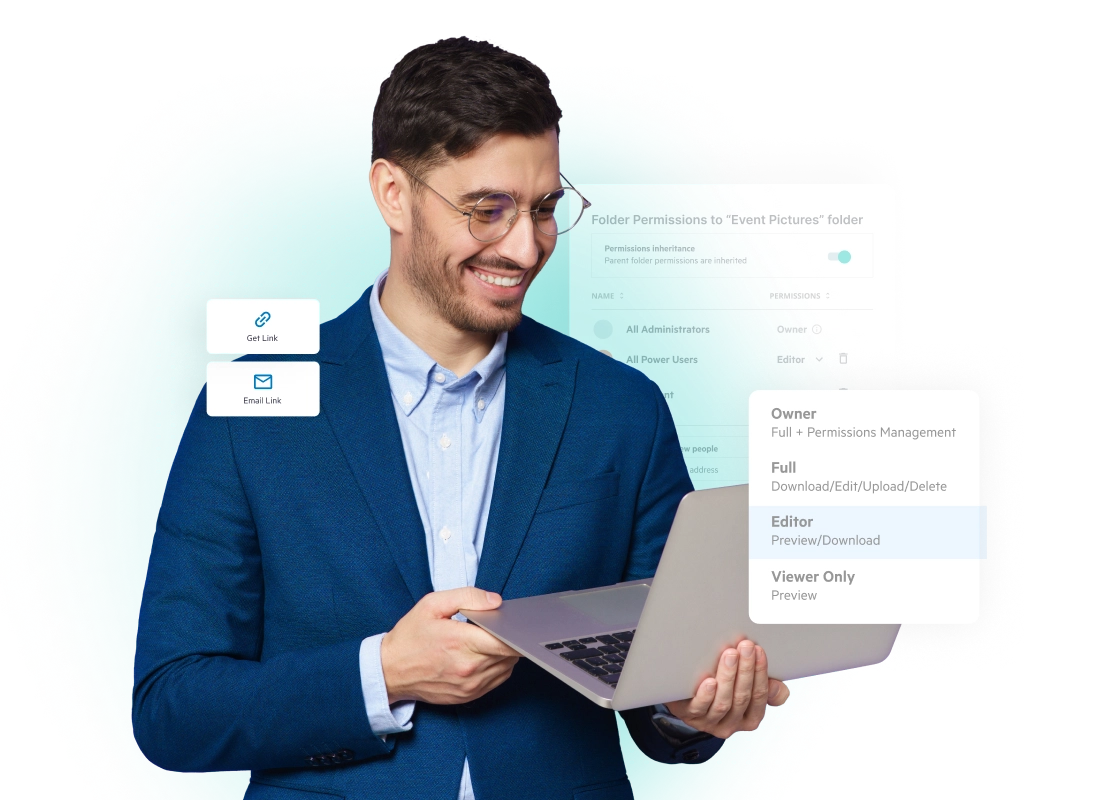
- Assign permissions intelligently: Define who can view, edit, or share each document. Role-based access ensures data security and accountability.
- Collaborate in real time: Many platforms offer in-document commenting, annotations, and version history tracking to keep teams aligned.
- Leverage integrations: Connect your online file sharing service with CRM, ERP, or productivity suites to automate document flows.
- Track activity logs: Maintain an audit trail for every upload, download, or modification to support compliance
Apart from this, mobile extensions help field and remote employees upload or review content directly from their devices. For teams that rely on tablets and smartphones, mobile file sharing enables quick uploads, photo capture, and offline sync, so that files reach the right folder even without stable connectivity.
Types of Online File Sharing
File-sharing on the web serves different operational needs. Understanding the different methods to do so helps you choose the best solution for your organization.
1. Cloud-Based Sharing
Files are stored on secure cloud servers, accessible via browser, mobile, or desktop apps. This model is ideal for scalability, flexibility and remote work.
2. Peer-to-Peer (P2P) Sharing
Here, devices exchange files directly without a central server. It’s useful for quick transfers in smaller networks.
3. Client-Server Systems
This classic method relies on a centralized server for uploads and downloads. It offers strong control but limited flexibility compared to cloud systems, and it caters to in-office users.
4. Hybrid Systems
Hybrid environments combine local storage with cloud sharing for redundancy and control. Many industries, especially regulated ones, prefer this setup for compliance and scalability.
Each method has unique benefits, but cloud-based online file sharing systems dominate modern IT ecosystems due to their accessibility, scalability, and lower maintenance costs.
Online File Sharing for Businesses
For businesses, online file sharing and collaboration are not just essential to maintaining operational efficiency. A modern online file-sharing platform enables:
- Centralized document control: All files live in a single, secure repository.
- Real-time collaboration: Teams can edit, review, and approve files simultaneously.
- Automated workflows: Repetitive tasks like approvals or updates are streamlined.
- Compliance-ready reporting: Maintain GDPR, HIPAA, and SOC 2 standards with built-in audit trails catered to a variety of compliance standards.
To learn more about the value Egnyte brings to your business, visit our insightful article on Egnyte’s Guide to Secure Collaboration in the Cloud: How structured file sharing minimizes data silos while strengthening security
How Organizations Benefit from Online File Sharing
An effective online file sharing simplifies file transfer, and it transforms how organizations operate.
- Faster workflows: Eliminates delays caused by manual approvals or misplaced attachments.
- Enhanced collaboration: Enables simultaneous access and editing by multiple stakeholders.
- Cost efficiency: Reduces reliance on on-premises hardware and minimizes storage expenses.
- Disaster recovery: Cloud-based backups prevent data loss from local system failures.
- Compliance assurance: Supports frameworks like ISO 27001, HIPAA, and GDPR through audit trails and encryption.
These benefits extend across departments, from finance teams exchanging reports securely to design teams sharing large CAD files instantly.
Online File Sharing Benefits for On-Site Teams and Remote Workforces
Hybrid work models have made document sharing online indispensable. On-site teams upload reports, blueprints, or field photos instantly. This allows remote employees to collaborate in real-time without relying on VPNs or local servers.
For remote workforces, online document sharing platforms deliver:
- Cross-device accessibility: View and edit documents from desktops, tablets, or mobile phones.
- Instant synchronization: Updates are reflected across all authorized users in seconds.
- Reduced friction: No need for bulky email attachments or manual file transfers.
- Secure connections: All traffic is encrypted to prevent unauthorized access.
Key Measures for Secure Online File Sharing
Security concerns have become a primary reason organizations adopt enterprise-grade sharing platforms. Sensitive documents like contracts, blueprints, and financial reports must remain confidential while still accessible to authorized personnel.
Modern secure file sharing solutions include encryption, role-based permissions, and watermarking to prevent data leakage. They also support compliance frameworks like GDPR, HIPAA, and ISO 27001, which are now critical for AEC firms handling client data and government contracts. The combination of cloud scalability and built-in policy enforcement provides the balance needed between accessibility and risk management.
Best Practices for Online File Sharing
Optimizing file transfer online involves setting up governance frameworks that balance accessibility with security. Here are proven strategies to consider:
- Implement standard file naming conventions for consistent organization.
- Set expiration dates for shared links to prevent indefinite access.
- Automate version control to avoid duplication or outdated files.
- Encrypt sensitive data during both transfer and rest.
- Regularly audit permissions to revoke unnecessary access rights or active links.
- Educate employees on safe sharing protocols and phishing awareness.
- Leverage integrations to connect sharing systems with workflow tools like Slack, Teams, or Google Workspace.
These practices keep systems organized and secure, supporting IT teams in maintaining compliance while ensuring ease of use for employees.
The Future of Online File Sharing
The next phase of online document sharing will revolve around automation, AI, and data governance integration. Predictive permissions will anticipate which users require access, while AI-based tagging will classify sensitive content instantly. Real-time anomaly detection will alert managers to suspicious downloads or activity spikes.
As organizations continue to handle more unstructured data, governed cloud sharing will define how information moves and projects succeed. Choosing a partner with deep expertise in governance and security, like Egnyte, helps ensure that this transition strengthens both performance and trust. It helps in that effort with cloud data governance; thus, you get secure, easy collaborations to help you connect and expand as per your business needs.
Frequently Asked Questions
Q. How does file sharing facilitate online collaboration?
Online file sharing enables real-time collaboration by allowing multiple users to access, edit, and comment on documents simultaneously. It improves productivity and version control, ensuring teams always work on the most updated files.
Q. What are the risks of online file sharing?
The main risks include unauthorized access, data breaches, and accidental sharing of confidential information. Using a secure online file-sharing platform with encryption and access controls minimizes these vulnerabilities.
Q. What information should you avoid sharing when using online file sharing?
Avoid sharing sensitive data such as passwords, personal identification numbers, or unencrypted financial documents. Always check access permissions before uploading or distributing confidential files.
Q. What does it mean if a file is accessible online only?
It means the file resides exclusively on a cloud-based server and requires an internet connection for access. This setup enhances security and central management but limits offline availability.
Q. How can you check if online file sharing is enabled?
Go to your platform’s settings or user management panel to review sharing permissions. Ensure that access is restricted to authorized users and that link-sharing settings meet your organization’s security policies.
Egnyte has experts ready to answer your questions. For more than a decade, Egnyte has helped more than 22,000+ customers with millions of users worldwide.
Additional Resources
Secure Document Sharing Guide
Share files safely with controlled access, permissions, and audit trails—keeping sensitive content protected while enabling ...
Enterprise File Sharing Guide
Secure enterprise file sharing with centralized control, permissions, and compliance for fast, safe collaboration.

What Is File Sharing?
File sharing is the secure exchange of digital files for easy collaboration.