
Real-Time Collaboration for AEC Design Workflows
AEC design teams are expected to work from a single version of the model, across firms, time zones, and connection speeds. The problem is that design production still runs on desktop-native applications — Revit, AutoCAD, Rhino — that require drive-letter paths to large files stored close to the machine. Cloud tools built for documents and lightweight sharing weren't designed for this constraint. When AEC teams use them anyway, external references break, models open slowly, and local copies multiply. Egnyte is built to eliminate that tradeoff: cloud storage that behaves like a local file server, with the access controls and audit trails that AEC project governance requires.
Let’s jump in and learn:
- Key Takeaways:
- What makes real-time collaboration difficult in AEC
- How Egnyte supports Revit, AutoCAD, and Rhino workflows
- Coordinating distributed teams — offices, jobsites, and consultants
- Reducing coordination errors through file governance
- Security controls for AEC project data
- Integrations with Procore and Autodesk Construction Cloud
- Case Studies and Success Stories
Key Takeaways:
- Egnyte maps a drive letter to cloud storage so Revit, AutoCAD, and Rhino open project files at local-drive speed without broken external references or path changes.
- Office teams, field teams, and external consultants access the same live project files simultaneously — no manual uploads, no reconciling separate copies.
- Edge caching at remote offices and jobsite trailers extends this performance to low-bandwidth environments; edge devices serve frequently accessed files locally.
- Role-based permissions change automatically as the project phase changes — contractors get scoped access during bidding, access revokes at project close, all external sharing is logged and reversible.
- Version history, file locking, and folder-level change notifications eliminate the version confusion that drives rework and coordination errors on multi-discipline projects.
What makes real-time collaboration difficult in AEC
AEC production files are large and path-sensitive in ways that general-purpose cloud tools aren't designed for. A federated Revit model with linked structural and MEP disciplines can exceed 1–2GB. AutoCAD drawings with external references and high-resolution raster underlays routinely run several hundred MB. Design applications expect to find those files at a consistent drive-letter path and resolve xrefs relative to that path on every open.
When teams move to browser-based cloud storage or consumer sync tools, two things break. First, the drive-letter path disappears: applications try to resolve linked models and xrefs to a local path that no longer exists, and files open with missing references or error dialogs. Second, performance degrades: tools that transfer the full file on every open and save create delays that interrupt live design sessions.
The common workaround is local copies — files downloaded and worked on individually, then manually re-uploaded. This is where coordination errors originate. When two team members are editing different copies of the same drawing, or when a structural model isn't updated against the latest architectural revision, the rework cost is paid downstream, often at submittal or construction.
How Egnyte supports Revit, AutoCAD, and Rhino workflows
Egnyte mounts as a drive letter on Windows (e.g., G:\Projects) and as a mounted volume on Mac. CAD and BIM applications see it as a standard network location — the same drive letter, the same folder paths, the same xref resolution they use with an on-premises file server. Moving from a local server to Egnyte does not require updating file paths, relinking external references, or changing how applications are configured.
File access works through a local cache:
on first open, the file downloads to the desktop cache; subsequent opens pull from that cache at local speed. The desktop sync client manages cache state automatically — when another team member updates the file on the server, the local cache invalidates on next open.
Revit linked models resolve correctly when all team members mount the same drive letter and maintain consistent folder paths. Architectural, structural, and MEP models can be linked and opened from the same mapped path by users in different locations for reference workflows. For live Revit worksharing with a central model, the mapped drive is not recommended due to corruption risk — worksharing is best handled through Revit Server or Autodesk Construction Cloud, with the governed platform used as the system of record for published models.
Applications that resolve external references by file path, including Rhino Worksessions, follow the same pattern as AutoCAD XRefs on a mapped drive — references resolve correctly when all users mount the same drive letter and maintain consistent folder paths. For SketchUp and other applications, confirm external reference behavior with your account team or through direct testing before relying on this workflow in production.
Edge caching extends this to remote offices and jobsite trailers. A caching device installed at a remote location stores frequently accessed project files locally. A field team opening a large plan set over limited bandwidth gets the cached copy rather than downloading over a slow connection.
Coordinating distributed teams — offices, jobsites, and consultants
On most AEC projects, the design team, structural engineer, MEP consultants, and general contractor are separate organizations. Egnyte handles external collaboration through workspace-level sharing: external partners are invited to specific folders with permissions set at the folder and file level, without being given access to the broader firm file structure.
Permission tiers are granular. A structural consultant gets edit rights to the structural model folder and read-only access to the architectural set. A contractor gets view-only access to the construction documents during bidding. At each project milestone, permissions can be updated in bulk — access scopes narrowing as the project moves from design development to construction administration.
For formal handoffs — permit submissions, owner presentations, bid packages — Egnyte generates external sharing links with optional expiration dates, watermarks, and password protection. Recipients view files in the browser without needing an account.
Download can be disabled for view-only distributions. When a project closes, all external access revokes centrally rather than requiring the project manager to track down every link that was shared over the course of the project.
The Project Center dashboard shows which files were modified in the last 24 or 48 hours, who made changes, and what was accessed — giving project managers a live view of active work without requiring manual status reports from team members.
Reducing coordination errors through file governance
Coordination errors in AEC trace to version confusion: a contractor builds from a superseded drawing set, two designers edit different copies of the same file, or a structural model is coordinated against an architectural revision that was updated two days earlier without notification.
Egnyte's version history stores every revision to a file with author, timestamp, and change comment. Any prior version is accessible from the version panel and restorable in place — a project lead can compare the current structural model to the version from last Thursday without requesting a resend.
File locking lets a designer mark a file as in active editing, blocking concurrent writes. When the lock releases, the updated version is immediately available on the mapped drive to all team members.
Folder-level change notifications can be configured per discipline: when a file in the structural model folder updates, the MEP coordinator receives an alert. This replaces informal "I updated the model" messages with system-triggered notifications tied to actual file events.
For firms operating under ISO 19650 or public-sector common data environment (CDE) requirements, the audit trail records every access, download, and modification — with user identity, timestamp, and device — in a form that satisfies project data management documentation requirements.
Security controls for AEC project data
AEC projects require file sharing with parties outside the firm: subconsultants, contractors, public agency reviewers, and owners all need access to project documents at various stages. When formal sharing workflows are too slow, team members default to consumer file transfer tools. Each use takes project data outside managed infrastructure, removes audit trail visibility, and can leave sensitive documents — bid packages, owner financial information, permit drawings — in personal accounts after the project closes.
Egnyte enforces sharing from within the platform. All external distribution uses Egnyte-generated links that are logged, set to expire on a date, and revocable centrally. There is no version of "share this file" that bypasses the audit trail. When a project closes, access is revoked in bulk across all external collaborators without requiring the project team to inventory individual shares.
DLP scanning identifies files containing sensitive content — financial information, PII, confidential project specifications — and can flag or block external shares that don't meet the access policy for that content type.
For firms with data residency requirements on public-sector or international projects, For firms with data residency requirements, regional storage configuration options are available. Confirm current available regions and associated compliance certifications with your Egnyte account team before specifying this capability for a regulated project.
Integrations with Procore and Autodesk Construction Cloud
Egnyte integrates with Procore so that file handoffs between design and construction management stay inside managed workflows. Egnyte serves as the content layer, with files linked to the relevant Procore submittal, RFI, or drawing log rather than requiring manual export and re-upload.
Whether the integration maintains a live reference to the Egnyte file or creates a point-in-time copy at the moment of linking should be confirmed with your Egnyte account team, as this determines whether a single authoritative copy is maintained across both platforms.
The Autodesk Construction Cloud integration operates at the file and folder level and does not currently support the same depth of workflow linking — confirm current ACC integration scope before making equivalent claims for that platform.
Case Studies and Success Stories
Explore Egnyte’s real-world impact on AEC firms like yours.
- Read how Alberici relies on Egnyte to keep teams across geographies in sync for quick deliveries
- Discover how Alta Planning + Design improves efficiency across geographies with Egnyte
As design timelines shrink and project teams become increasingly global, real-time collaboration in design workflows has become a necessity. From enhanced communication and faster iterations to greater transparency and innovation, synchronous collaboration is reshaping how AEC firms deliver value. By adopting tools like Egnyte that integrate AI, immersive technology, and advanced connectivity, design teams can unlock smarter, more agile workflows. At the same time, overcoming barriers like user resistance, file complexity, and security concerns is critical to long-term success. The future of collaborative design is fast, flexible, and data-driven. The firms that embrace this evolution today will lead the industry tomorrow.
Frequently Asked Questions
Large AEC design files — federated Revit models, AutoCAD drawings with xrefs, high-resolution point cloud scans — require a platform that streams files to the desktop rather than requiring a full download before opening. Egnyte maps a drive letter to cloud storage so CAD applications open large files through a local cache at near-local speed. Multiple team members can access the same live file simultaneously from different locations, with version history tracking every change. For jobsite and remote office environments with limited bandwidth, edge caching devices serve frequently accessed project files locally rather than over a slow connection.
Egnyte mounts as a consistent drive letter across workstations and sessions when standardized across the team, so application file paths and external reference links remain intact after migration. Revit linked models and AutoCAD external references resolve correctly without relinking when drive letter and folder structure are maintained consistently. For Rhino Worksessions and SketchUp component library references, confirm behavior through direct testing or with your Egnyte account team before relying on this workflow in production.
High-resolution BIM models and large CAD assemblies perform poorly in platforms that transfer the full file on every open and save. The desktop sync client caches recently accessed files locally so repeat opens are immediate. For distributed teams, local sync nodes can be deployed at remote offices and jobsites to extend performance to users without high-bandwidth connections, though this requires additional configuration. When another team member updates the server copy, the local cache updates and the next open pulls the current version automatically. Confirm block-level delta sync behavior for large binary file saves with your account team before specifying this capability.
Distributed AEC teams need a platform that gives office staff, field teams, and external consultants access to the same project files simultaneously, without requiring everyone on the same network or the same software. Egnyte addresses this through three access paths: a mapped drive for office users running desktop CAD and BIM applications, a mobile app for field access to drawings and markups, and browser-based external sharing for consultants and contractors who don't need a full platform account. All three access paths work from the same file repository — there is no separate "field copy" to reconcile with the design copy.
Coordination errors usually trace to version confusion — two teams working from different file versions, or a file update that wasn't communicated to downstream disciplines before the next coordination session. Egnyte reduces this through centralized storage (one authoritative location per file, accessible via mapped drive or browser), automated folder-level notifications (team members subscribe to alerts when files they depend on are updated), version history (any prior revision is accessible and restorable with author and timestamp), and file locking (prevents concurrent writes during active model coordination). Together these give multi-discipline teams a shared source of truth rather than a collection of individually managed copies.
Consumer file sharing tools take project data outside the firm's managed infrastructure. Bid packages, permit drawings, owner financial information, and confidential project specifications end up in personal accounts the firm cannot audit, revoke, or recover after a team member leaves. There is no expiration control, no audit trail of who downloaded what, and no way to confirm whether documents were forwarded. For firms on public-sector projects with data handling requirements, or any firm with liability exposure around sensitive project documents, this is both a compliance and IP risk. Egnyte enforces all external sharing through platform-generated links that are logged, expirable, and centrally revocable — so external file distribution stays inside the firm's governance layer regardless of which team member initiates the share.
Egnyte has experts ready to answer your questions. For more than a decade, Egnyte has helped more than 22,000+ customers with millions of users worldwide.
Additional Resources
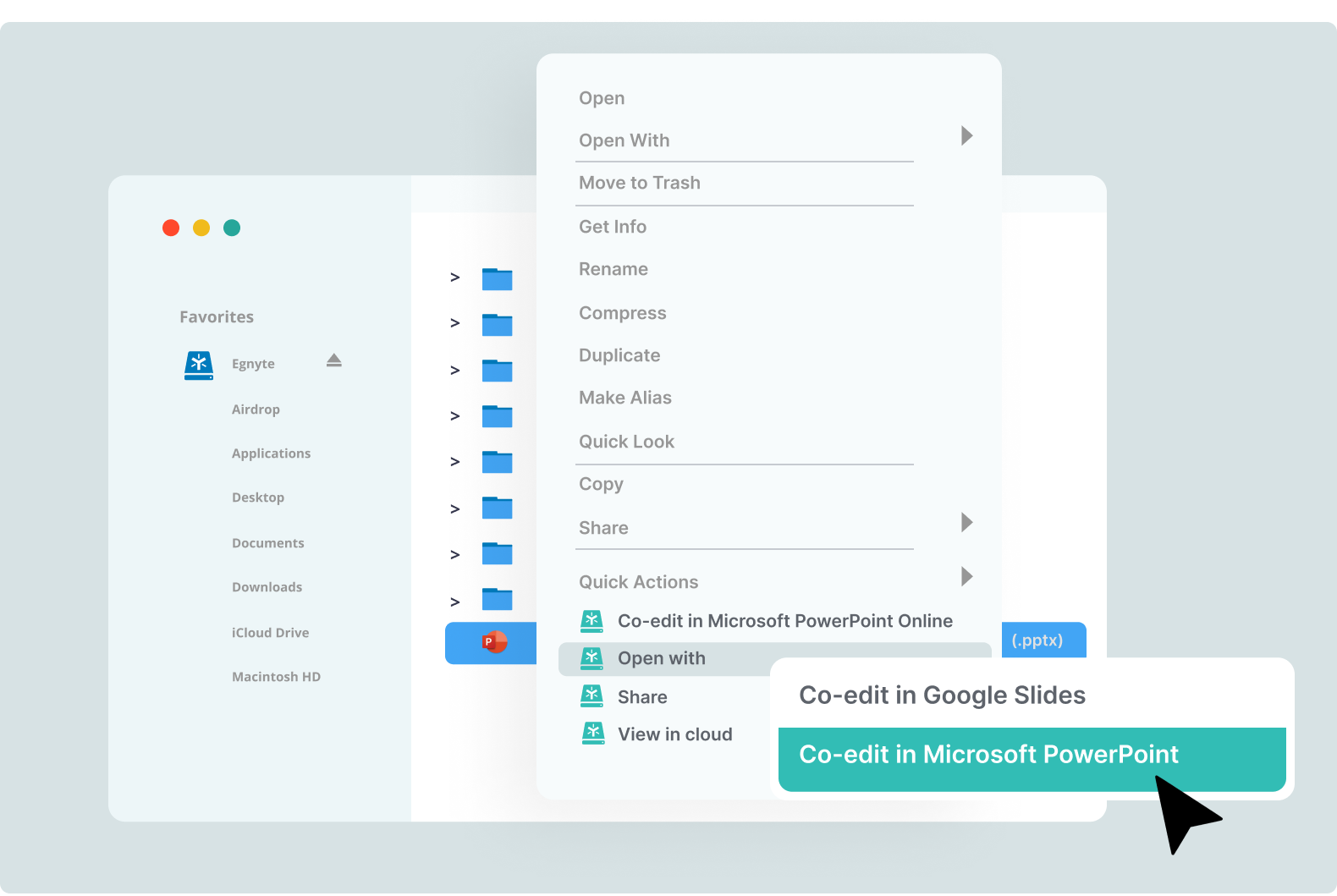
Real-Time Co-editing on Desktop
Work on Google Docs, Sheets, and Slides directly from Egnyte with seamless, secure, real-time collaboration.
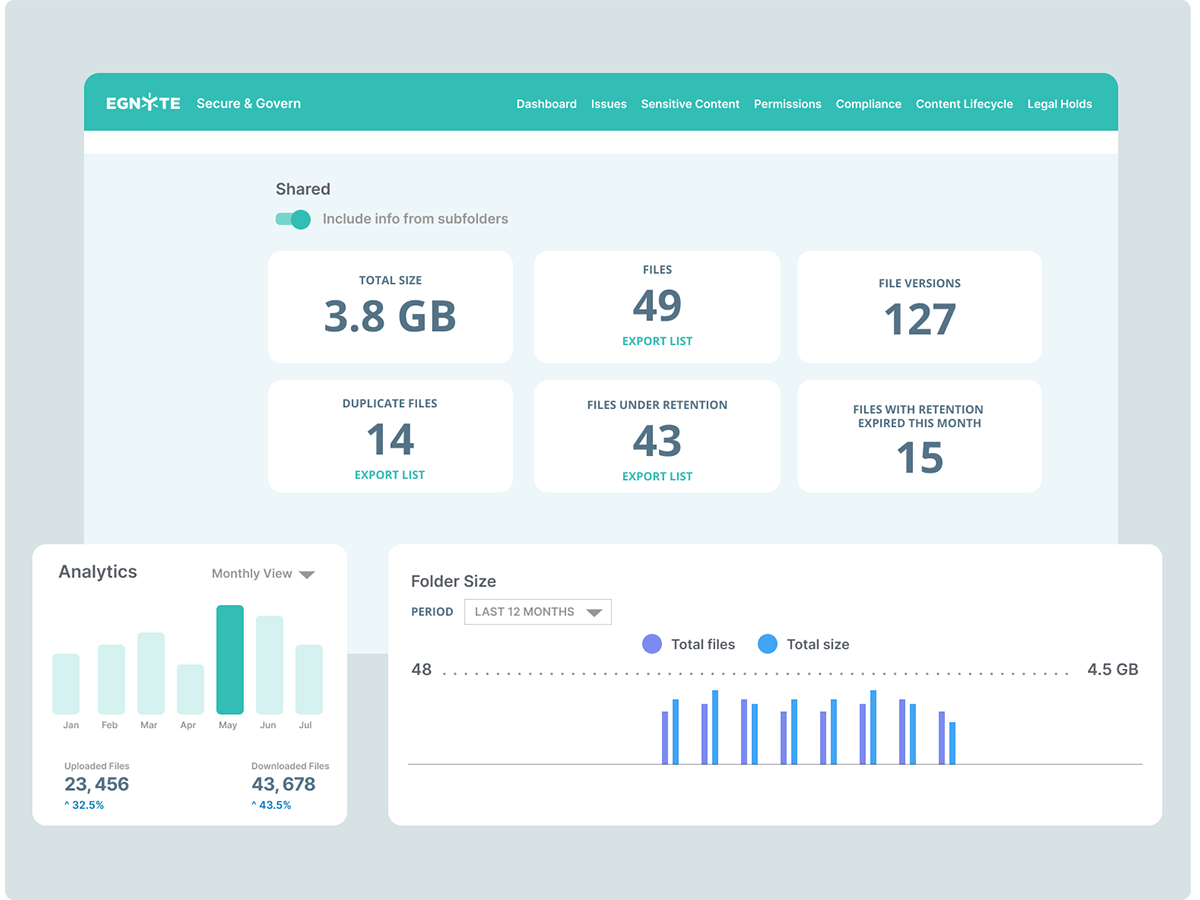
AEC Business File Collaboration
Collaborate securely on files across architecture, engineering, and construction teams using Egnyte’s scalable platform.

Collaboration Software for File Sharing
Boost team productivity and security with Egnyte’s file collaboration tools — share, co-edit, and govern documents ...