

Cloud File Server
Trusted, Secure, and Confidential Cloud File Server for Your Business

Trusted by 23,000+ Content-Critical Businesses Worldwide





Unified Document Management and Control
Legacy File Server Replacement
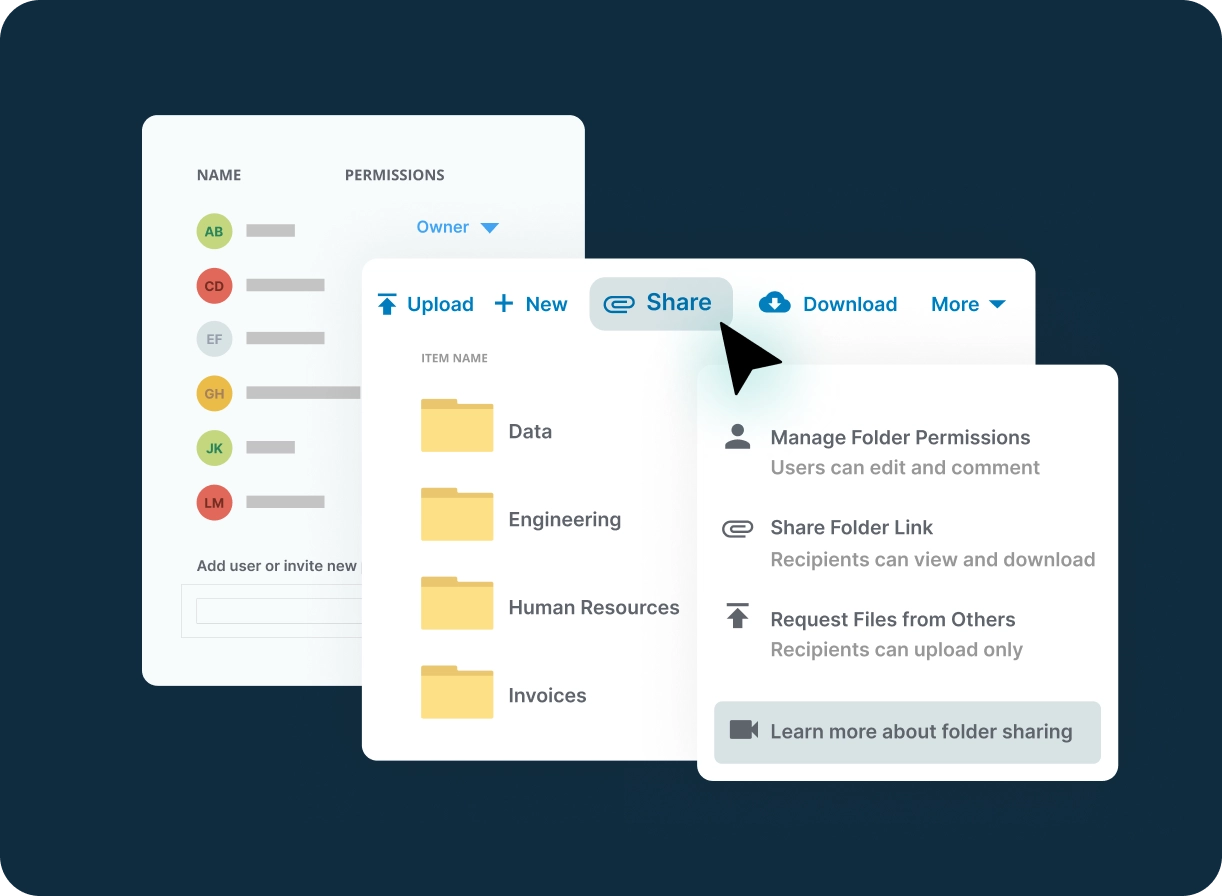
Start file sharing in the cloud, without the VPN constraint, while controlling your content with granular, NTFS-like folder permissions.
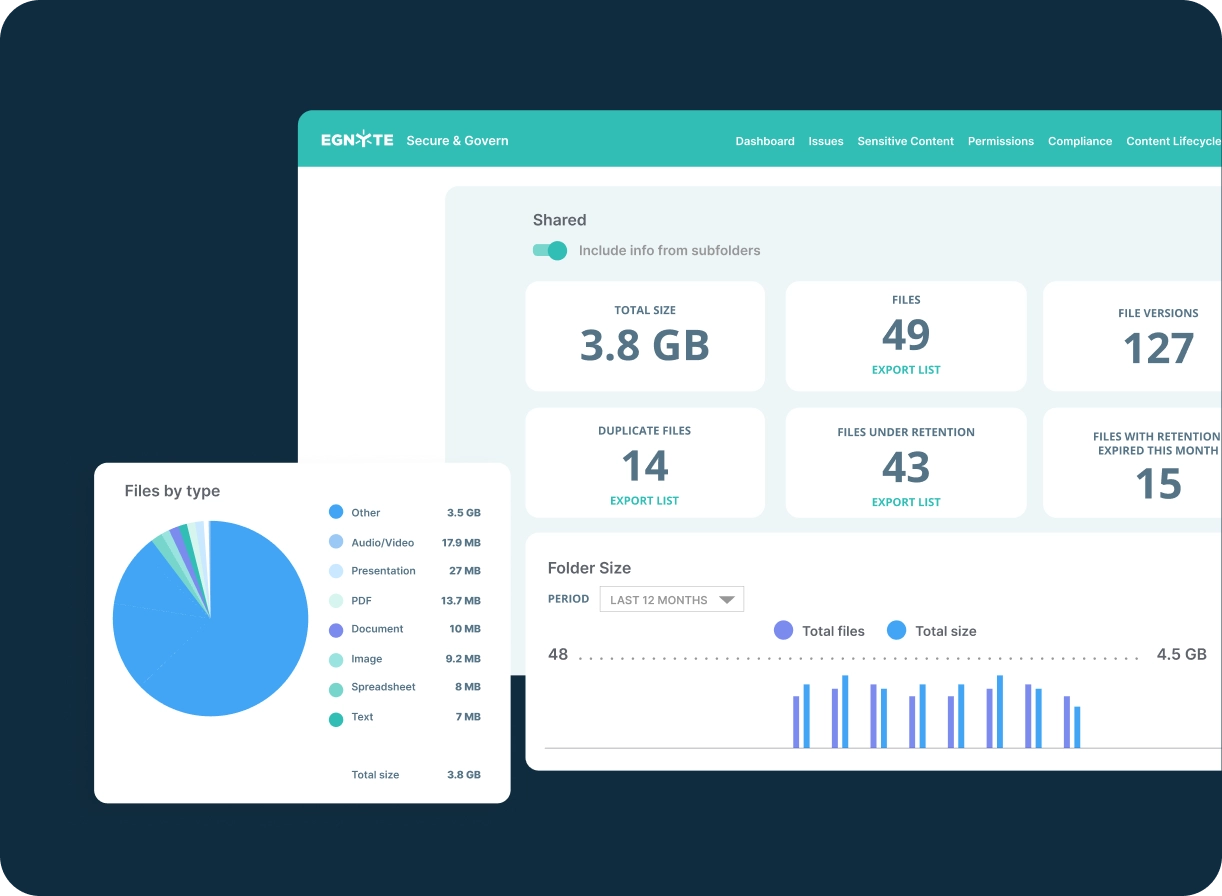
IT Burden Reduction
Deploy and administer efficiently with self-service migration of files, folders and permissions, and simple provisioning of external users.
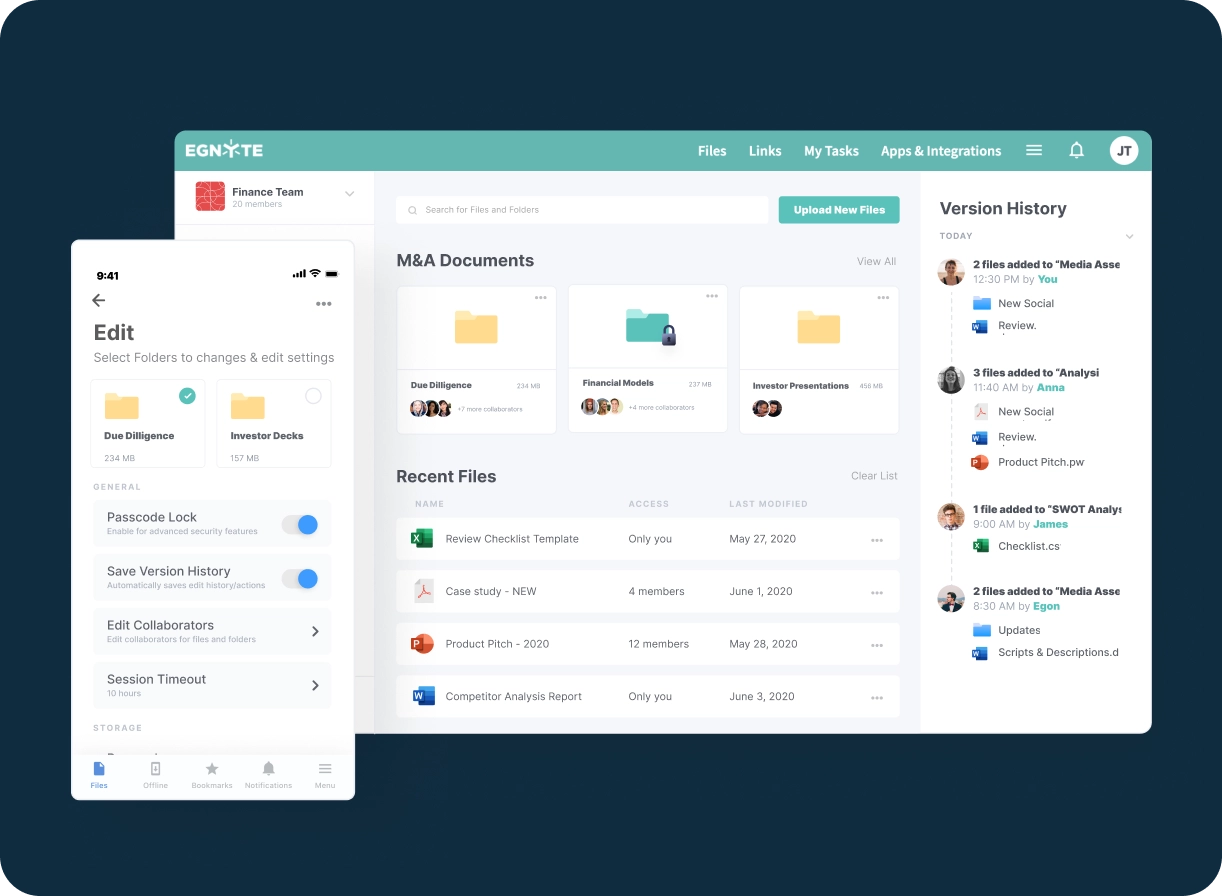
Remote Team Collaboration
Access and share files from anywhere and on any device using a familiar drive-letter experience, and co-edit in real time on Microsoft Office and Google Workspace documents.
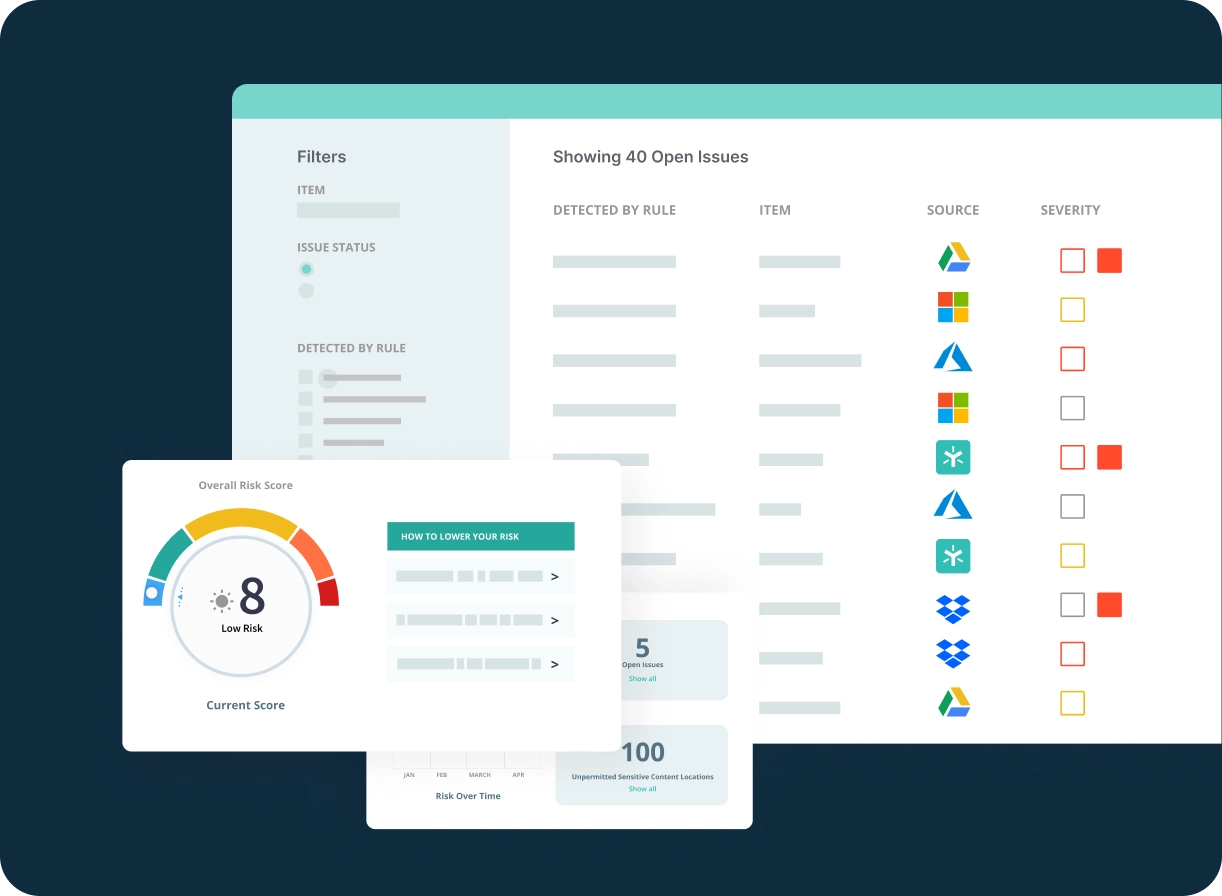
Content Management and Control
Control content sprawl with automated lifecycle management, detailed audit reporting on file and user activity, and unified trash management with versioning, snapshots and simple file restore.
Plans for Companies of All Sizes
Business
- File versioning
- Folder templates
- Desktop and mobile access
- Single-step workflows
Enterprise Lite
- Multi-step workflows
- Legal hold
- Mobile & desktop device controls
- Role-based access controls
Ultimate
- AI Assistant, AI Search, Model Selector
- AI Agents, Agent Builder, AI Workflows
- PDF markup and e-signature
- Sensitive data classification
- Snapshot & recovery (90-days)
Popular Add-Ons for Cloud File Server
PDF AnnotatorOpen, preview and markup PDFs directly in Egnyte’s Web UI.
Open, preview and markup PDFs directly in Egnyte’s Web UI.
Infosec and Privacy Control FrameworksSimplify and streamline compliance documentation and workflow.
Simplify and streamline compliance documentation and workflow.
Snapshot and RecoveryRestore large file and folder structures in minutes.
Restore large file and folder structures in minutes.
Trusted By Over 23,000+ Companies

PCL’s data has doubled in the last two years. With Egnyte, we’ve been able to eliminate the labor required in provisioning new storage while reducing our capital spend in this area, saving PCL time and money.

"As an ISO-certified company, we’re obligated to ensure data is encrypted both at rest and in transit, that access controls are solid, and that we have strong reporting. Egnyte provides all of this. The security is top-notch, and it’s easy to report on anomalies."

Before the switch, we had some files on Google Drive and others on our local server. Now with Egnyte, we’ve married the two systems, and it’s made our project managers’ lives so much easier. All the files for a project can be stored together, in one place, providing a comprehensive view and enabling the creative team to easily find what they need.”

Pulling files and folders into a single cloud platform—one that we can easily control—has created efficiency gains for our global team.”

Additional Resources



FAQs
Mid-market companies need a cloud file system that delivers enterprise-grade security and governance without the complexity of platforms designed for large enterprises, while offering more robust controls than consumer tools like Dropbox or Google Drive. The strongest platforms for mid-market organizations support both cloud-native and hybrid cloud/on-premises content strategies, deploy quickly with self-service migration of files, folders, and permissions, and integrate directly with Microsoft 365 and Google Workspace. NTFS-style granular permissions, a familiar mapped-drive desktop experience, and tiered plans that scale from foundational file versioning to full AI Copilot and sensitive data classification make the transition from a legacy file server minimally disruptive for end users.
Large organizations with distributed teams need a cloud file server that provides consistent, high-performance file access regardless of user location, device, or network conditions, while enforcing a single, coherent permission model across every office, region, and remote user. Adaptive block caching enables fast access to large files even from low-bandwidth locations, and a mapped-drive desktop experience gives users a familiar interface equivalent to a local file server. Real-time co-editing in Microsoft Office and Google Workspace, combined with global file locking to prevent conflicting edits, supports productive collaboration across time zones without version control issues. Granular NTFS-like folder permissions are enforced consistently across web, desktop, and mobile clients.
Many organizations are not ready, or are unable due to regulatory requirements, to move all content to the cloud, making hybrid cloud/on-premises strategies a long-term operating model rather than a transitional phase. The most effective platforms for hybrid content unify governance, search, and access controls across both environments without requiring organizations to choose exclusively between them. This is particularly important for regulated industries such as life sciences, financial services, and defense contracting, where data residency requirements may mandate on-premises storage for specific content categories. The result is a unified user experience and governance posture across all storage environments, without the operational fragmentation that comes with managing separate tools for cloud and on-premises content.
Managing file access for a hybrid workforce requires a cloud file server that provides consistent, secure access without relying on VPN infrastructure that creates latency and friction for remote users. A desktop application with a familiar mapped-drive experience, a web interface for browser-based access, and a mobile app for field use, all enforcing the same permission model regardless of access method, ensures a consistent experience. Adaptive block caching ensures large files are accessible at acceptable speeds from low-bandwidth locations. Role-based access controls allow administrators to define what each employee, contractor, or external partner can access, and access can be provisioned or revoked in real time as team compositions change.
Migrating from on-premises file servers to a cloud file server requires careful planning to preserve folder structures, permission hierarchies, and user workflows without disrupting operations. The strongest platforms support self-service migration of files, folders, and NTFS-style permissions, allowing IT teams to replicate existing folder structure in the cloud without rebuilding permissions from scratch. Migration can be staged by department, project, or file server, allowing organizations to move incrementally rather than in a single high-risk cutover. Post-migration, organizations benefit from the elimination of hardware refresh cycles, reduced IT management overhead, and the addition of governance capabilities, including audit logging, sensitive data classification, and ransomware detection, that on-premises file servers cannot provide.
The biggest risk in replacing an on-premises file server is workflow disruption, if users cannot find their files, open them in familiar applications, or work with the same folder structure, productivity suffers and adoption stalls. The key is replicating the file server experience in the cloud: a mapped-drive desktop application that presents cloud content using a familiar drive-letter experience, combined with preserved NTFS-style permissions so users retain the same access rights without manual reconfiguration. Direct integration with Microsoft 365 and Google Workspace means users continue opening, editing, and saving files in the applications they already use without changing any part of their workflow. A phased migration approach validates the setup before rolling out to the full organization.
Organizations replacing a Windows file server need a cloud alternative that replicates the core capabilities they rely on, NTFS-style folder permissions, mapped-drive access, familiar file navigation, and Active Directory integration, while adding security, accessibility, and governance that on-premises infrastructure cannot provide. The strongest cloud file server platforms are specifically architected to replicate the Windows file server experience: NTFS-like granular permissions, mapped-drive desktop access, Active Directory integration, and support for the same file types and industry applications Windows environments rely on. Unlike SharePoint, which requires significant re-architecture of folder structures and workflows, the best platforms allow organizations to lift-and-shift their existing folder structure and permission model with minimal disruption, accessible without a VPN from any device.