
File Sharing IT Teams Prefer. And Users Love.
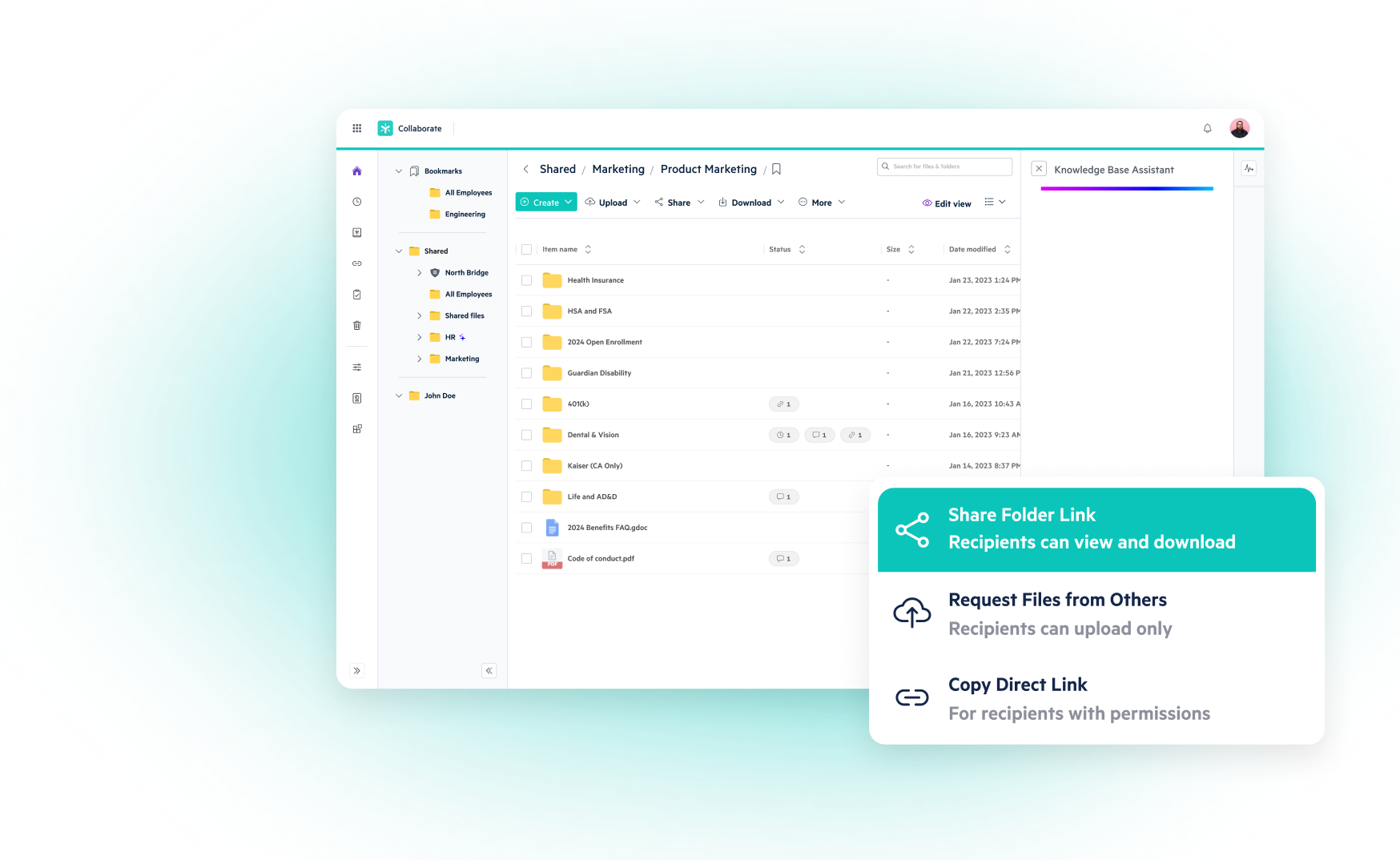
- Access and share files securely from anywhere and on any device, no VPN required
- Overcome bandwidth issues or email attachment restrictions with secure sharing for files of all sizes
- Single point of administration for fast and easy control
- Rapid ransomware detection, remediation, and recovery
* No Credit Card Required

23,000+ Businesses Share Files Easily and Safely






Seamless Secure Sharing For All Your Content Workflows
Enjoy secure file sharing across web, mobile, and desktop environments, simplified administration, and robust ransomware protection—all in a single platform.
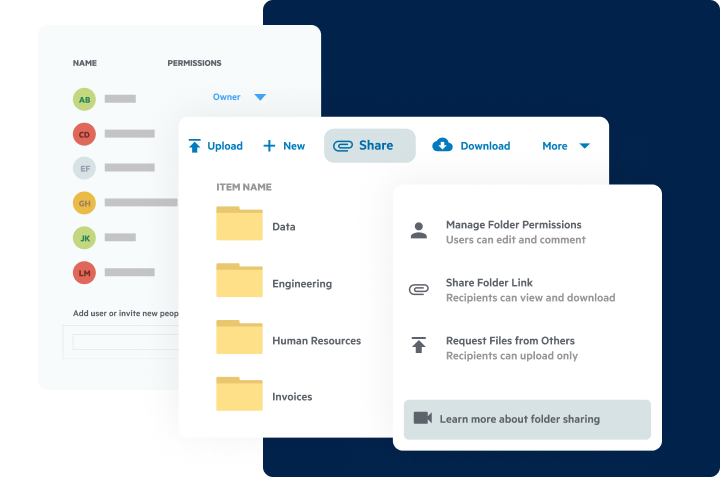
Share Large Files In Seconds
- Secure link sharing eliminates email attachments and FTP, even for the largest files
- Password-protect any file, automatically expire access, and securely collect files from users outsider your organization
- Scan all incoming and outgoing files for ransomware signatures, sensitive, and regulated data
Work Securely On Any App Section
- Create and share files in any browser, desktop, phone, or tablet without VPN
- Combine flexibility and reliability of the cloud with the familiarity of folder/subfolder layout and drive-letter based desktop access
- Safely create, co-edit and share using your favorite productivity tools, like Microsoft 365, Google Workspace, Slack, DocuSign and hundreds more

A Single Pane Of Glass To Monitor And Control Content Section
- Locate and manage sensitive data within Egnyte andfrom external repositories such as OneDrive, SharePoint, Microsoft Exchange, Box, Google Workspace, Gmail, Dropbox, and more
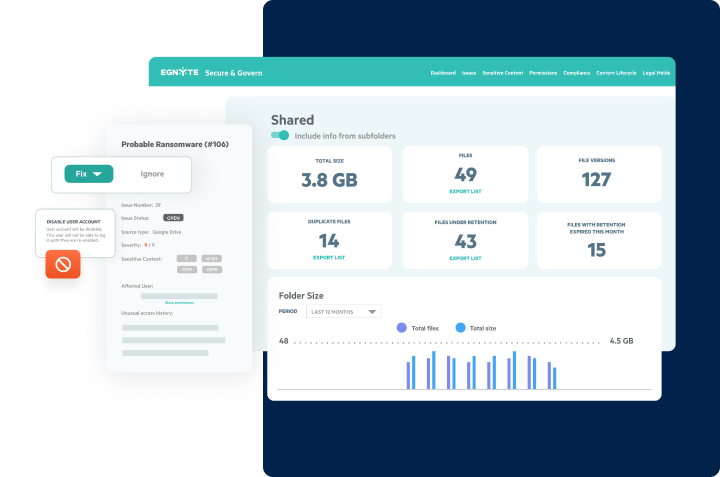
- Centralize monitoring of permissions and manage which users can access and share what files
- Get rapid alerts for known and suspected ransomware, suspicious file sharing, and high-risk user behavior
ADVANCED SECURITY & GOVERNANCE
Gain Full Visibility And Control Without Third-Party Governance Tools

‘Smart’ reporting & auditing
- Access automated reports built with historical file and user statistics
- Monitor key usage details, like access permissions, login insights and active sharing links
- Run one-time reports or set them to run on a recurring schedule

Granular sub-folder control
- Grant or restrict any users access to any folder or subfolder
- Disable folder inheritances for any sub-folder
- Set access permissions at the individual and group level

Unified Administration for Multiple Domains
- Single administration point for all domains
- Only see domains you have credentials for
- Maintain full customization per domain as needed

Custom Classification policies
- Search, discover and classify sensitive and regulated data across the company
- Automatically enforce policies to prevent unauthorized sharing of sensitive content
- Choose from pre-built classification policies or create your own based on your business needs

AUTOMATED LIFECYCLE MANAGEMENT
- Set custom retention, archival and deletion policies to manage sprawl and reduce attack surface
- Review or restore previous file versions with the click of a button
- Full visibility into when files are restored and who restored it
Role-based administration
- Grant select users administration rights
- Keep granular control over what admin functions are given, such as granting billing access to the finance team
- Retain full visibility into when every change was made and who made them


Once we transitioned to enterprise cloud for our document storage, we were able to work more productively and manage files and workflows much faster, largely because Egnyte handles uploads and transfer of large files really well.


PC Mag
“Egnyte is one of the strongest offerings on the market.”

Gartner Peer Insights
“Gartner Peer Insights Customers’ Choice Winner for Content Collaboration Platforms”

G2
“A Leader in File Storage and Sharing for 2026”

Forrester
“390% Average Return on Investment (ROI) When Deploying Egnyte”